43D-Link DIR-280 User Manual
Section 3 - Conguration
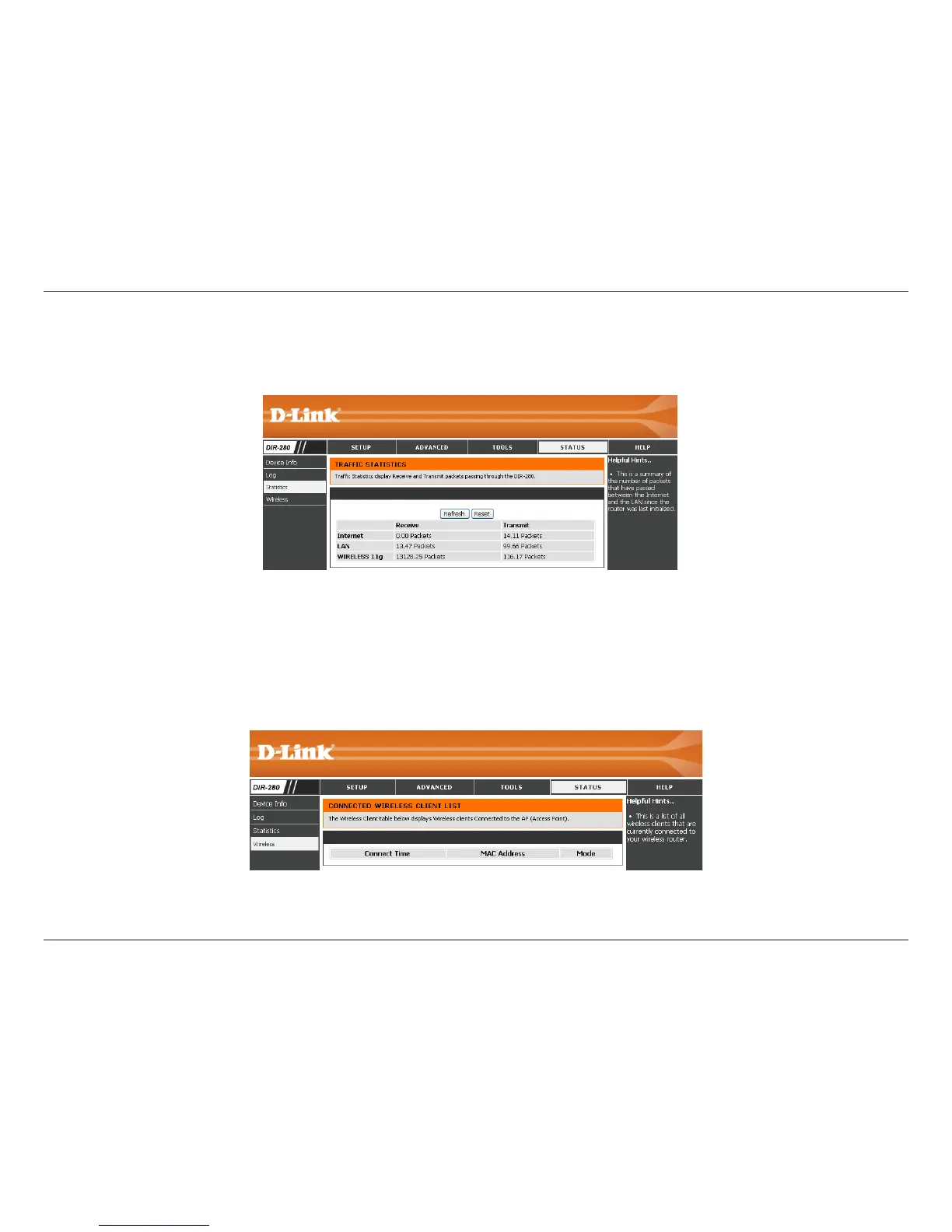
Statistics
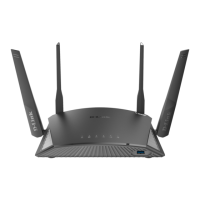
Wireless
The window below displays the Trafc Statistics. Here you can view the amount of packets that pass through the DIR-280 on both the
WAN and the LAN ports. The trafc counter will reset if the device is rebooted.
The Wireless Client Table displays a list of current connected wireless clients. This table also displays the connection time and
MAC address of the connected wireless clients.


 To Next Page