DIR-300 Wireless N 150 Home Router
User Manual
Configuring via Web-based Interface
Client
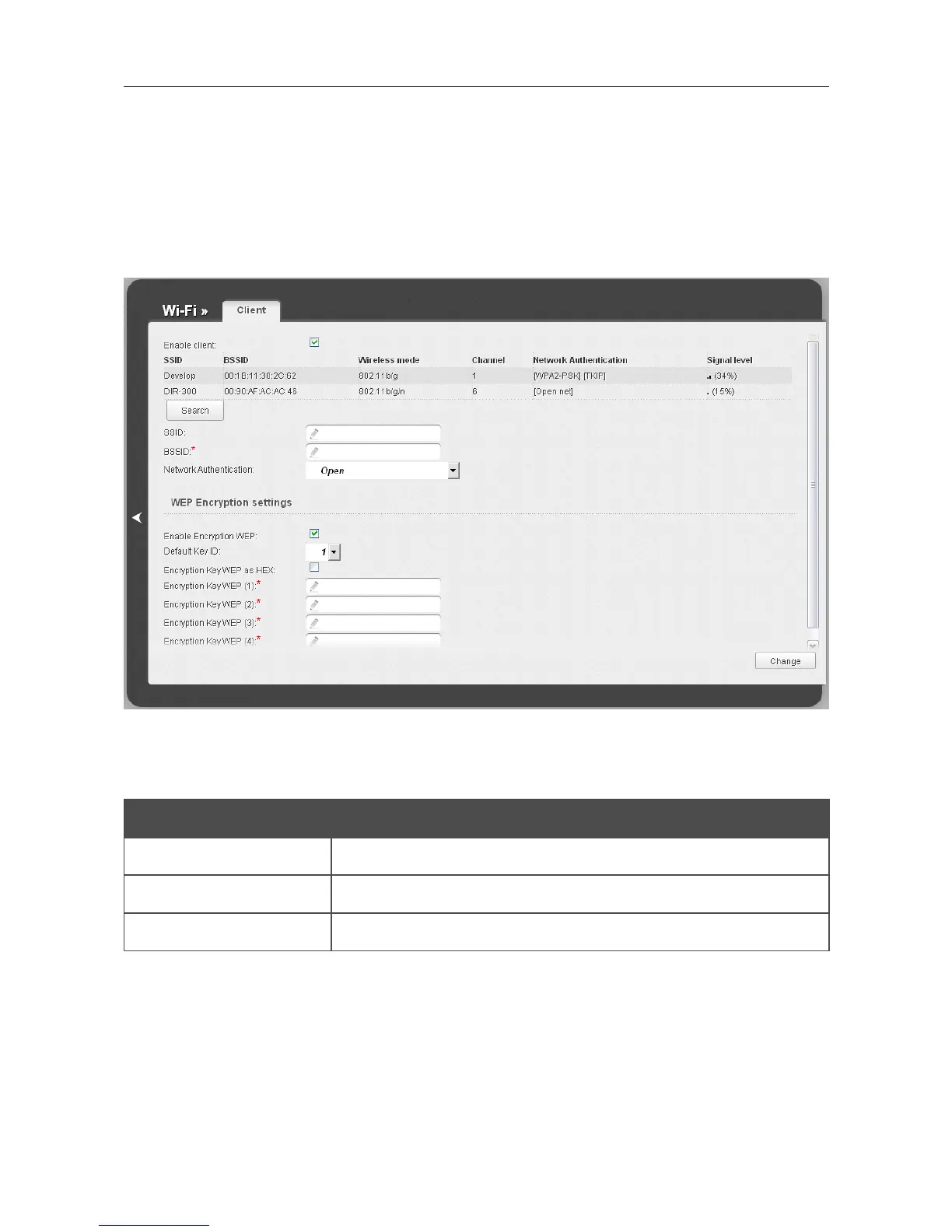
On the Wi-Fi / Client page, you can configure the router as a client to connect to a wireless access
point.
As a rule, the client mode is used to connect to a WISP network. All parameters specified on this
page should be provided by your WISP.
Figure 99. The page for configuring the client mode.
To configure the router as a client, select the Enable client checkbox. When the checkbox is
selected, the following fields are displayed on the page:
Parameter Description
SSID The name of the network to which the router connects.
BSSID
The unique identifier of the network to which the router connects.
Network Authentication The authentication type of the network to which the router connects.
Page 127 of 170













 To Next Page