DIR-300 Wireless N 150 Home Router
User Manual
Installation and Connection
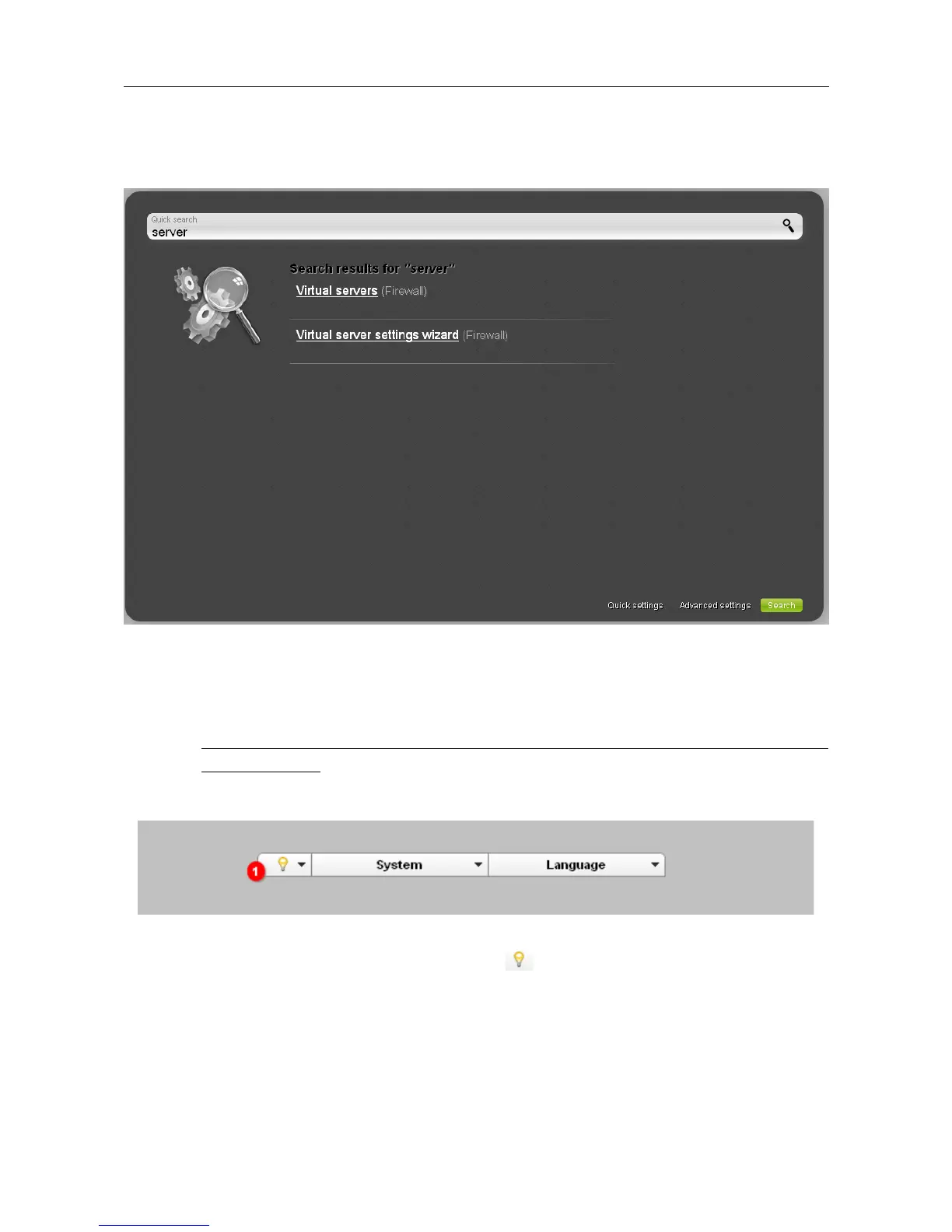
Also you can find a specific page via search. To do this, enter the name of the page, wholly or
partly, in the search bar in the top part of the web-based interface page, and then select a needed
link in the search results.
Figure 22. The page displaying the search results.
Saving and Restoring Settings
!
Note that you should regularly save the changes of the router's settings to the non-
volatile memory.
The router's web-based interface displays the notification on unsaved changes at the top of the page.
Figure 23. The notification on unsaved changes.
Place the mouse pointer on the Notifications icon ( ) to view the list of unsaved changes and
click the relevant link.
You can save the router's settings via the top-page menu displayed when the mouse pointer is over
the System caption.
Page 34 of 170













 To Next Page