DIR-300 Wireless N 150 Home Router
User Manual
Configuring via Web-based Interface
MAC Filter
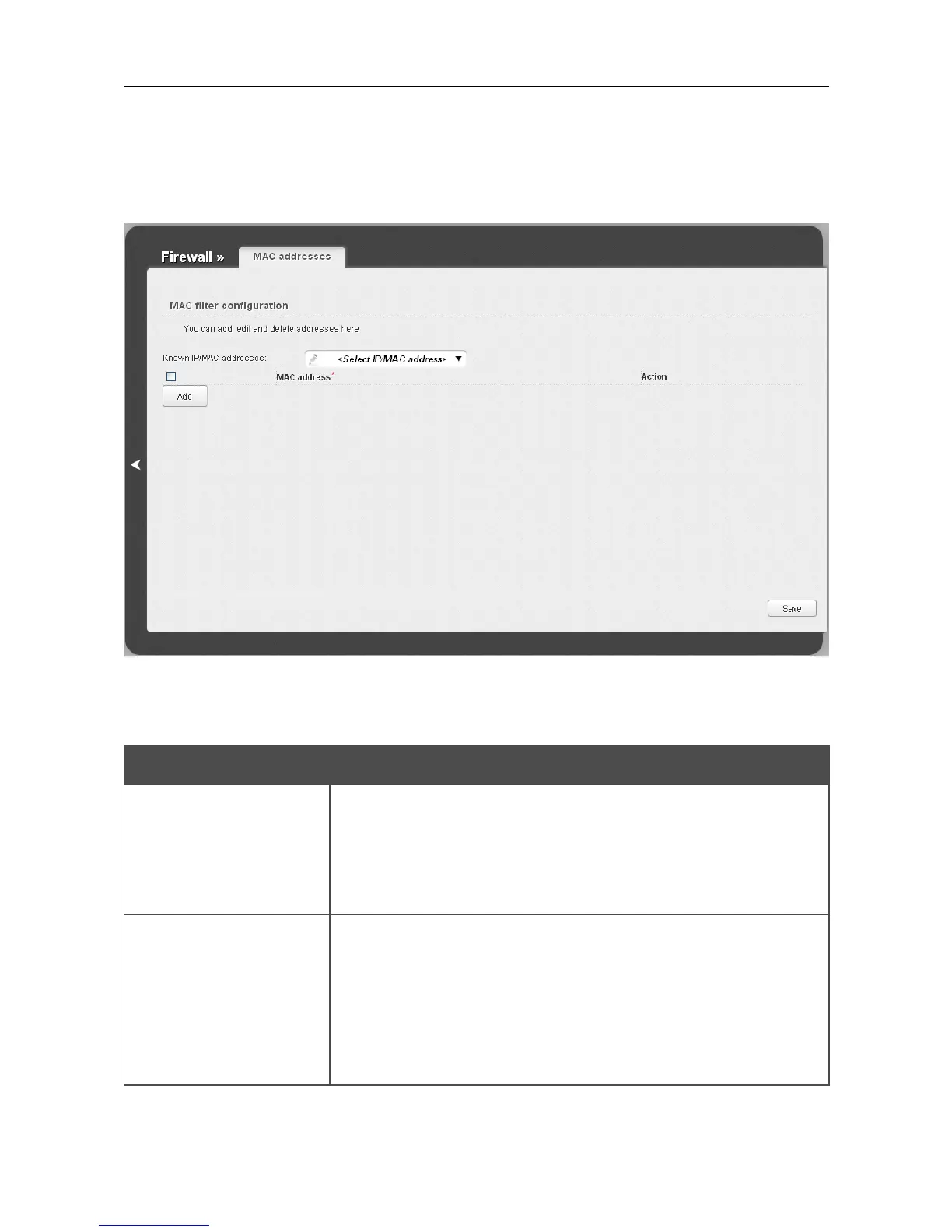
On the Firewall / MAC filter page, you can configure MAC-address-based filtering for computers
of the router's LAN.
Figure 116. The Firewall / MAC filter page.
To create a new rule for filtering, click the Add button. In the line displayed, you can specify the
following parameters:
Parameter Description
MAC address
The MAC address of a device from the router's LAN. You can enter
the MAC address of a device connected to the router's LAN at the
moment. To do this, select the relevant device from the Known
IP/MAC addresses drop-down list (the field will be filled in
automatically).
Action
Select an action for the rule.
Deny: Blocks access to the router's network for the device with the
specified MAC address.
Allow: Allows access to the router's network and to the Internet for
the device with the specified MAC when the rules on the Firewall /
IP filters page block access for this device.
After specifying the needed parameters, click the Save button.
Page 151 of 170













 To Next Page