DIR-300 Wireless N 150 Home Router
User Manual
Configuring via Web-based Interface
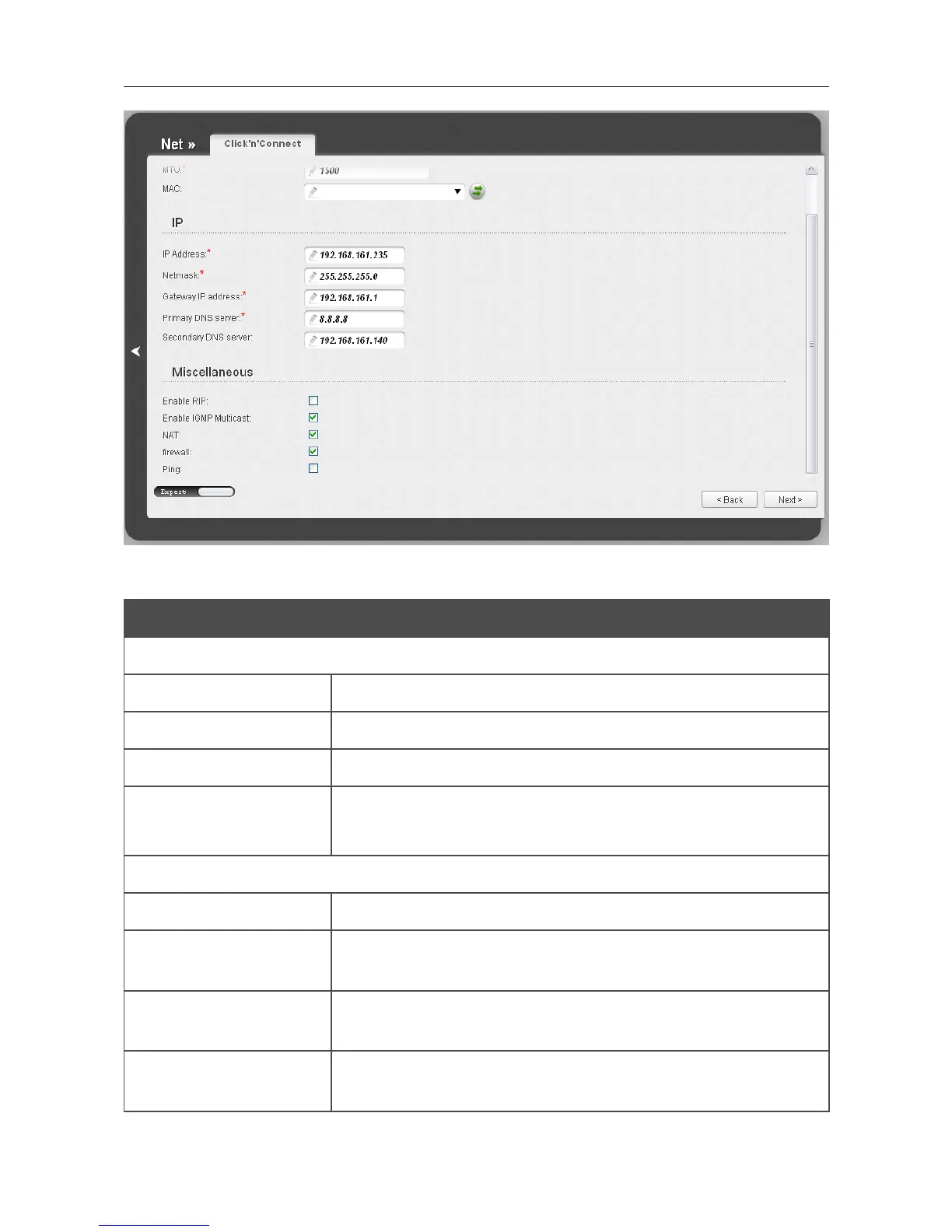
Figure 39. Configuring PPTP + Static IP WAN connection. The expert settings mode. The IP and
Miscellaneous sections.
Parameter Description
IP
IP Address Enter an IP address for this WAN connection.
Netmask Enter a subnet mask for this WAN connection.
Gateway IP address Enter an IP address of the gateway used by this WAN connection.
Primary DNS server/
Secondary DNS server
Enter addresses of the primary and secondary DNS servers in the
relevant fields.
Miscellaneous
Enable RIP
Select the checkbox to allow using RIP for this connection.
Enable IGMP Multicast
Select the checkbox to allow multicast traffic from the external
network (e.g. video streaming) to be received.
NAT
Select the checkbox if you want one WAN IP address to be used for
all computers of your LAN.
Firewall
Select the checkbox to enable protection against ARP and DDoS
attacks.
Page 53 of 170













 To Next Page