73
D-Link DIR-605 User Manual
Section 4 - Security
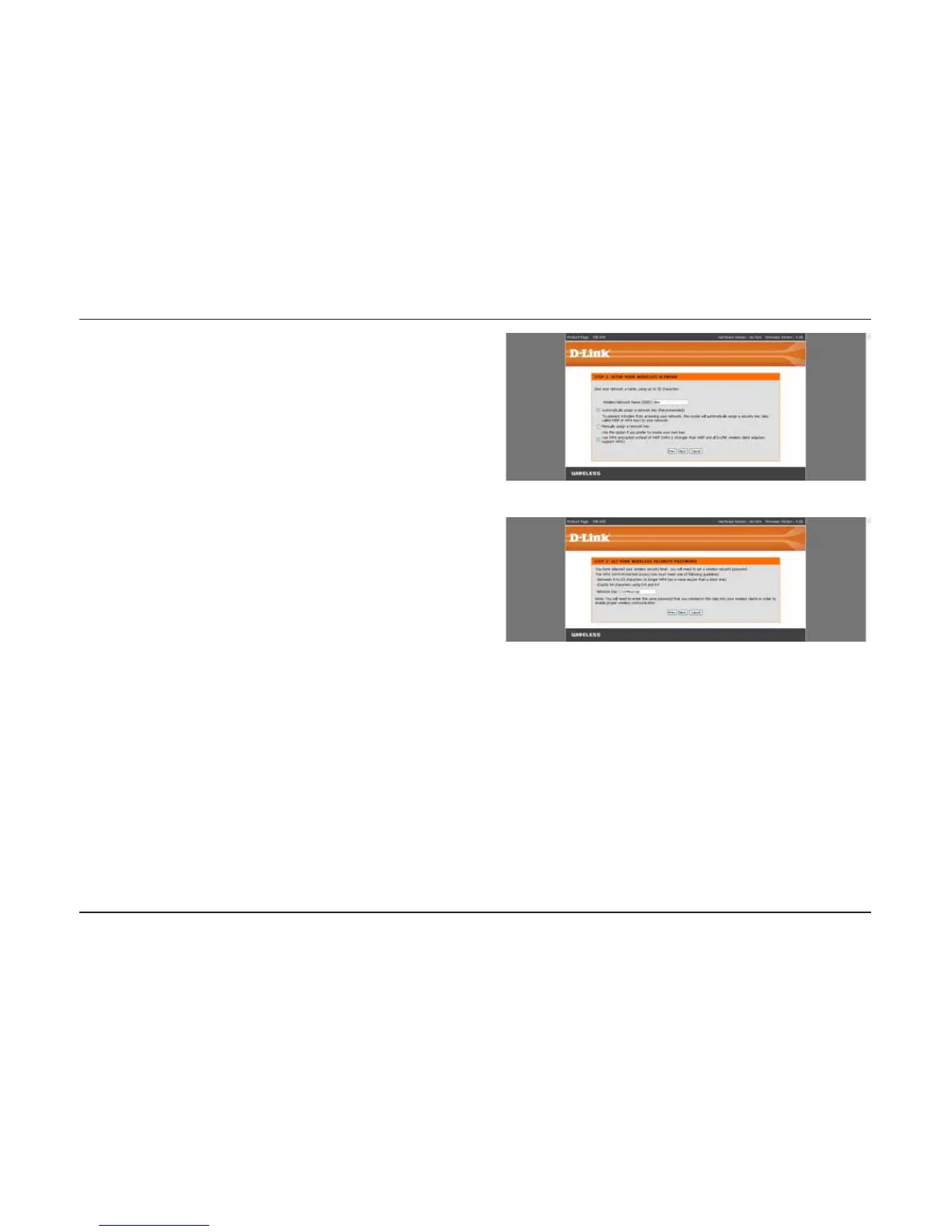
Enter the SSID (Service Set Identifier). The SSID is the
name of your wireless network. Create a name using up to
32 characters. The SSID is case-sensitive.
Select the level of security for your wireless network:
t#FTU81""VUIFOUJDBUJPO
t#FUUFS81""VUIFOUJDBUJPO
t/POF/PTFDVSJUZ
Click Next to continue.
If you selected Best or Better, enter a password between
8-63 characters.
If you selected Good, enter 13 characters or 26 Hex digits.
Click Next to continue.












 To Next Page