16D-Link DIR-655 User Manual
Section 3 - Conguration
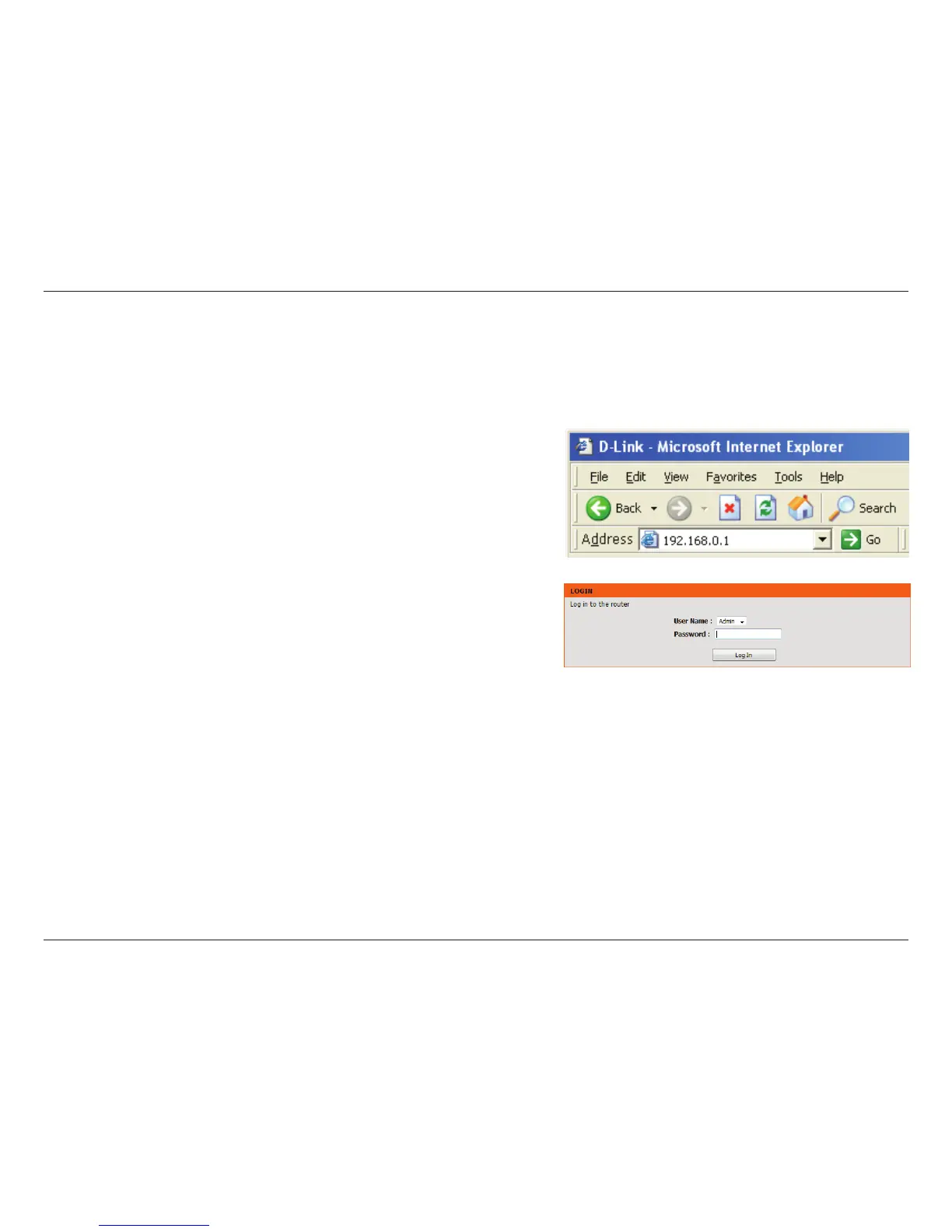
To access the conguration utility, open a web-browser such as Internet
Explorer and enter the IP address of the router (192.168.0.1).
You can also enter http://dlinkrouter to connect.
Select Admin from the drop-down menu and then enter your password. The
password is left blank by default.
If you get a Page Cannot be Displayed error, please refer to the Troubleshooting
section for assistance.
Conguration















 To Next Page