21D-Link DIR-879 User Manual
Section 3 - Installation - Router
Step 7
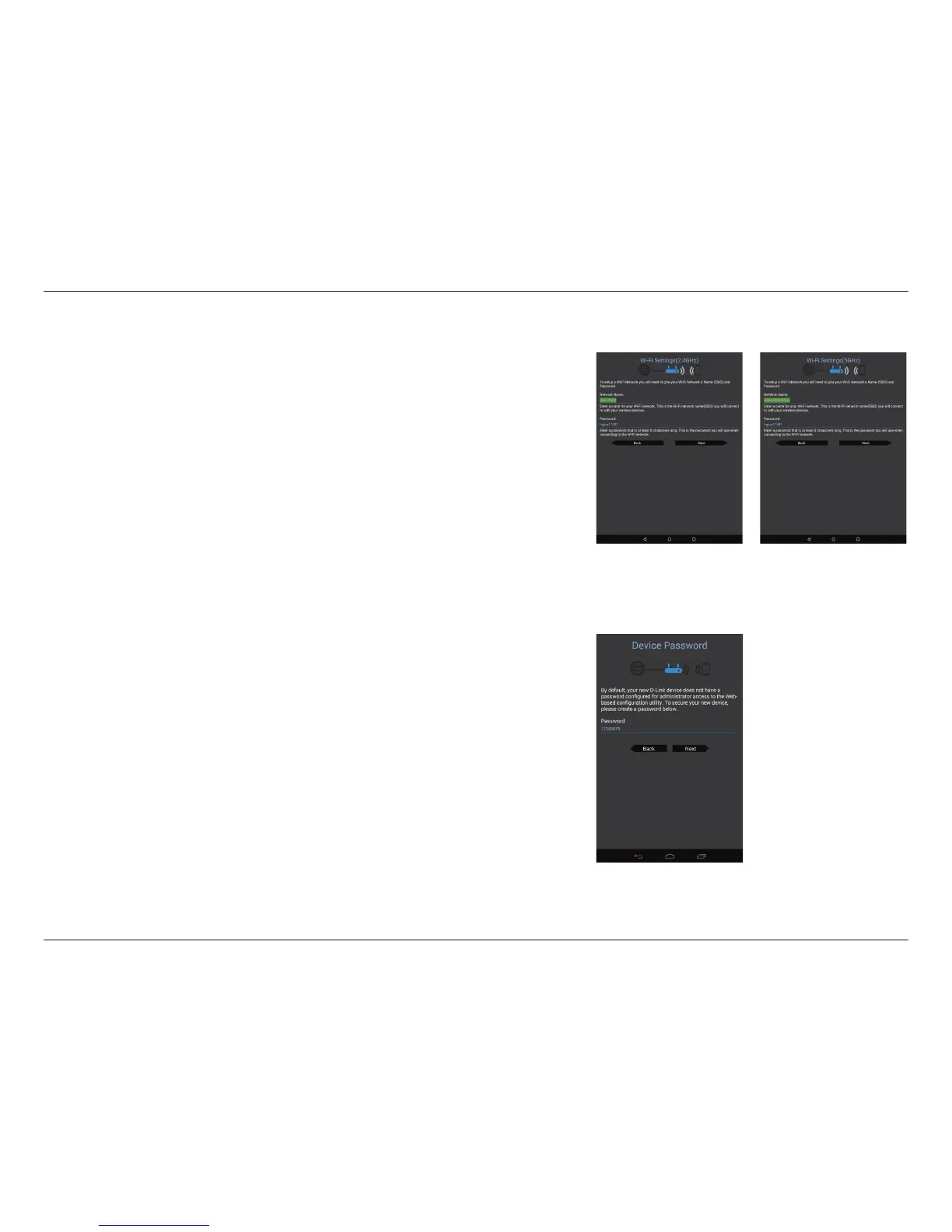
Enter the administrator password of your choice. Unlike the Wi-Fi password,
this password is only required when you need to congure the router. See
Conguration - Router Mode on page 41 for details of when this password
is used. Tap Next to proceed.
Step 6
You will be asked to congure your 2.4 GHz wireless network. Enter a network
name (SSID) of your choice, or leave it unchanged to accept the default SSID.
Next, choose a Wi-Fi password of at least 8 characters. Any device trying to
connect to the router wirelessly will need to enter this password the rst time
it connects.
Tap Next to congure your 5 GHz wireless network. When satised, tap Next
to proceed.
QRS Mobile App (continued)



 To Next Page