22D-Link DIR-879 User Manual
Section 3 - Installation - Router
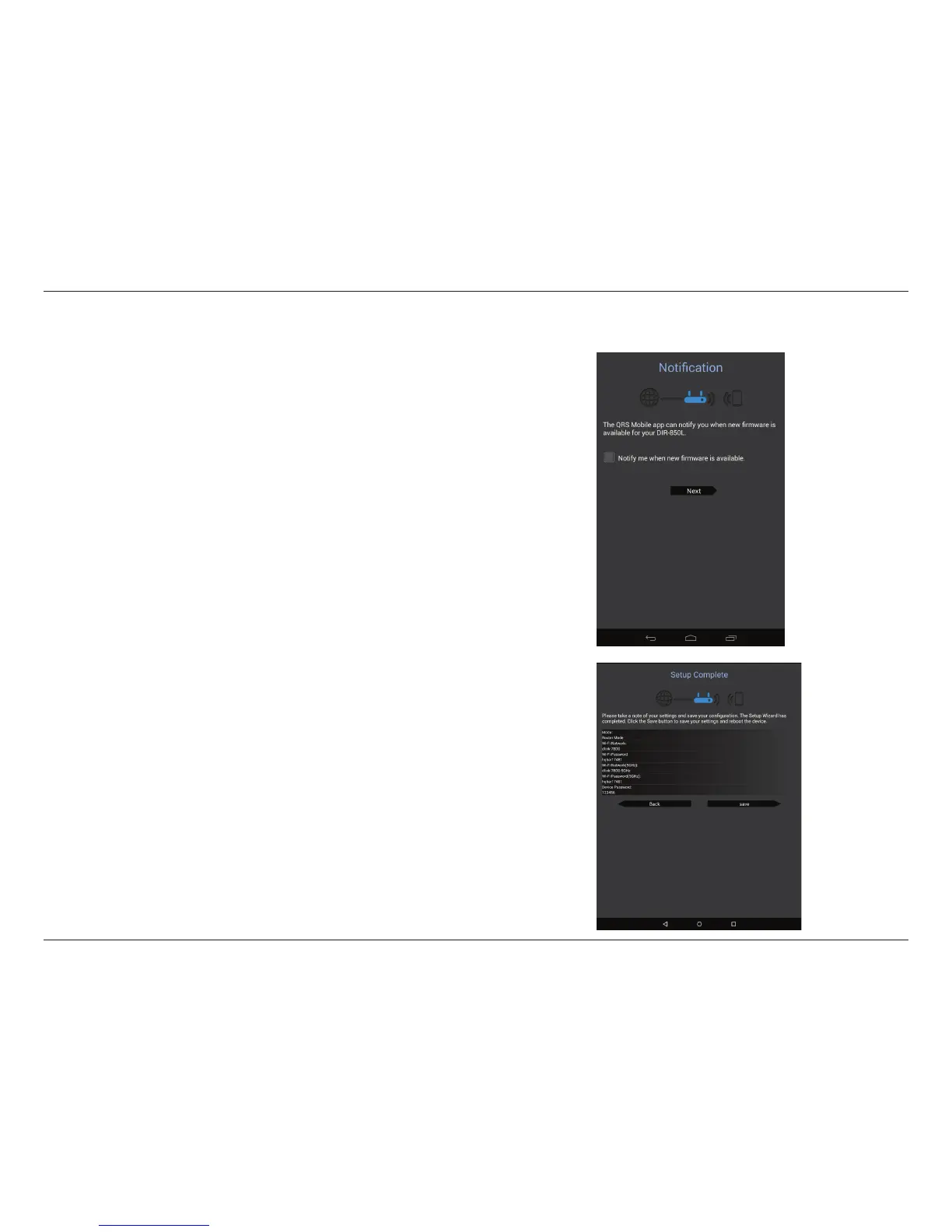
Step 8
If you wish to receive push notications whenever a new rmware update is
available, check the Notify me when new rmware is available box and tap
Next.
Otherwise, just tap Next to proceed.
Step 9
You will be presented with a summary of your chosen settings.
Tap Save to complete the setup.
QRS Mobile App (continued)



 To Next Page