DP-301P Print Server Hardware Guide
6 Introduction
Indicators
The DP-301P’s front panel includes three indicator lights. See
"Power-up and Self-Test," Chapter 2, for a description of indicator
behavior upon device startup. During operation following a normal
startup, the indicators provide the following status signals:
♦ Pw/Tx
Steady or flashing green confirms power on.
This indicator blinks (goes off briefly) when the DP-301P is
transmitting to the network.
♦ Lk/Rx
Steady or flashing green confirms that the DP-301P has a good
connection to the network.
This indicator blinks (goes off briefly) when the DP-301P is
receiving from the network.
♦ LPT
This indicator shows steady green whenever the DP-301P is
transferring print data through its printer port.
Back
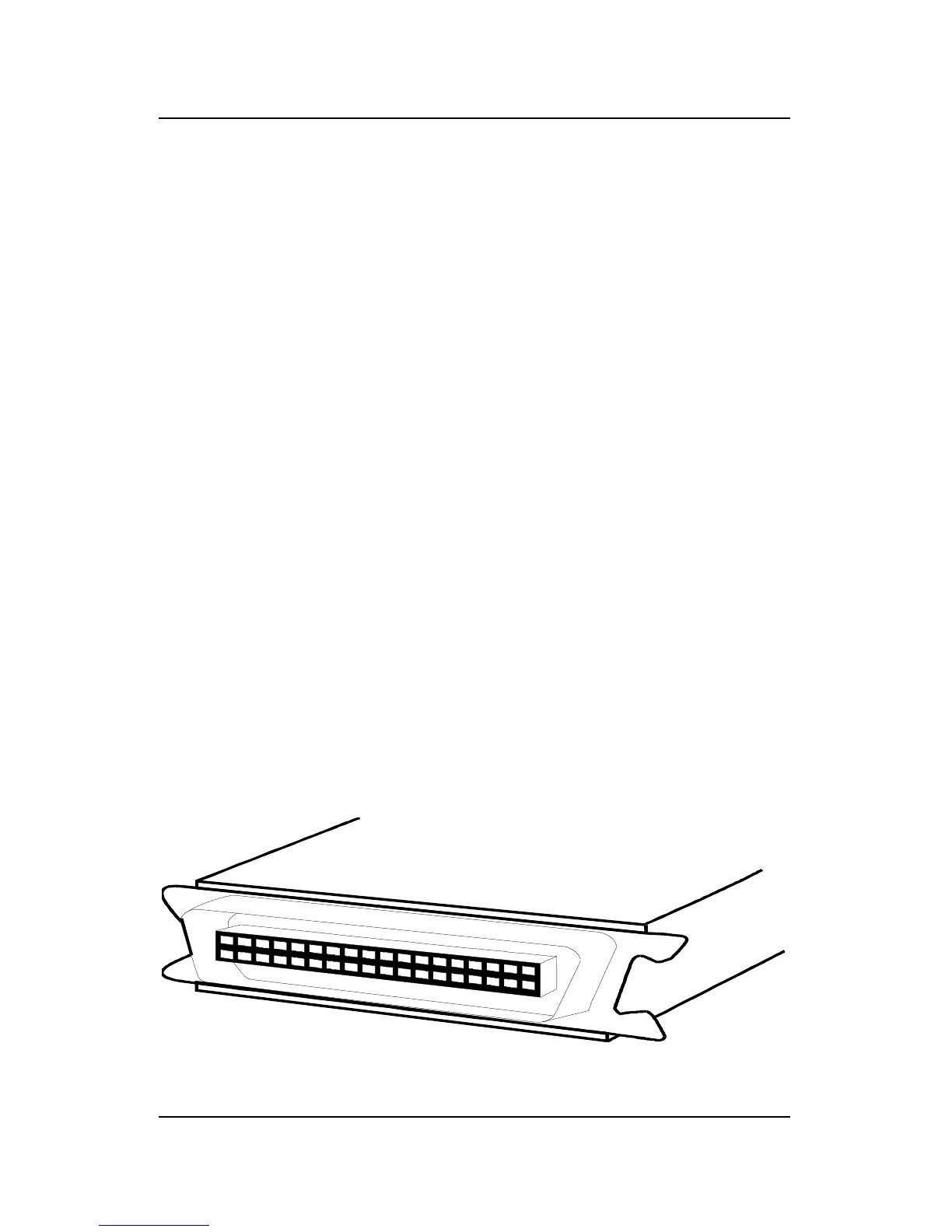
The “back” section of the DP-301P consists entirely of the device’s
printer port.
DP-301P Back End













 To Next Page