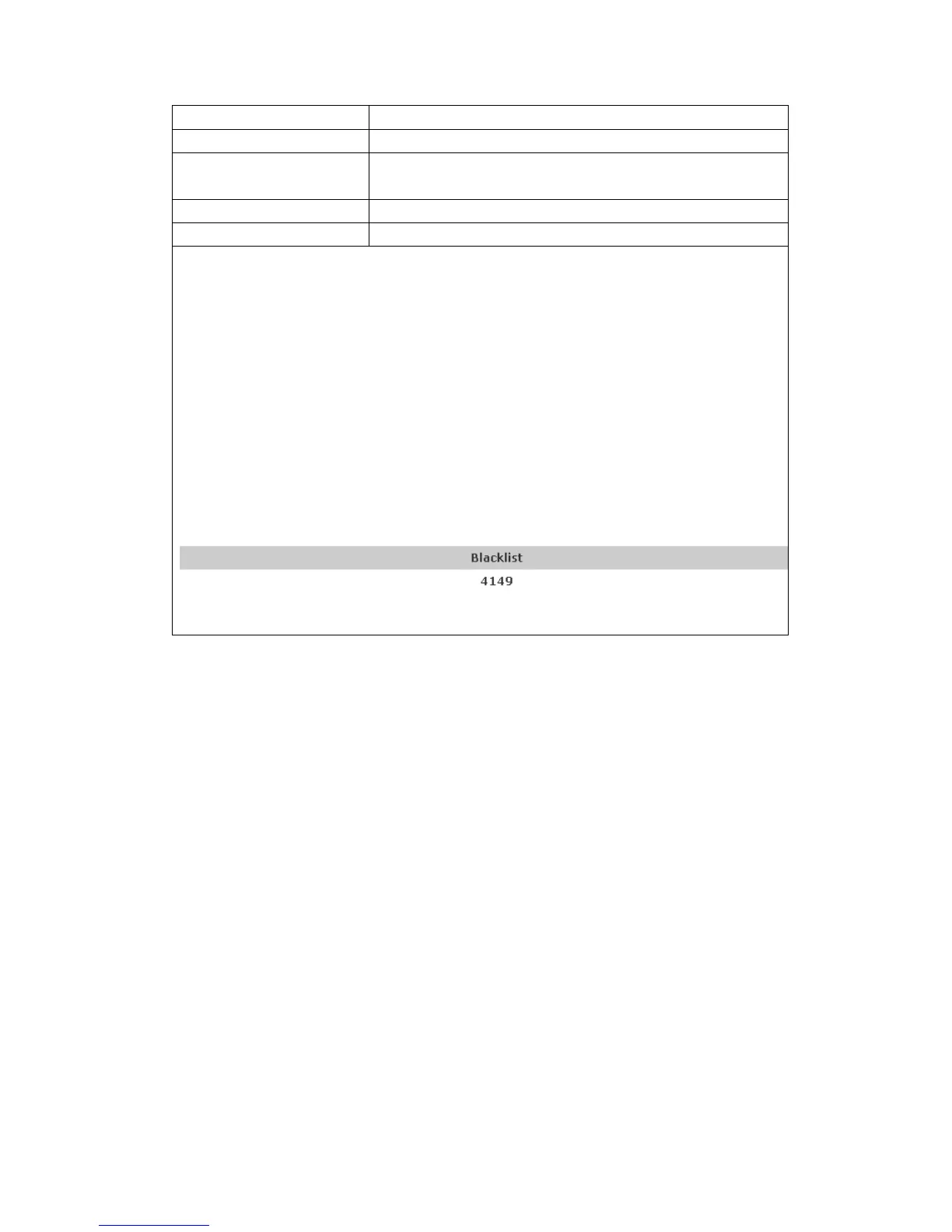
Notice: the add button for adding a new blacklist, the delete button for
deleting one item, the delete all button for deleting all items.
If user does not want to answer some phone calls, add these phone numbers to
the Black List, and these calls will be rejected.x and are wildcard x means
matching any single digit. for example, 4xxx expresses any number with
prefix 4 which length is 4 will be forbidden to be responded。
DOT (.) means matching any arbitrary number digit. for example, 6. expresses
any number with prefix 6 will be forbidden to be responded。
If user wants to allow a number or a series of number incoming, he may add
the number(s) to the list as the white list rule. the configuration rule is
-number, for example, -123456, or -1234xx
Means any incoming number is forbidden except for 4119
Note: End with DOT (.) when set up the white list


 To Next Page