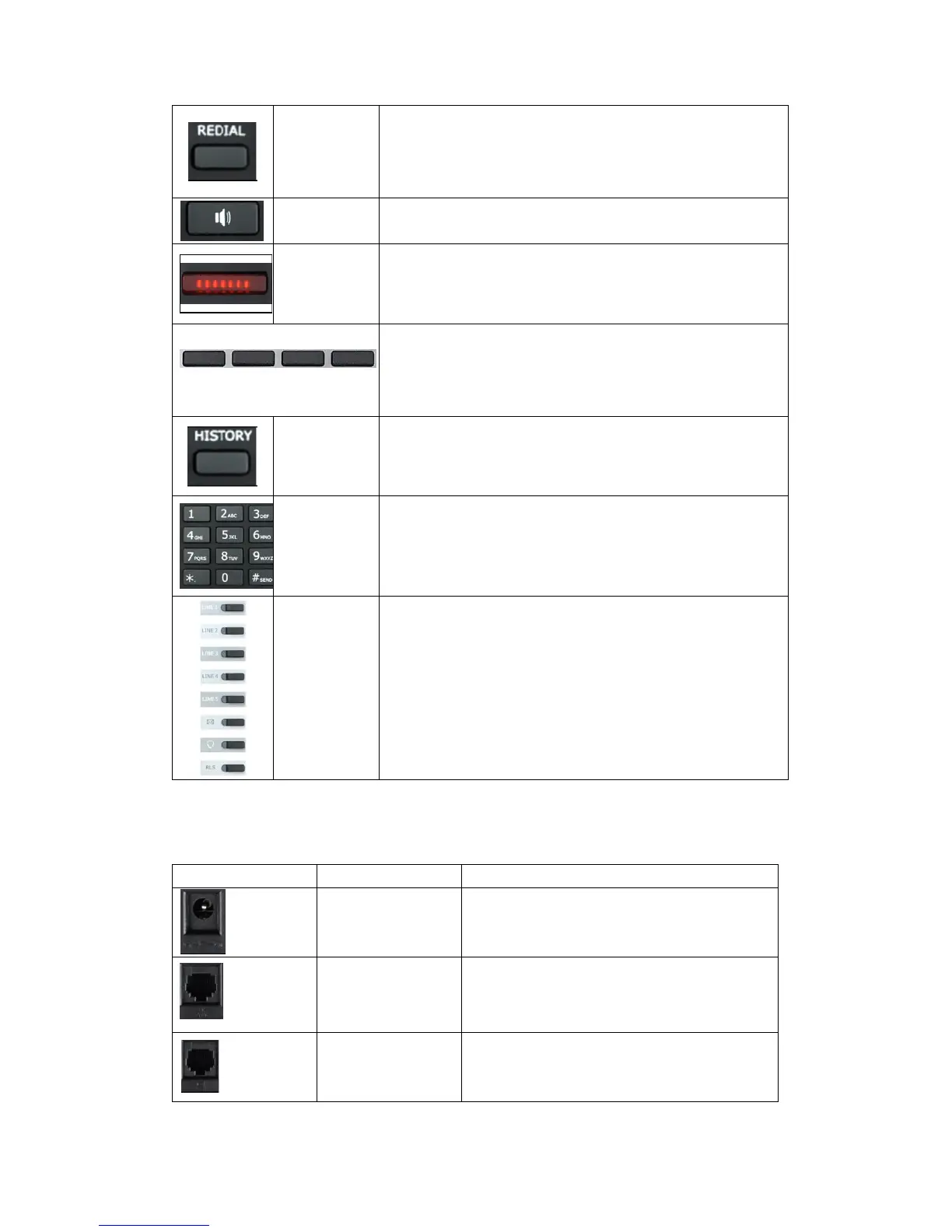
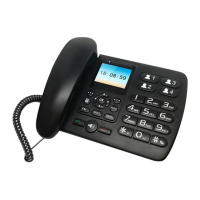
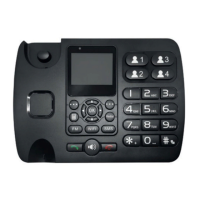
1. In the hook off /hands-free mode, use the key
to dial the last call number.
2. In stand-by mode, it has a function to check the
Outgoing Call.
Make the phone into hands-free mode.
If power on, the indicator is light.
Keys combination, include functions such as
History/PBook /DND /Menu /Del /Redial /Send /
Quit/Answer/Divert/Reject/Hold/Transfer/Conf/Cl
ose and so on.
View the Missed call, Incoming Call and dialed
Call.
Inputting the phone number or DTMF.
Programmable keys to let you customize with
different functions. You can configure them in the
web page.
10/100M Connect it to Network.
10/100M Connect it to PC.



 To Next Page