There are four options: NONE,
DIGEST-MD5,CRAM-MD5,Simple
contacts call using the selected line
query the root directory access to LDAP
the phone search LDAP server in the outgoing /
incoming call . If a contact is searched, its name will
be displayed on the screen
Contacts‟ other information
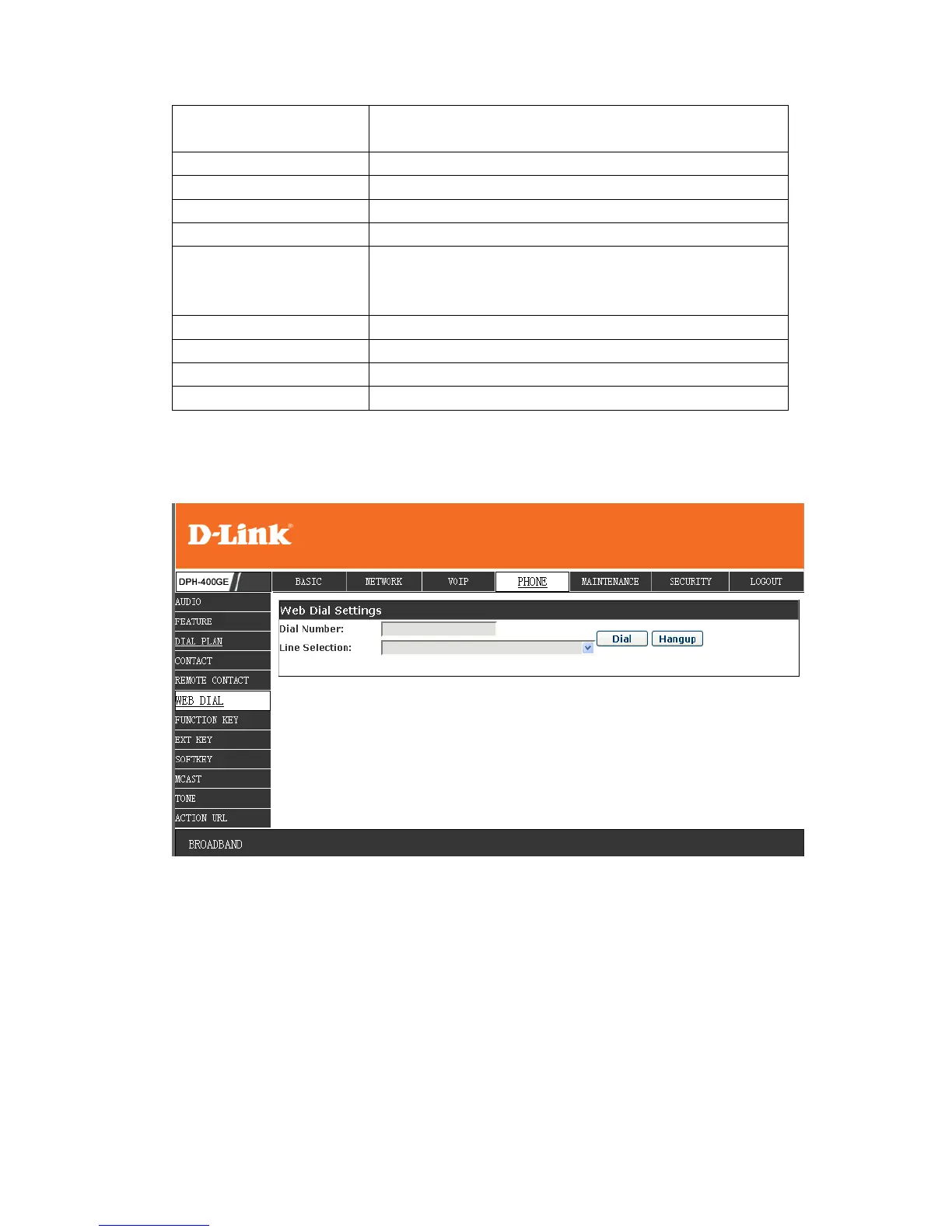
8.3.4.6 WEB DIAL
You can make a call through the WEB DIAL, enter the Dial Num then press Dial, if
you want to finish the talk, press Hang-up.


 To Next Page