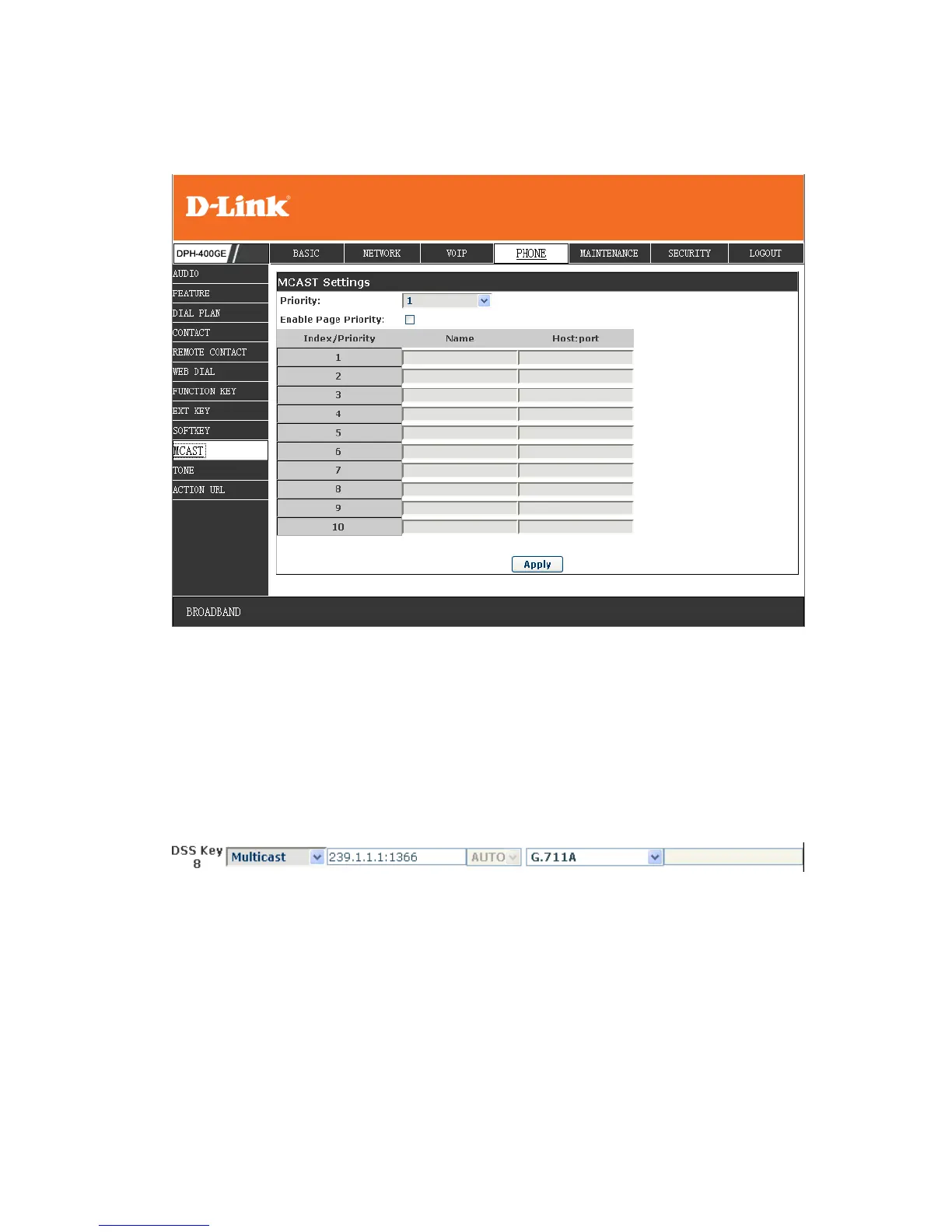
8.3.4.7 MCAST
Use the multicast function to send notice to every member of the multicast is
simple and easy. By setting the multicast key on your phone, you can send
multicast RTP flow to the pre-configured multicast address. By listening
multicast address is configured on the phone, listen and play the multicast
address to send the RTP stream.
Send multicast setting
On the phone web page,function key-function key,set a function key,as shown
Value format IP:Port,the IP address of multicast is range from 224.0.0.0 to
239.255.255.255,port is greater than 1024
If multicast codec is G722, the LCD screen will displays "HD", which means the
phone is sending high-definition voice stream
Operate steps:
1、 When the phone is idle, press multicast key
Multicast RTP stream is sended to pre-configured multicast address (IP:
Port)。The phone which listens to multicast address in the local network can



 To Next Page