EasyManua.ls Logo

D-Link DPH-400G - Function Key

D-Link DPH-400G
96 pages
Print Icon
To Next Page IconTo Next Page
To Previous Page IconTo Previous Page
Loading...
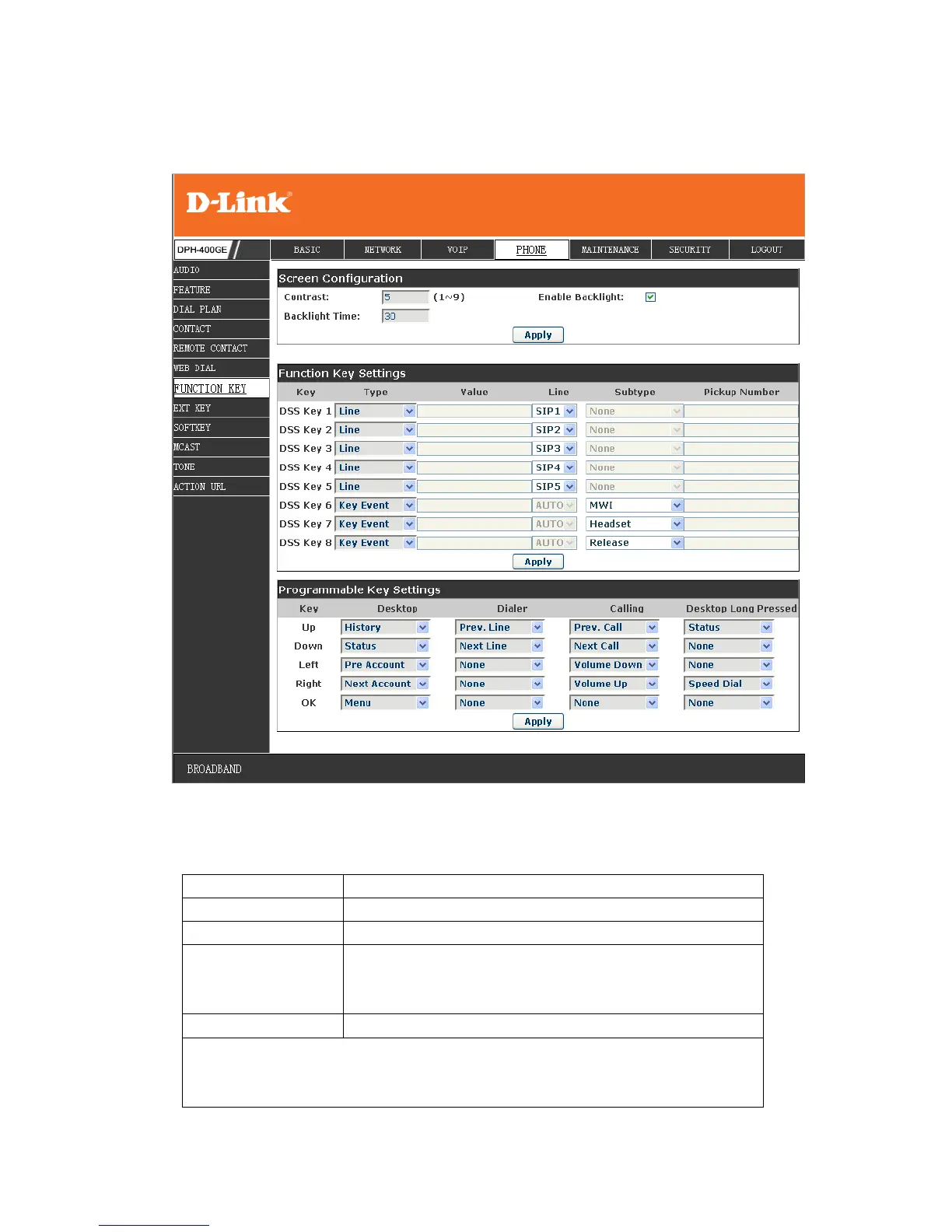
8.3.5 Function Key
8.3.5.1 Function Key
Field name
explanation
Contrast
Set contrast of screen
Enable Backlight
Set enable/disable backlight
Backlight Time
You don‟t operate the phone more than a backlight
timeout setting, the backlight will turn off
automatically
Line Key Settings
Line: select Auto, SIP1, SIP2, SIP3, SIP4, or IAX2 in function key type.
After you set it, you pick up handset or hands-free, press this function
key, and then you can use the corresponding SIP line.

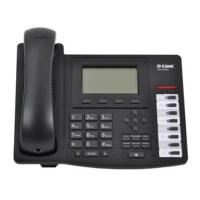
Table of Contents

Related product manuals