Shows the current VPN IP address
Select L2TP. You can choose only one for current state. After you select it,
you‟d better save configuration and reboot your phone.
Select it or not to enable or disable VPN;
Set VPN L2TP Server IP address
Set User Name access to VPN L2TP Server
Set Password access to VPN L2TP Server
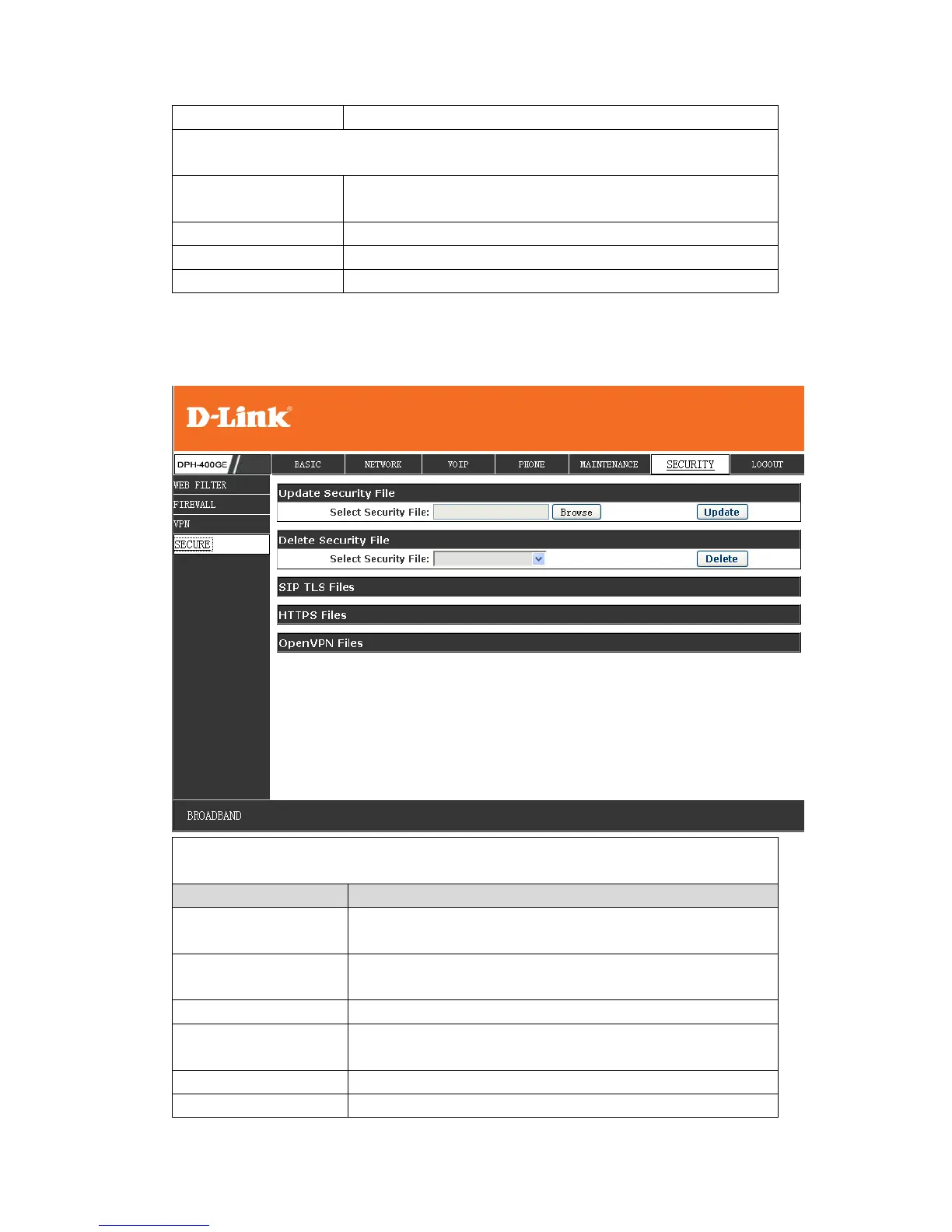
Select the security file you want to update, then click
Update button to update
Select the security file you want to delete, then click
Delete button to update
Show SIP TLS authentication certification file
Show HTTPS authentication certification file



 To Next Page