Appendix A – Troubleshooting
D-Link DSL-2730U User Manual
22
Statistics
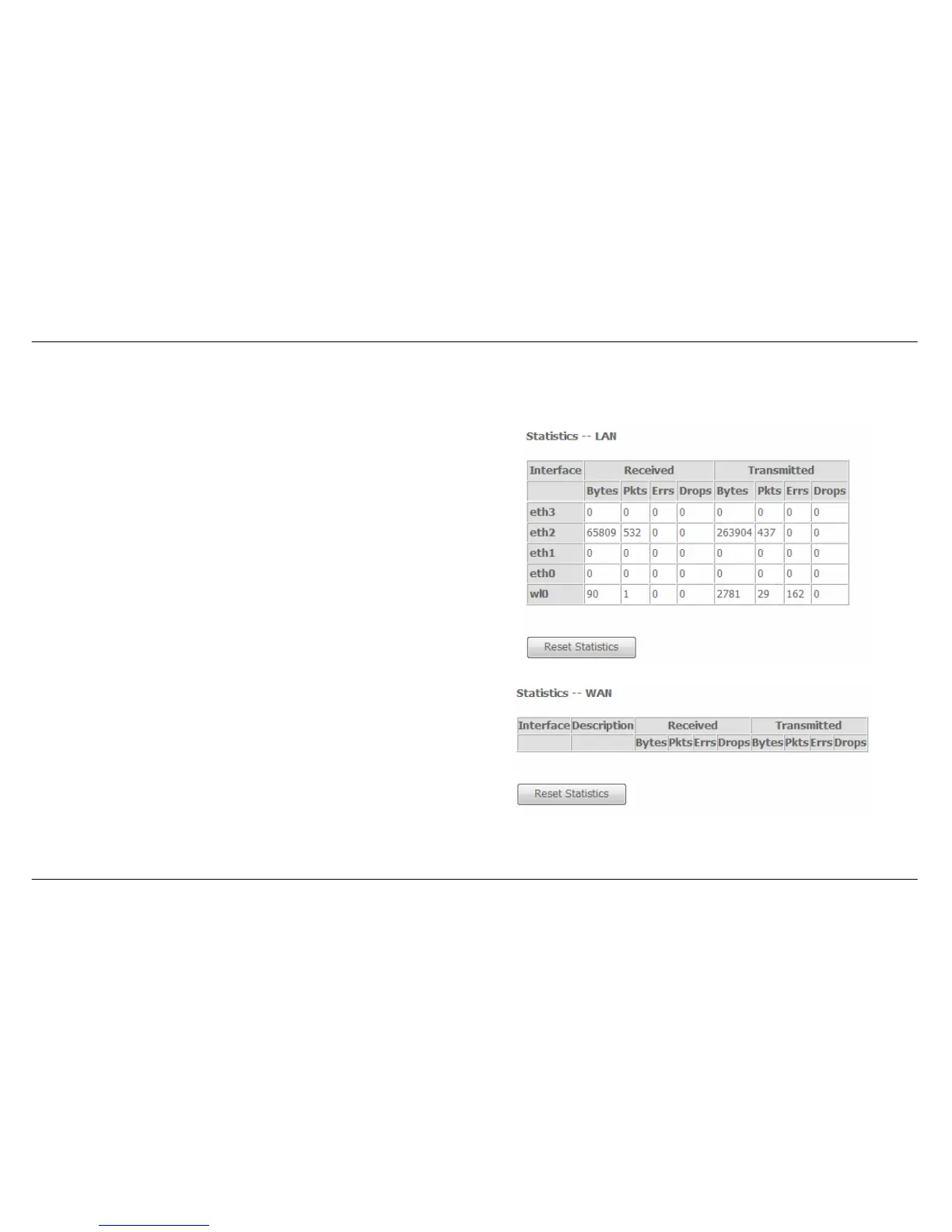
To access the Router’s first Statistics window, click the Statistics button in the Device Info directory.
This window displays the Router’s LAN statistics. Click the Reset
Statistics button to refresh these statistics.
This window displays the Router’s WAN statistics. Click the Reset
Statistics button to refresh these statistics.



 To Next Page