Appendix E – D-Link SharePort
D-Link DSL-2750B User Manual
124
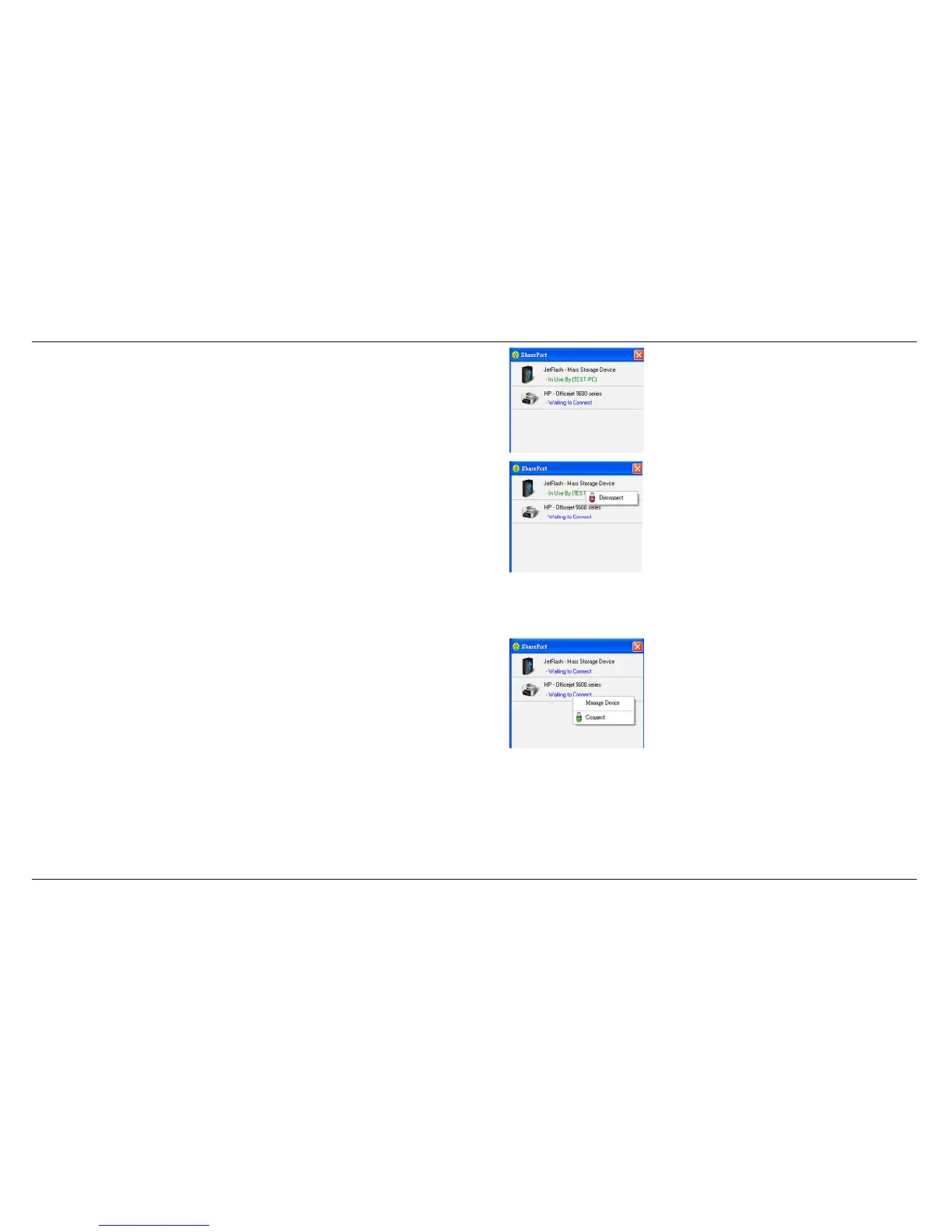
2. The D-Link SharePort displays which user is virtually connecting
this USB device.
3. Move the cursor to In Use By (Owner) and click on
Disconnect
to
virtually disconnect the USB device.
When the USB Device is a Multifunction Printer
1. Move the cursor to Waiting to Connect and click on
Manage
Device
.



 To Next Page