Appendix E – D-Link SharePort
D-Link DSL-2750B User Manual
125
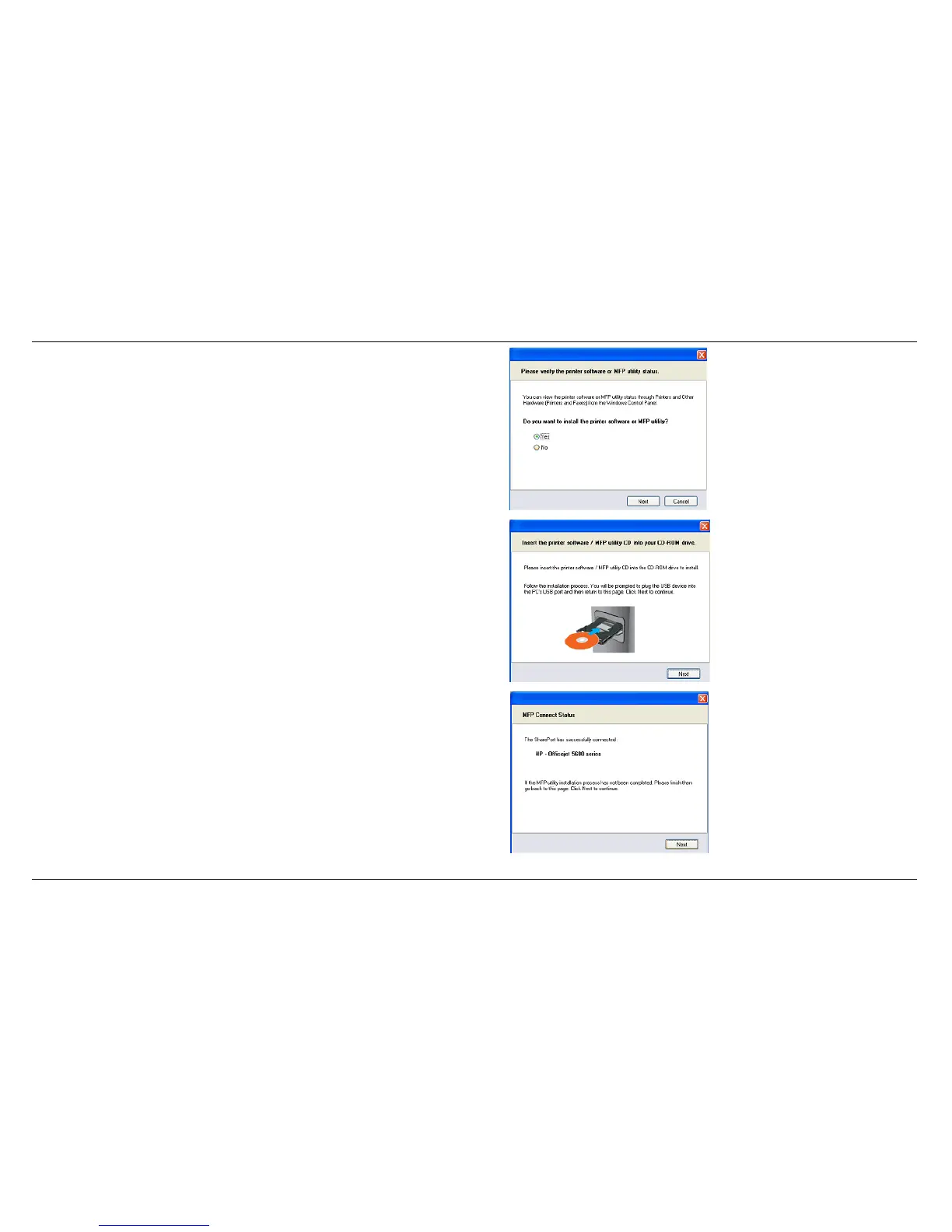
2. Click
Yes
on the question “Do you want to install the printer
software or MFP utility?”
3. Insert the CD-ROM of the multifunction printer and follow the
instructions to install the multifunction printer’s driver. When the
installation process prompts you to connect the multifunction
printer to your PC, click
Next
.
4. The D-Link SharePort virtually connects to this multifunction
printer. Click
Next



 To Next Page