Section 3 - Configuration
D-Link DSL-2750B User Manual
32
Enable IPv6 for this service
Check the box to support IPv6 service.
Request IPv6 Address
The modem will obtain a WAN IPv6 address automatically.
Request Prefix Delegation
The modem will request Prefix Delegation for local network.
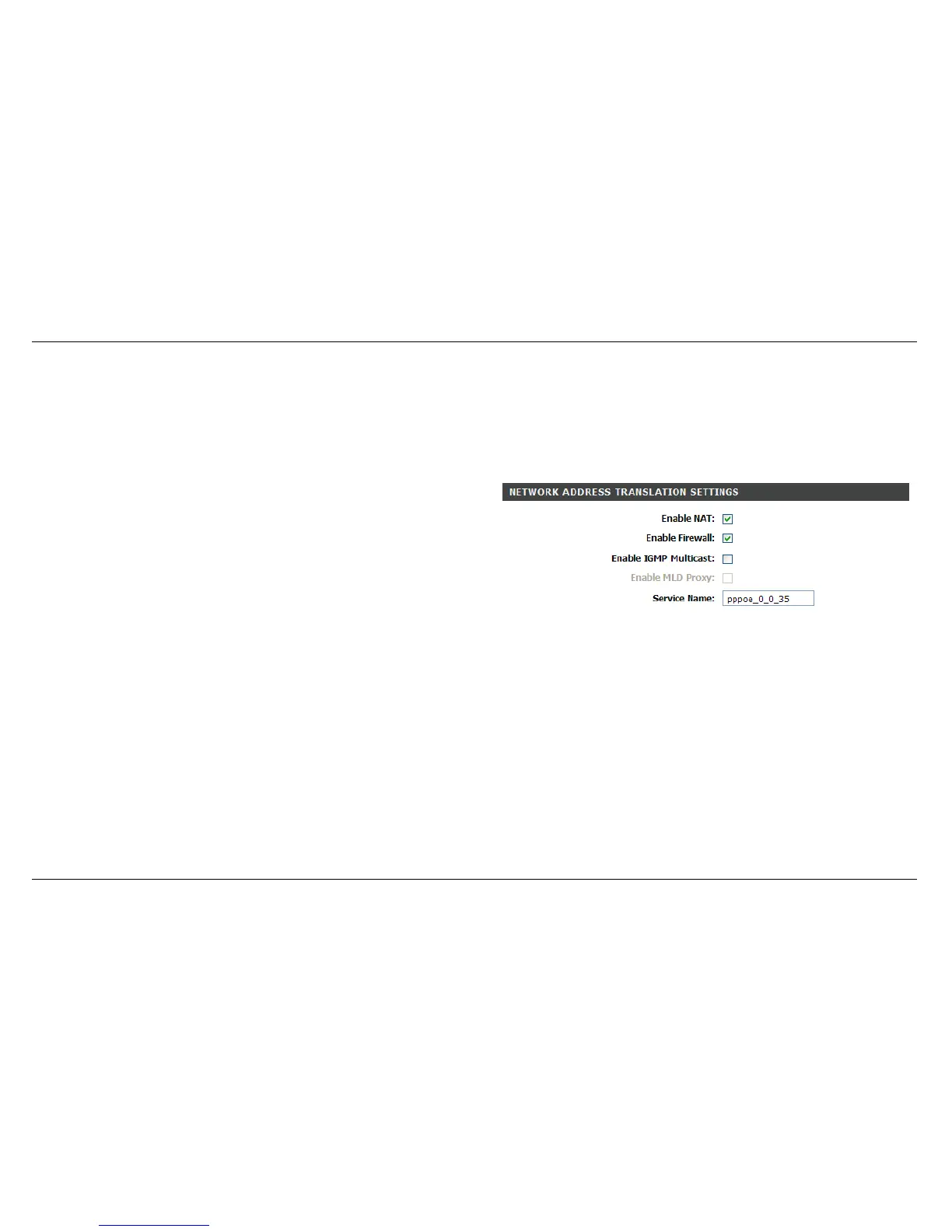
NETWORK ADDRESS TRANSLATION SETTINGS
Enable NAT
Check the box to enable the NAT functions of the modem. If you do not
want to enable NAT and wish the modem user to access the Internet
normally, you must add a route on the uplink equipment. Otherwise, the
access to the Internet fails. Normally, NAT should be enabled.
Enable Firewall
Enable or disable IP filtering.
Enable IGMP Multicast
IGMP proxy. Enable this function if you would like it supports IPTV in
PPPoE mode.
Enable MLD Proxy
MLD Proxy can be used to support IPv6 multicast data.



 To Next Page