Section 3 - Configuration
D-Link DSL-2750B User Manual
34
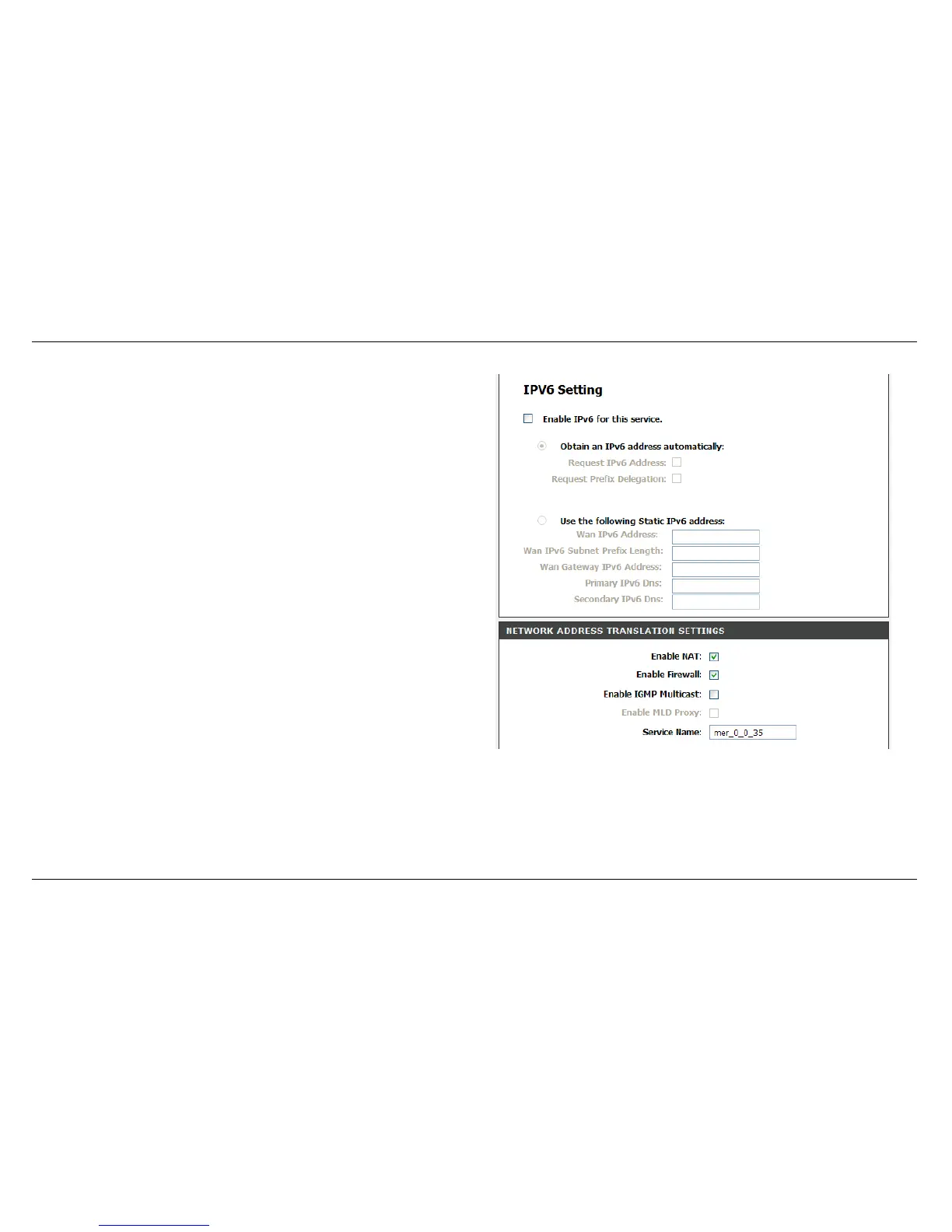
Obtain an IPv6 address automatically: Select Obtain an IPv6
address automatically, DHCPv6 Client will be enabled on this WAN
interface.
Use the following Static IPv6 address: Select Use the following
Static IPv6 address, entering information provided by your ISP to
configure the WAN IPv6 settings.
After proper settings, click Next.



 To Next Page