DSL-G2452GR AC1200 MU-MIMO Wireless Dual Band
VDSL2 Router with ADSL2+/3G/LTE/Gigabit Ethernet WAN
Support, 2 FXS Ports and USB Port
User Manual
Configuring via Web-based Interface
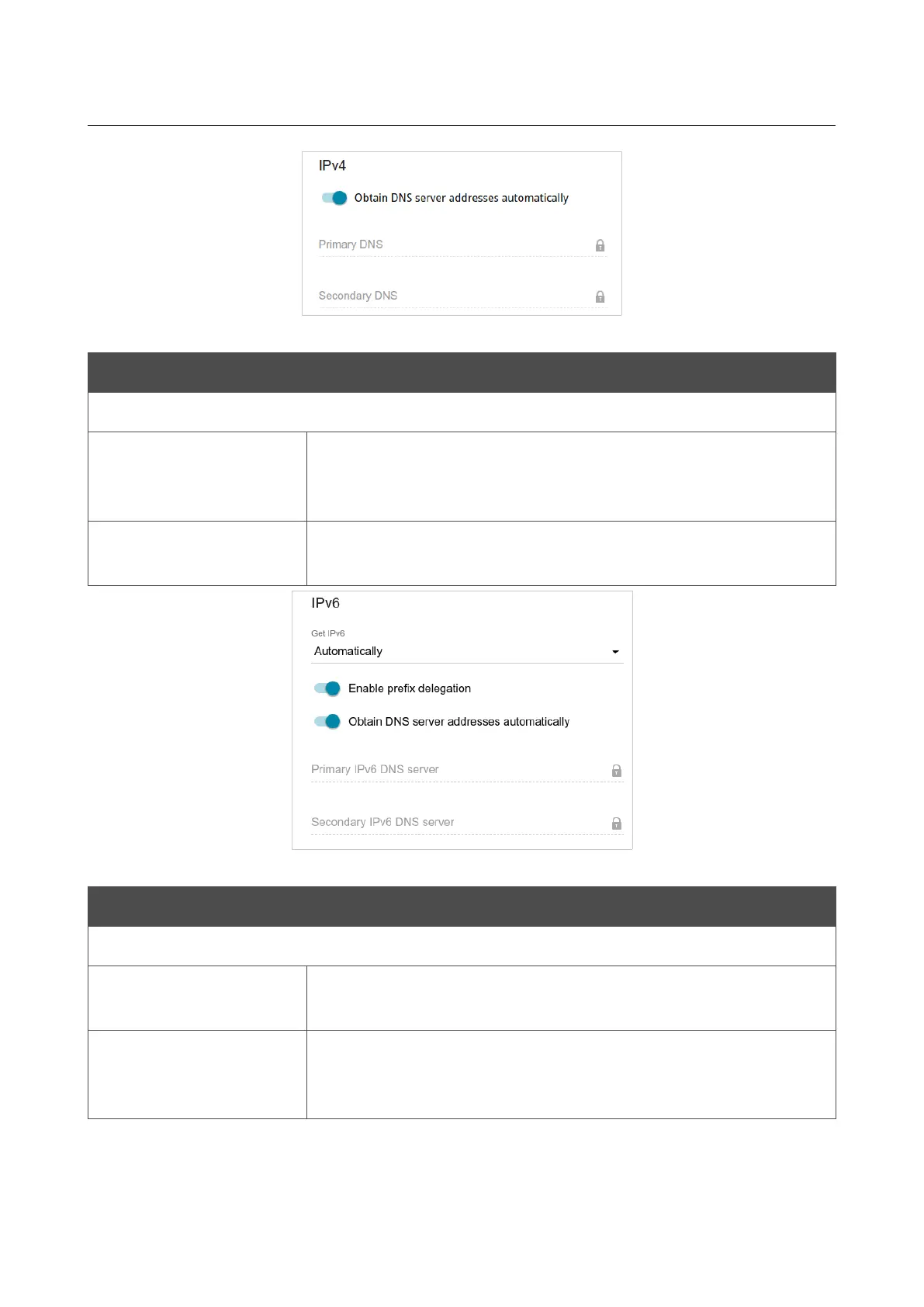
Figure 98. The page for creating a new PPPoE Dual Stack connection. The IPv4 section.
Parameter Description
IPv4 (for the PPPoE Dual Stack type)
Obtain DNS server
addresses
automatically
Move the switch to the right to configure automatic assignment of
DNS server addresses. Upon that the Primary DNS and
Secondary DNS fields are not available for editing.
Primary DNS /
Secondary DNS
Enter addresses of the primary and secondary DNS servers in the
relevant fields.
Figure 99. The page for creating a new PPPoE Pv6 connection. The IPv6 section.
Parameter Description
IPv6
Get IPv6
Select a method for IPv6 address assignment from the drop-down
list or leave the Automatically value.
Enable prefix
delegation
Move the switch to the right if it is necessary that the router requests
a prefix to configure IPv6 addresses for the local network from a
delegating router.
Page 124 of 358



 To Next Page