01
After you have completed the installation of the DWA-110 into your
Macintosh computer (please refer to the Quick Installation Guide included
with the product), follow the steps below to access the configuration settings.
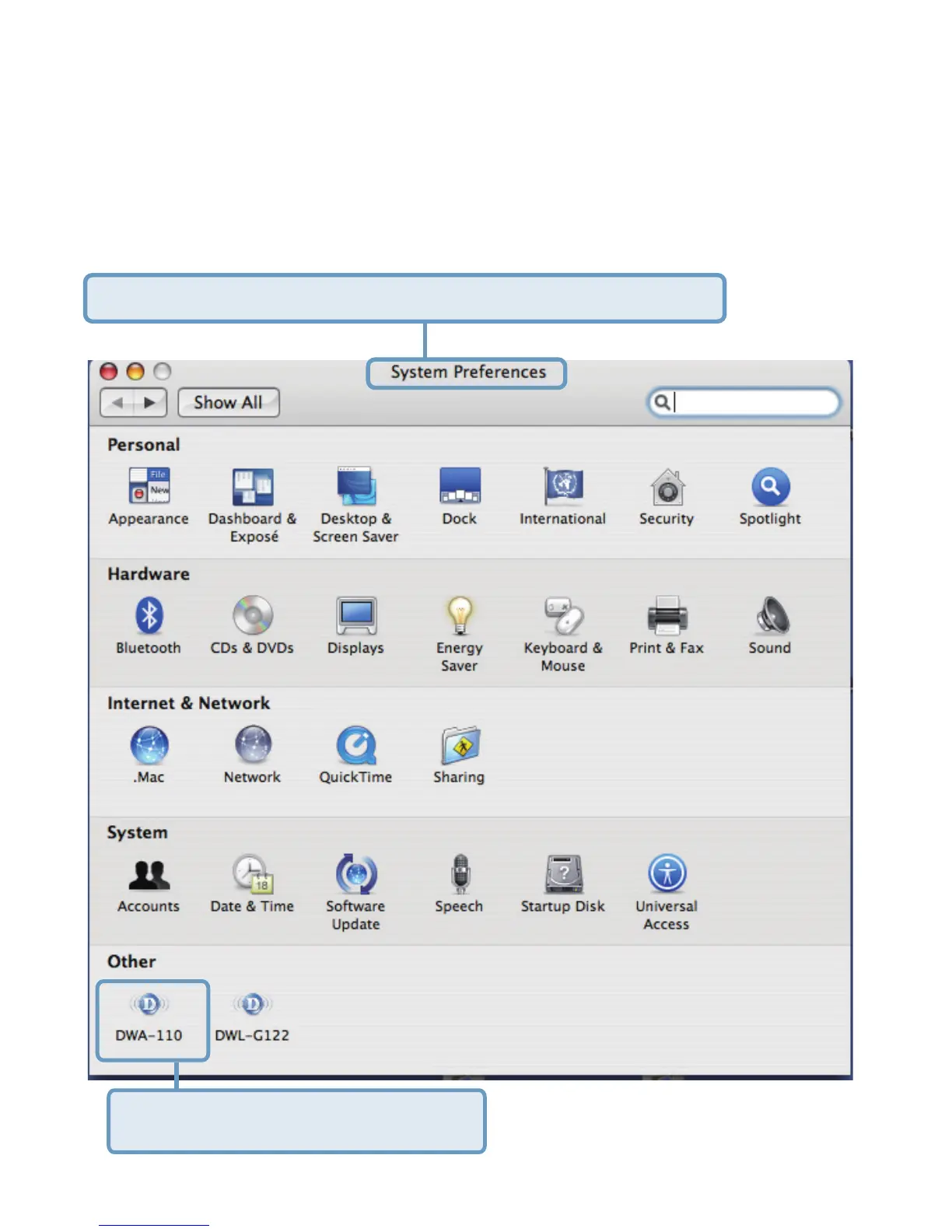
From the Apple pull-down menu select System Preferences.
How to configure DWA-110 in
Macintosh OS
Double-click on the DWA-110 icon.
D-Link DWA-110 MAC OSX drivers supports OS 10.3.x & 10.4.x



 To Next Page
 Loading...











