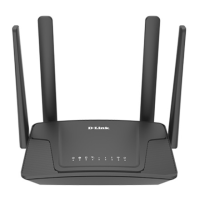
Router Mode - Using the Setup Wizard
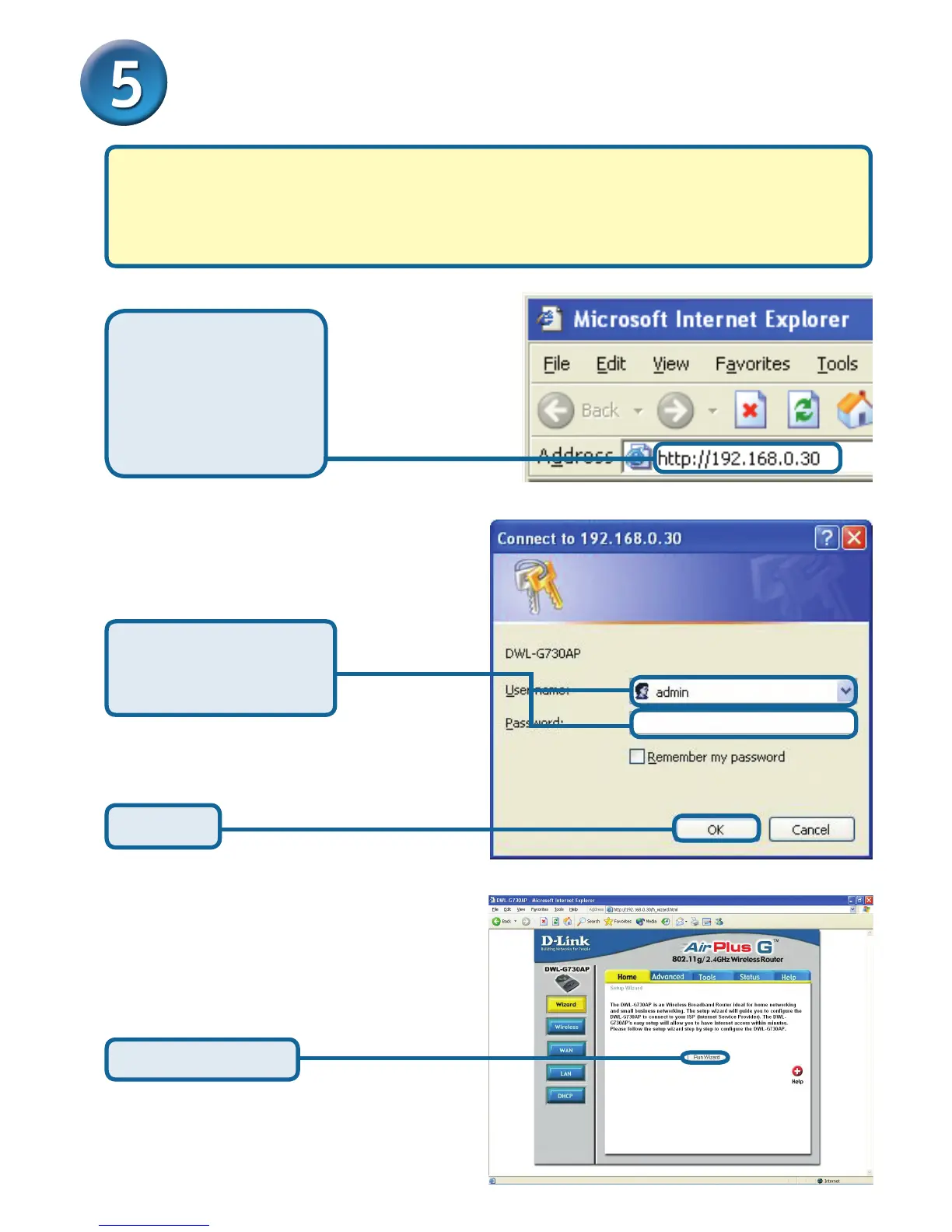
Once you have logged in, the
Home screen will appear.
Click Run Wizard
To congure the DWL-G730AP in Router mode, you must be connected to the
router via a wireless network adapter. The LAN Port on the unit functions as a WAN
port when the DWL-G730AP is operating in Router mode. To run the setup wizard,
establish a wireless connection with the DWL-G730AP and follow the steps below.
Open your Web
browser and type
http://192.168.0.30
into the URL address
box. Then press the
Enter or Return key.
The logon pop-up screen will appear.
Type admin for the
username and leave the
password eld blank.
Click OK



 To Next Page