3
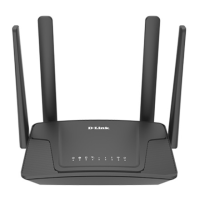
Hardware Overview
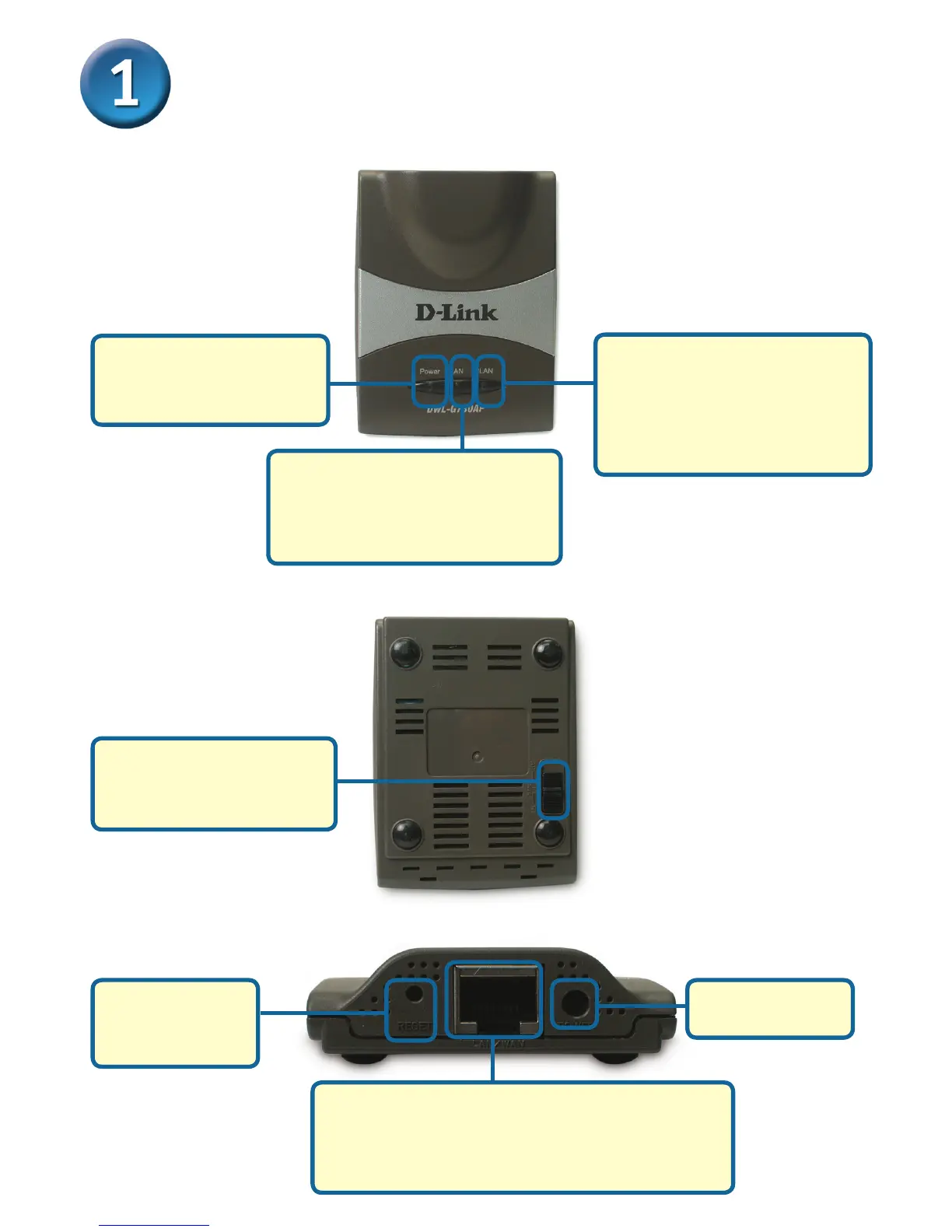
Mode Selection Switch:
Used to select AP, client,
or router mode.
LAN Port
This is the connection for Ethernet cables to
your Ethernet-enabled device. When in Router
mode, this port functions as a WAN port.
Receptor for
Power Adapter
Power LED: Sol id
indicates a connection to
a good power source.
Top Panel
Bottom Panel
Rear Panel
LAN LED: Solid indicates an
Ethernet connection. Blinking
indicates activity on the
Ethernet network.
WLAN LED: A solid light
indicates that the wireless
segment is ready. This LED
blinks during wireless data
transmission.
Reset Button:
Used to restore
default settings.



 To Next Page