43D-Link DWR-116 User Manual
Section 3 - Conguration
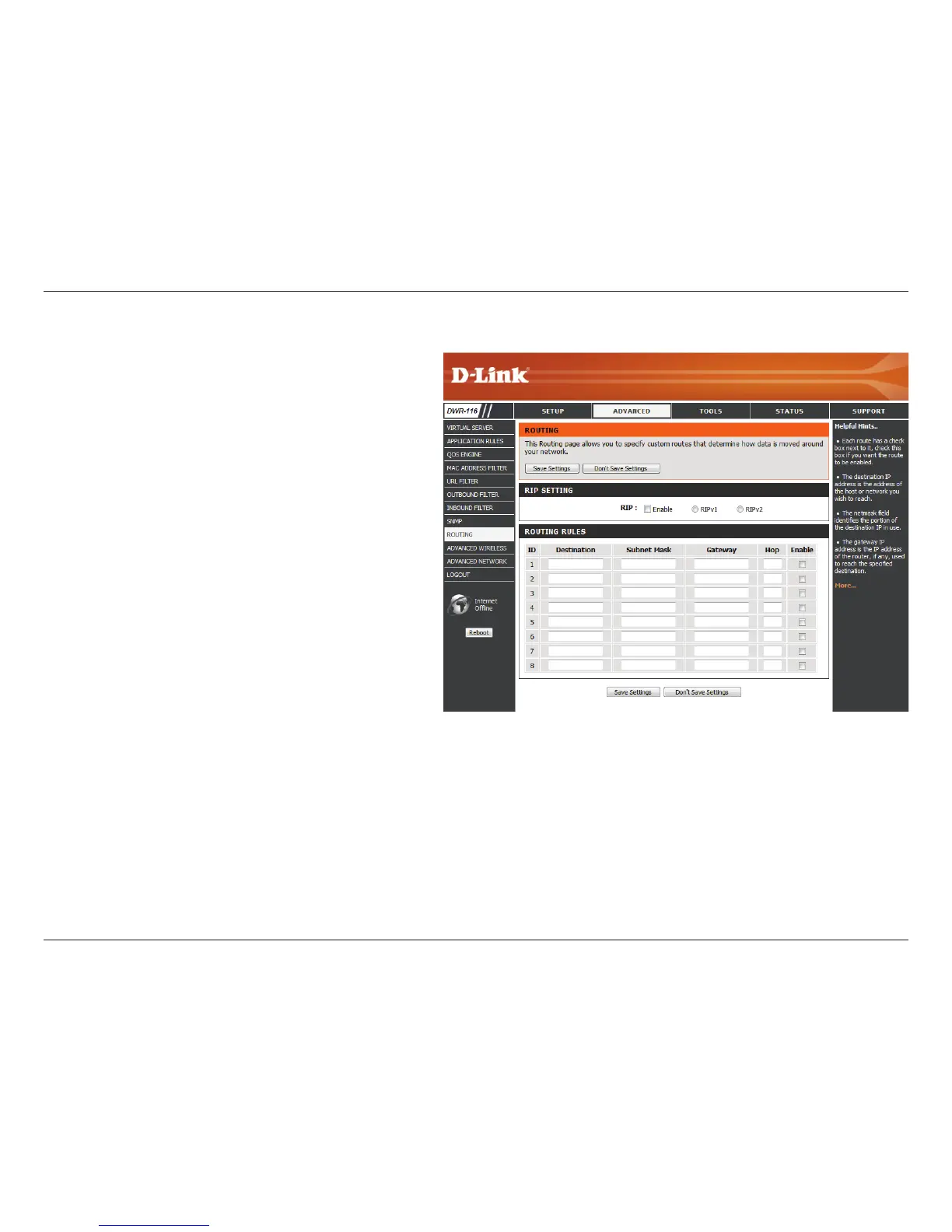
Select this box to enable routing.
RIPv1: Protocol in which the IP address is
routed through the Internet.
RIPv2: Enhanced version of RIPv1 with added
features such as authentication, routing
domain, next hop forwarding, and subnet-
mask exchange.
Identies the rule.
Enter the IP of the specied network that you
want to access using the static route.
Enter the subnet mask to be used for the
specied net work.
Enter the gateway IP address to the specied
network.
Enter the amount of hops it will take to reach
the specied network.
Select this box to enable the rule.
Routing
RIP:
ID:
Destination:
Subnet Mask:
Gateway:
Hop:
Enable:
The Routing page allows you to specify custom routes that
determine how data is moved around your network.



 To Next Page