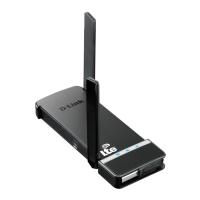
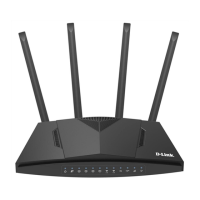
DWR-921 Quick Installation Guide
12. Wait for about 20-30 seconds. After the connection is established, the
network icon will be displayed as a dot with curved lines indicating the
signal level.
!
If you perform initial configuration of the router via Wi-Fi connection,
note that immediately after changing the wireless default settings of the
router you will need to reconfigure the wireless connection using the
newly specified settings.
16



 To Next Page