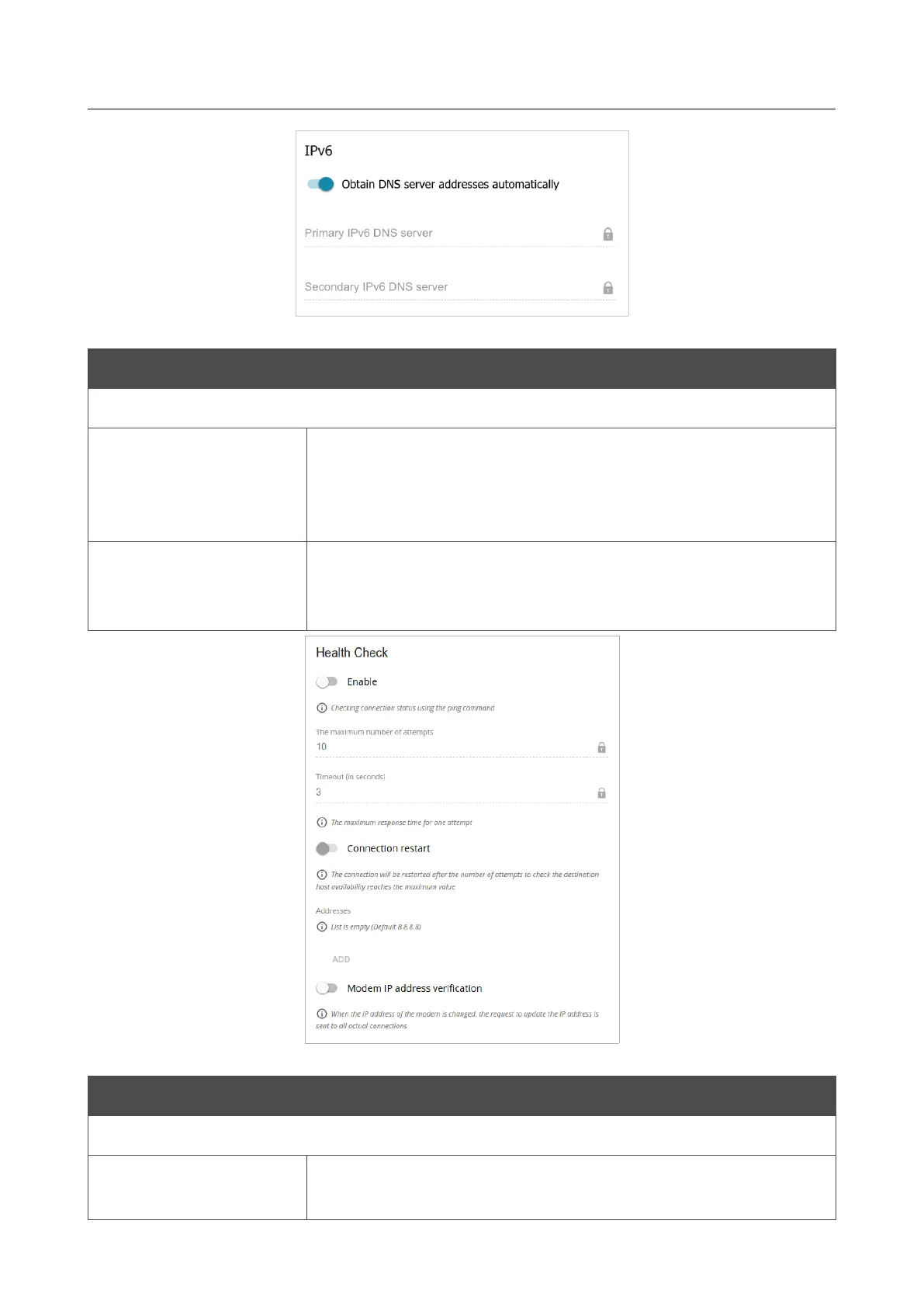
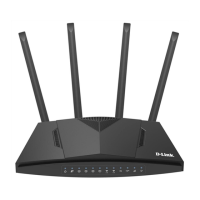
DWR-953 Wireless AC1200 4G LTE Router
with Gigabit Ethernet Ports
User Manual
Configuring via Web-based Interface
Figure 89. The page for creating a new Mobile Internet connection. The IPv6 section.
Parameter Description
IPv6 (for the Dual and IPv6 types)
Obtain DNS server
addresses
automatically
Move the switch to the right to configure automatic assignment of
IPv6 DNS server addresses. Upon that the Primary IPv6 DNS
server and Secondary IPv6 DNS server fields are not available
for editing.
Primary IPv6 DNS
server / Secondary
IPv6 DNS server
Enter addresses of the primary and secondary IPv6 DNS servers in
the relevant fields.
Figure 90. The page for creating a new Mobile Internet connection. The Health Check section.
Parameter Description
Health Check
Enable
Move the switch to the right to check the connection health using
the ICMP ping mechanism.
Page 102 of 264



 To Next Page