1.2
Product Features
➢ IEEE Compliant Wireless LAN and Wired LAN
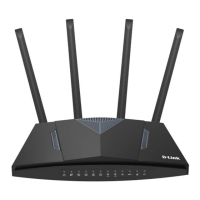
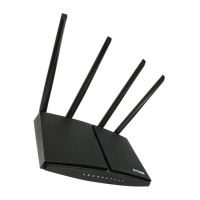
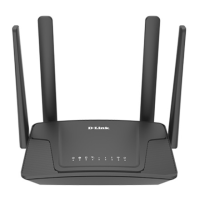
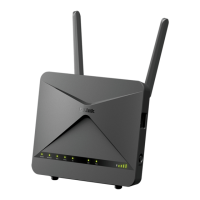
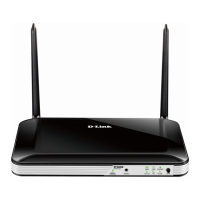
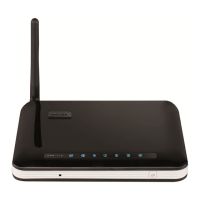
◼ Compliant with IEEE 802.11a/b/g/n/ac dual band [2.4G (300Mbps) and 5G (867Mbps)] wireless
◼ Equipped with 4x 10/100/1000Mbps Fast Ethernet ports and 1x 10/100/1000Mbps WAN ethernet
port which supports auto MDI/MDI-X
➢ Fixed Network Broadband Router
◼ Supports WAN connection types: DHCP, static IP, PPPoE
◼ Supports DDNS and DHCP Servers
➢ Mobile network
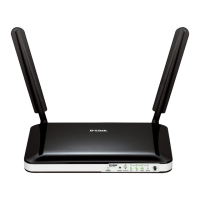
◼ Supports 3G and LTE technology
◼ Supports auto and manual APN settings
◼ Supports Fail-Over backup
➢ Comprehensive Wireless Advanced Features
◼ Supports AP /client / repeater mode
◼ Supports WMM (Wi-Fi Multimedia) and wireless QoS to enhance the efficiency of multimedia
application
◼ Supports multiple SSID
◼ Supports TX and RX restrict
Secure Network Connection
◼ Supports Wi-Fi Protected Setup (WPS)
◼ Support WEP/WPA/WPA2 wireless security encryption
◼ Supports NAT firewall, IP / URL-based access control and MAC address filtering
➢ Advanced Networking Function for Specific Application
◼ Supports Bandwidth Control (QoS) based on different local IP addresses
◼ Supports NTP, Port Forwarding, UPnP and DMZ for various networking applications
◼ Supports USB storage(Samba)
➢ Easy Installation and Management
◼ Web-based UI and Quick Setup Wizard for easy configuration
◼ Remote Management allows configuration from a remote site


 To Next Page