29D-Link WDA-1320 User Manual
Section 3 - Configuration
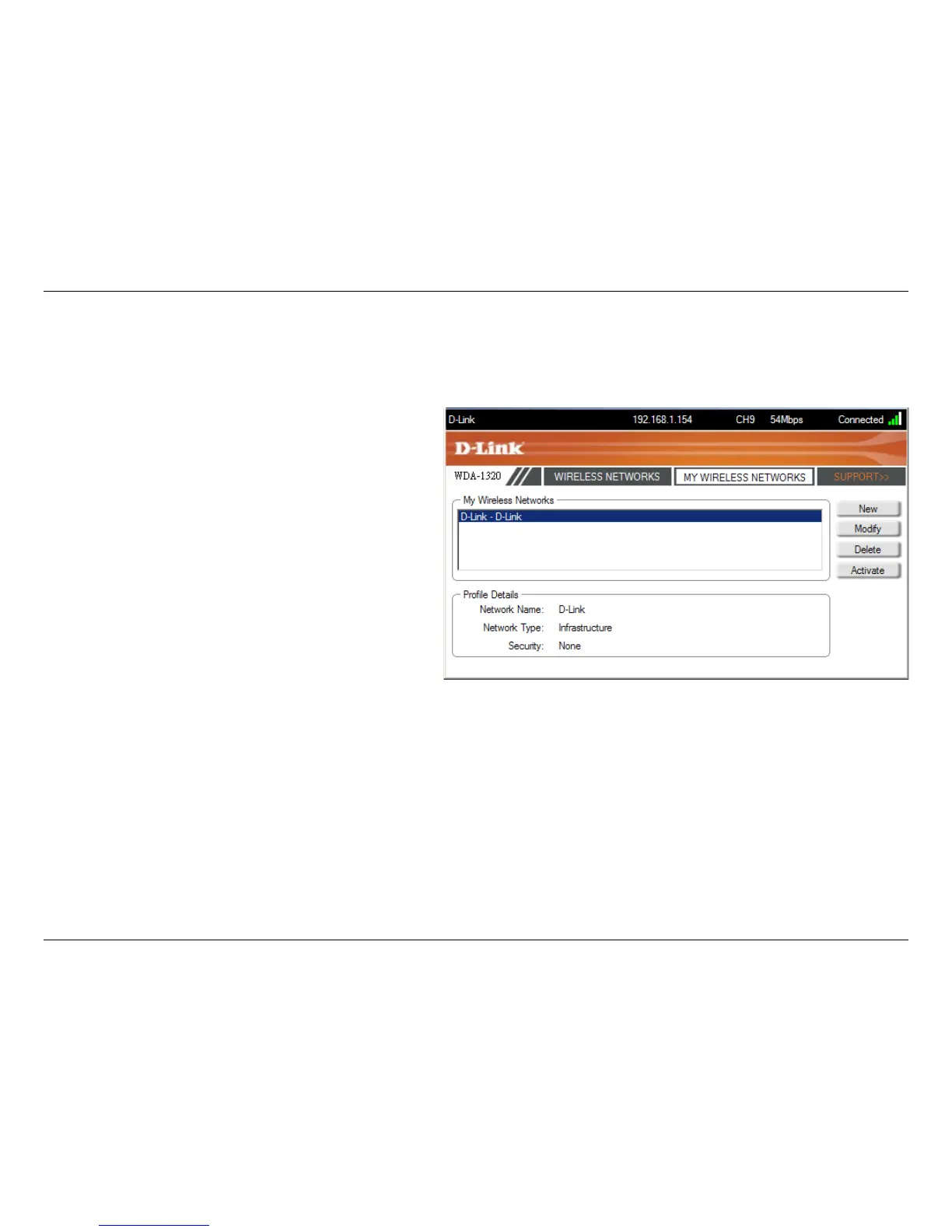
My Wireless Networks
The My Wireless Networks page will allow you to create, edit, and delete wireless network profiles. Every time you connect to a
network using the Wireless Networks page, a profile will automatically be created.
New Button:
Modify:
Click New to create a new wireless network profile
(refer to page 30).
Click Modify to edit a current profile (refer to page
31:).
Click Delete to remove a profile.
Click Activate to use a profile. Allow up to 30 seconds
to connect to the wireless network.
The Profile Details section will display information
about the wireless network such as the network name
(SSID), and if the network is secured.
Delete:
Active:
Profile Details:










 To Next Page