68D-Link WDA-1320 User Manual
Appendix B - Networking Basics
Windows
®
XP/2000 Users
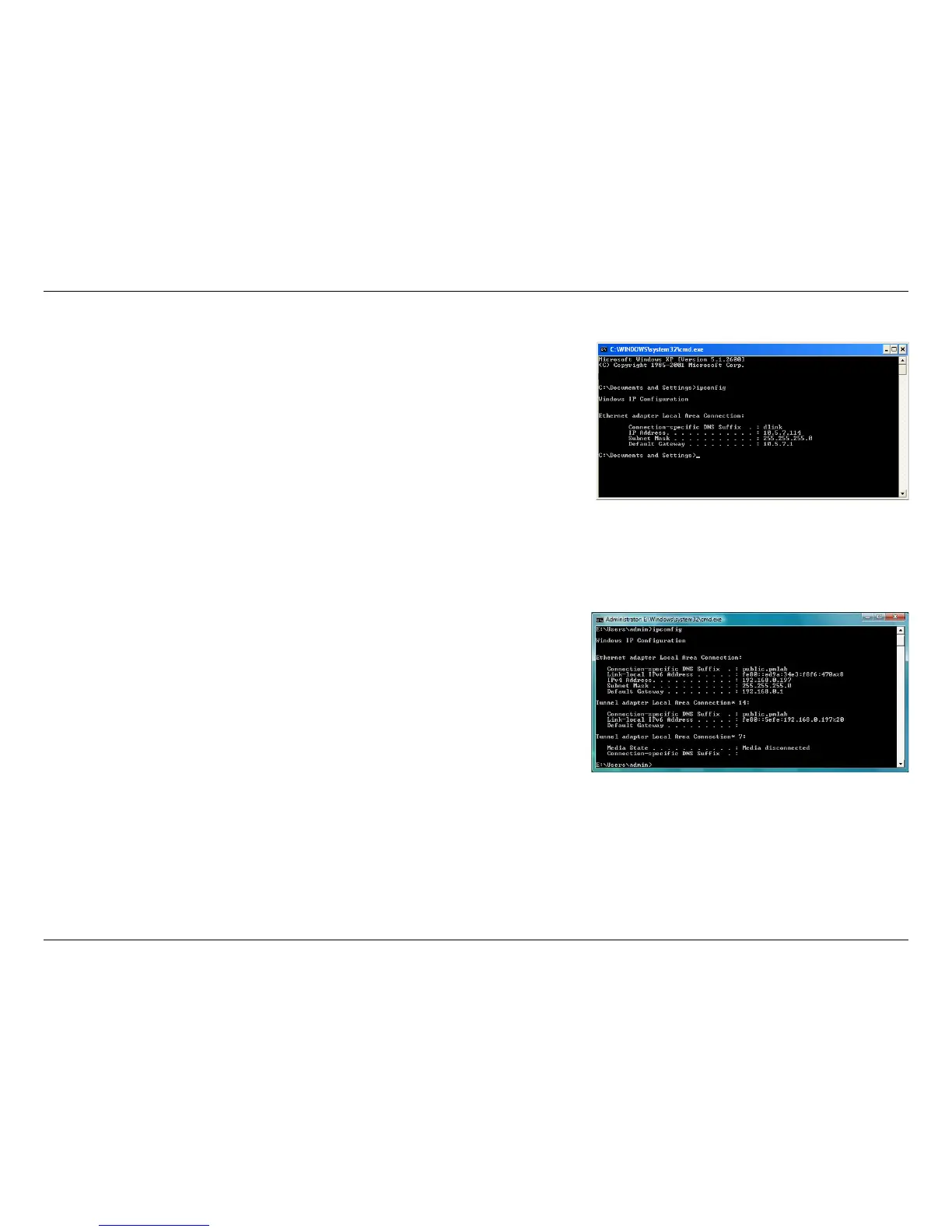
• Click on Start > Run. In the run box type cmd and click OK.
• At the prompt, type
ipconfig and press Enter.
• This will display the IP address, subnet mask, and the default gateway of your adapter.
Windows Vista
™
Users
• Click Start > All Programs > Accessories > Command Prompt. You may need
administrative access to run this application.
• For all additional prompt windows inquiring of running the command prompt application,
select Yes, OK, or Continue.
• At the prompt, type
ipconfig and press Enter.
• This will display the IP address, subnet mask, and default gateway of your adapter.
If the address is 0.0.0.0, check your adapter installation, security settings, and the settings on your router. Some firewall software programs may block a
DHCP request on newly installed adapters.










 To Next Page