EasyManua.ls Logo

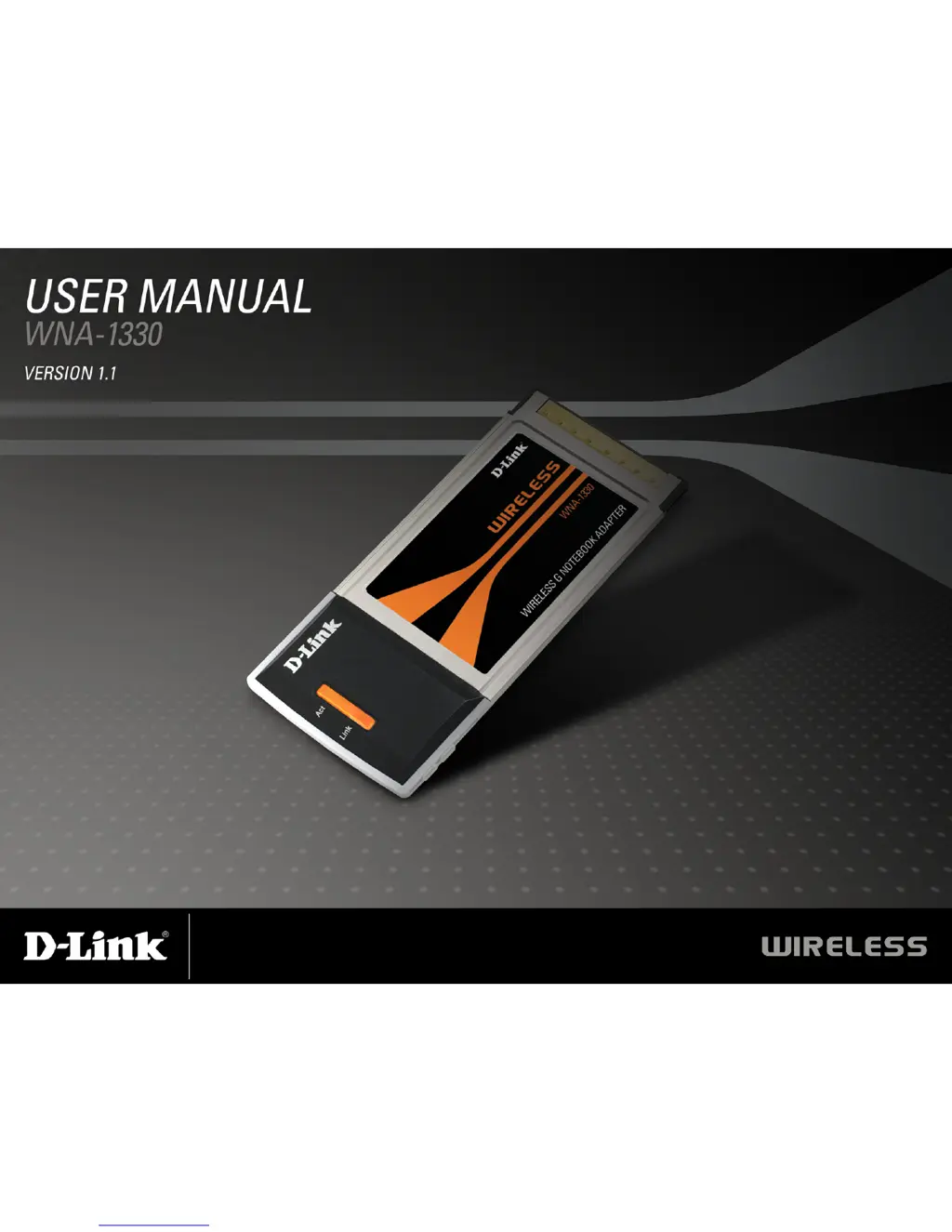
D-Link WNA-1330 - User Manual

D-Link WNA-1330
70 pages
Print Icon
To Next Page IconTo Next Page
Loading...

Other manuals for D-Link WNA-1330

Questions and Answers

  • M
    Michael GomezAug 11, 2025
    Why my computer does not recognize D-Link Adapter WNA-1330?
    • D
      danielwilliamsAug 11, 2025
      If your computer doesn't recognize the D-Link Adapter WNA-1330, make sure it is properly seated in the computer’s Cardbus slot. If Windows does not detect the hardware upon insertion, completely remove any previously loaded drivers.
  • C
    Carrie ClarkeOct 25, 2025
    What to do if D-Link Adapter WNA-1330 cannot connect to the internet?
    • B
      Blake MaynardOct 25, 2025
      If your D-Link Adapter WNA-1330 is unable to connect to the wireless network or the Internet, there might be a problem with the broadband connection. Ensure that the LED indicators for the broadband modem show normal activity. Also, verify that the LED indicators on the wireless router are functioning correctly and that the AC power and Ethernet cables are firmly connected. Check that the IP Address, subnet mask, gateway, and DNS settings are correctly entered for the network. If you are in Infrastructure mode, ensure the same Service Set Identifier (SSID) is specified on the settings for the wireless clients and access points. The SSID factory default setting for D-Link products is default. In Ad-Hoc mode, both wireless clients will need to have the same SSID. Check that the Network Conne...

Summary

Hardware Overview

Features

Installation

Remove Existing Installations

Instructions for uninstalling previous wireless adapter software to prevent conflicts.

Disable Other Wireless Adapters

Wireless Installation Considerations

Adapter Installation

Windows Vista Installation

Push Button Configuration (PBC)

Configuration

D-Link Configuration Utility

Introduction to the D-Link Configuration Utility for managing wireless settings.

Wireless Networks

My Wireless Networks

Windows Vista Wireless Networks

Wi-Fi Protected Setup (WPS)

Personal Identification Number (PIN)

Add Profile

Modify Profile

Windows XP Configuration Utility

Disabling The Windows XP Utility

Wireless Security

What is WPA?

Configure WEP

Configure WEP

Configure WPA;WPA2 Passphrase

Using the D-Link Utility

Steps to configure WPA/WPA2 passphrase using the D-Link utility.

Configure WPA;WPA2 Passphrase

Configure WPA;WPA2

Configure 802.1 x

Connect to a Wireless Network

Troubleshooting

How do I know if my adapter is installed properly?

Steps to verify correct installation of the wireless adapter via Device Manager.

The computer does not recognize the WNA-1330 Wireless Adapter.

The computer with the WNA-1330 installed is unable to connect to the wireless network and;or the Internet.

Security

Wireless Modes

Networking Basics

Check your IP address

Steps to verify the adapter's IP address using the command prompt.

Statically Assign an IP address

Technical Specifications

Contacting Technical Support

Warranty

D-Link WNA-1330 Specifications

General IconGeneral
BrandD-Link
ModelWNA-1330
CategoryAdapter
LanguageEnglish

Related product manuals