10D-Link WNA-1330 User Manual
Section 2 - Installation
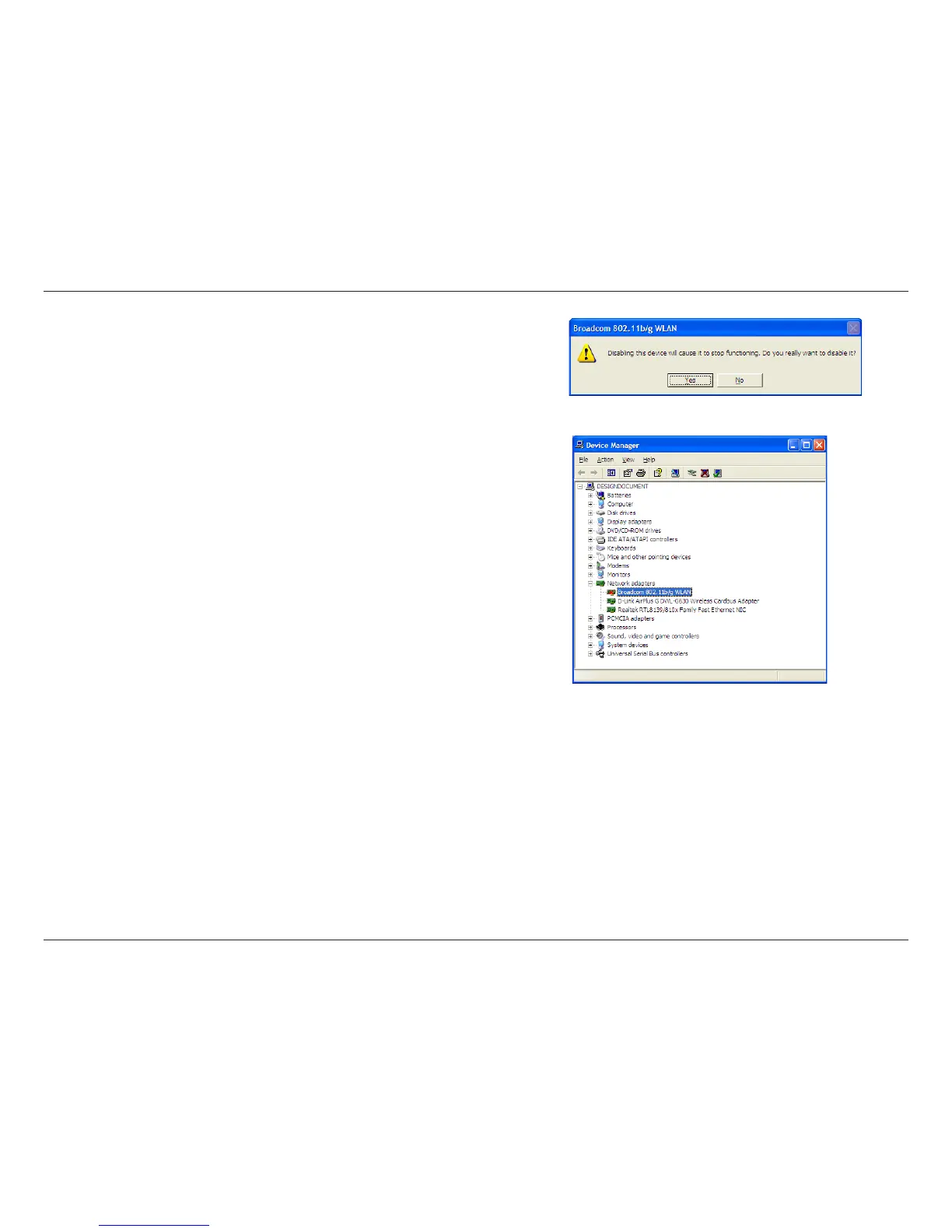
Click Yes to disable the adapter.
The adapter is now disabled. When disabled, a red X will be displayed.
Disabling the adapter will not remove the drivers. If you would like to use
the adapter, simply right-click it and select Enable.


 To Next Page
 Loading...