6
Wall Mounting Instructions for Single Panel Screens (continued)
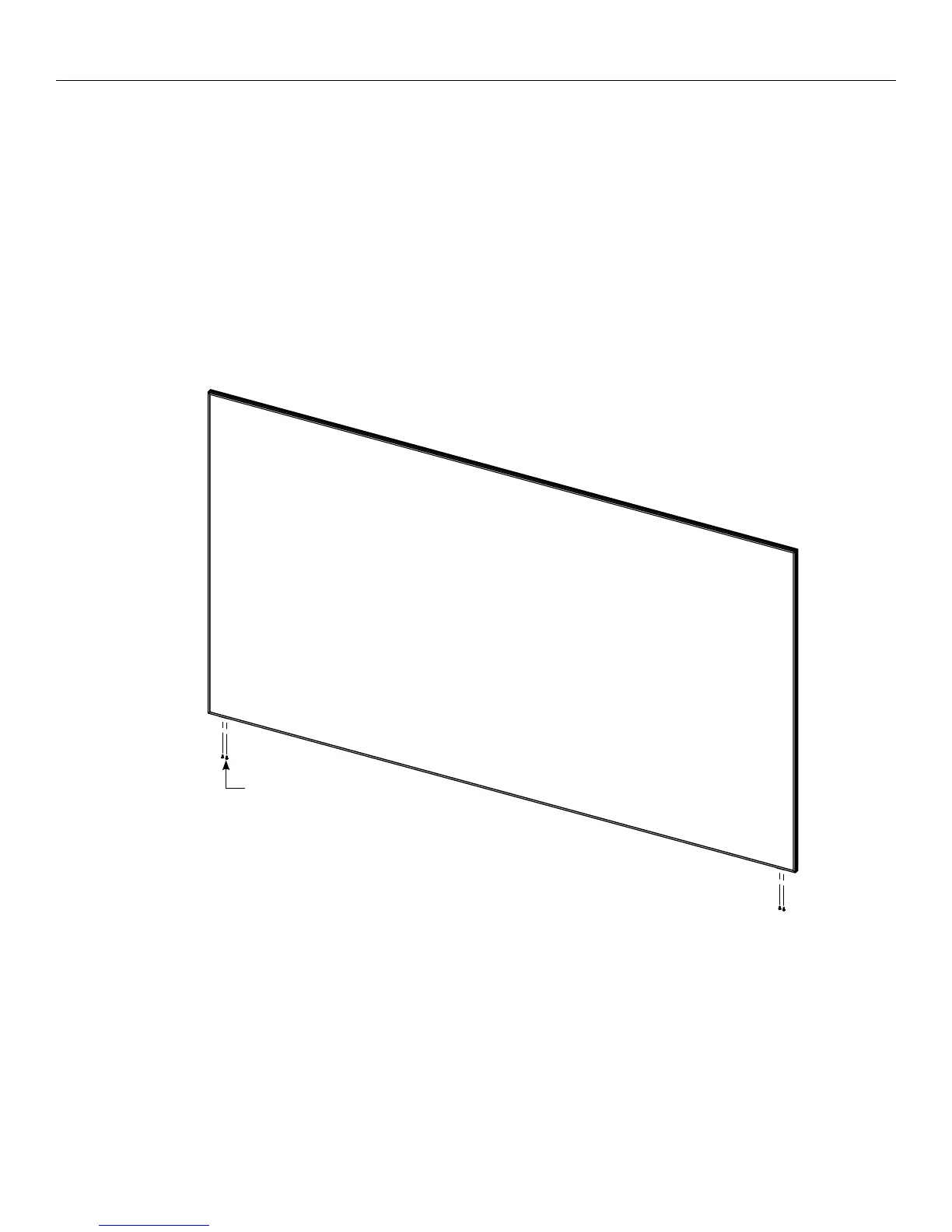
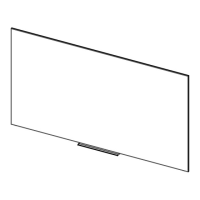
4. This step requires two people. Hang the screen on the wall
brackets. There is a lip on the back of the frame that wedges itself
into the wall brackets once fully installed. Ensure that the screen
clears the L-brackets and that the screen weight is on the wall
brackets, not the L-brackets.
#8 X ½" Screws
Figure 2
5. Tap the bottom of the two L-brackets with the rubber mallet until
they make contact with the frame. Secure the two L-brackets to
the frame with the remaining (4) #8 x ½” screws (Figure 2).



 To Next Page