28
Before You Call for Service
Problem Solution Guide - (cont.)
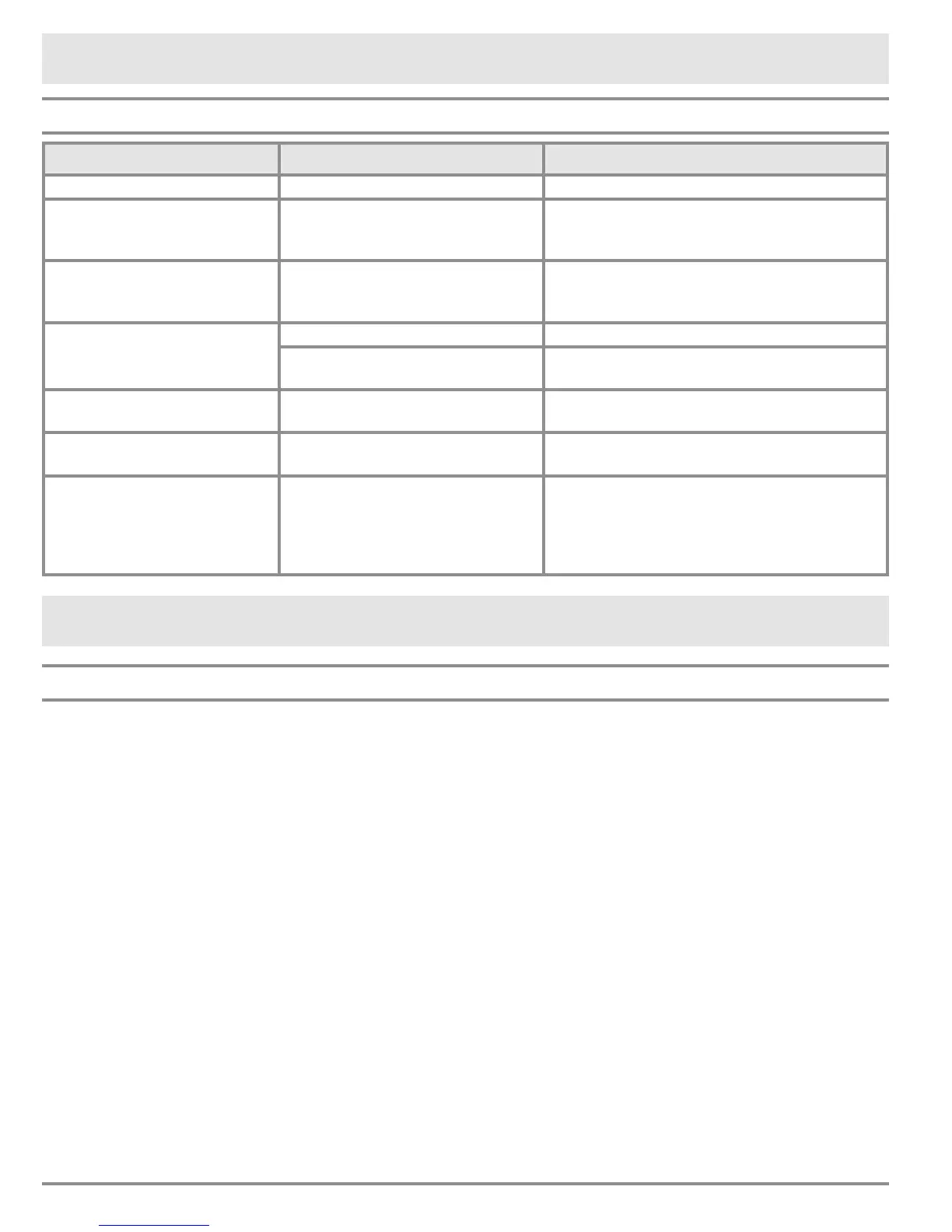
Problem May Be Caused By What to Do
Oven light(s) will not turn off. Light key is set to on. Press the light key to turn light(s) off.
Sabbath mode does not work. Meat probe connected. Oven will not start Sabbath mode when meat
probe is connected. Disconnect and remove
meat probe.
Cooling fan continues to run
after oven has been turned off.
Normal operation. The cooling fan may run for a while after the
oven is turned off, until the internal parts have
cooled.
Time on display not correct. Time of day not set. Set the time. See page 8.
Power failure or power was turned
off.
Reset the time. See page 8.
Cannot set clock. Oven in use. Clock cannot be set
while oven is in use.
Turn off the oven before setting the clock.
Time ashes on display. Power failure or power was turned
off.
Reset the time. See page 8.
Error code appears and stays
on display, for example “U55.”
An error code having a letter with
a number following it that appears
and stays on the display indicates
a problem that cannot be resolved
by the customer.
Call for service.
Warranty and Service
Getting Help
Before you request service:
1. Review Before You Call For Service section of this manual (page 27).
2. Use the helpful tips found in our Problem Solution Guide.
3. Become familiar with the warranty terms and conditions of your product.
4. If none of these tips or suggestions resolves your problem, call our Customer Service center
at the number below.
Dacor’s Customer Service center is available 6:00
a.m. – 5:00 p.m. Pacic Time
For warranty repairs or questions and for Dacor Distinctive Service (DDS) in the US and Canada
Phone: (800) 793-0093, extension 2822
For non-warranty repairs or questions in the US and Canada
Phone: (800) 793-0093, extension 2813
Contact us through our web site at:
www.dacor.com/contact-us


 To Next Page