8
MAIN MENU
MAIN MENU
HOW T
HOW T
O USE SUB MENUS
O USE SUB MENUS
All menus are removed within 25 seconds if you don’t press any button.
✳ The following is applied to all of the sub-menus.
Menus
Direct selection
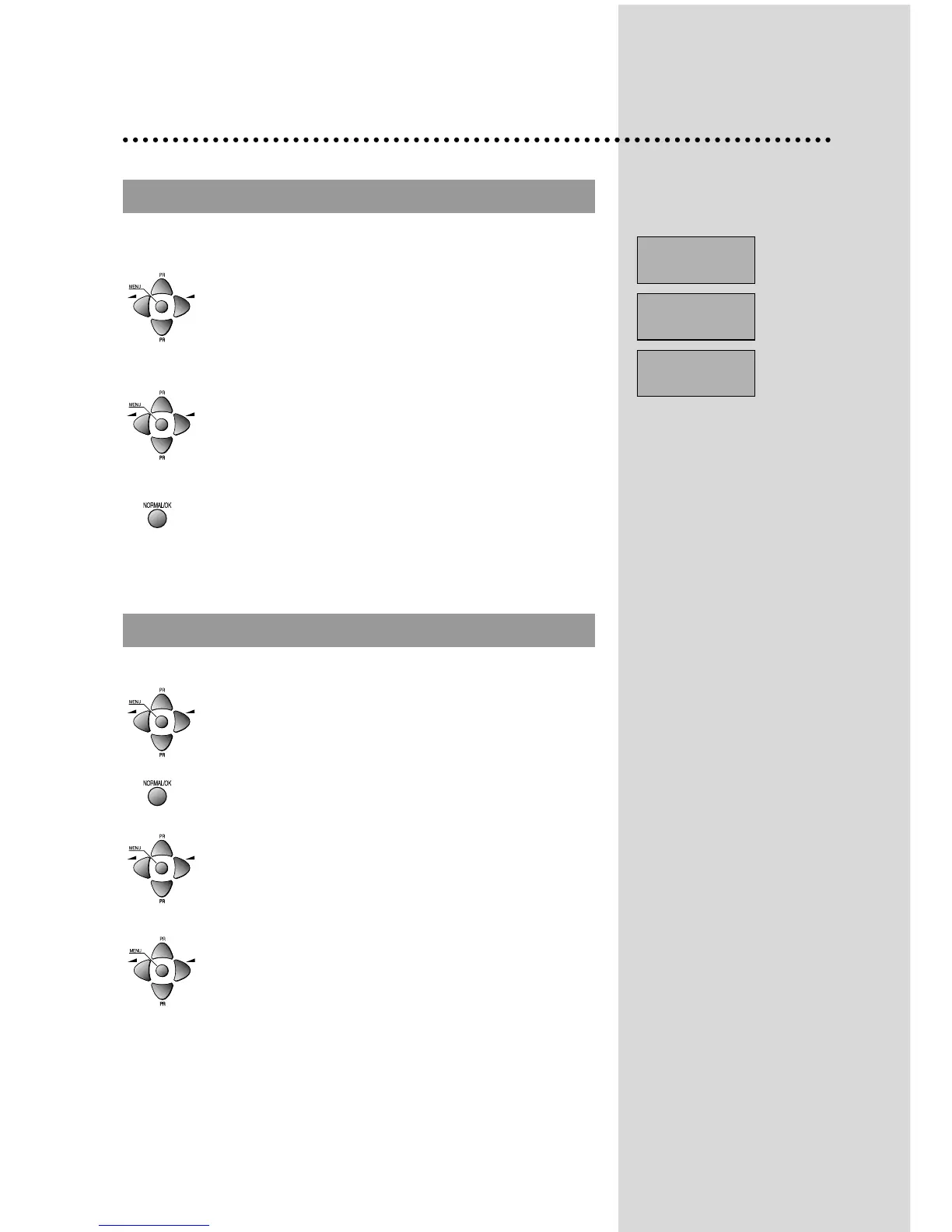
Press remote control MENU button to display main
menu.
Then, you have the choice among several sub-
menus.
If you want to cancel immediately main menu,
press MENU button once more.
To select one of the sub-menus, use remote
control CURSOR buttons UP, DOWN, LEFT,
RIGHT.
To enter the selected sub-menu, press remote
control NORMAL/OK button .
Select the function you want to change using
Remote control CURSOR UP or DOWN button.
Confirm (if needed) by pressing Remote control
NORMAL/OK button .
Adjust the function using
Remote control CURSOR LEFT or RIGHT button.
Then Return to main menu pressing MENU button .
PICTURE
FEATURES
INSTALL


 To Next Page