11
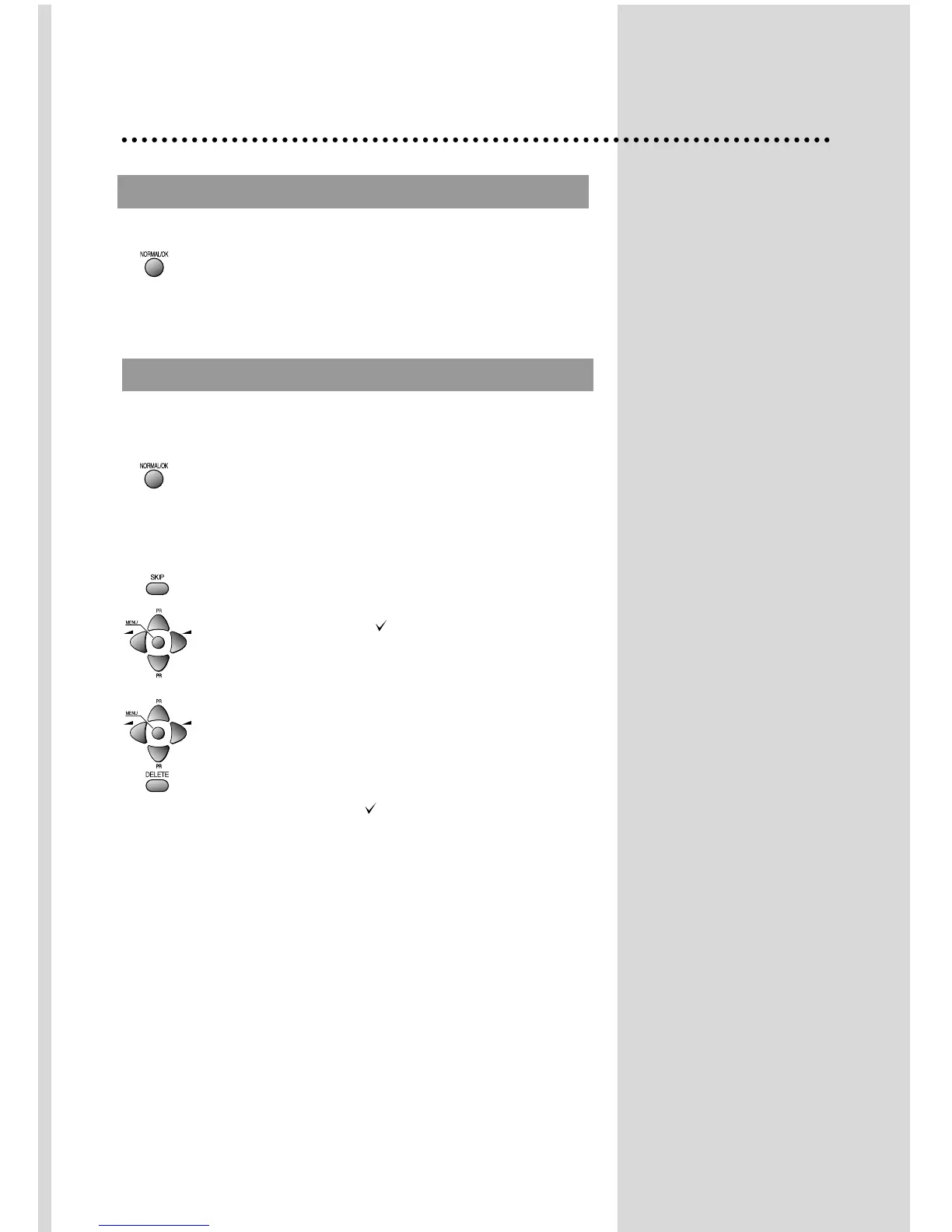
Select "EDIT" function and confirm with the remote control
“NORMAL/OK" button :
Edit menu appears and shows existing recorded
programmes.
The recorded programmes can be modified as follows :
Channel skipping
You can select skip "YES" or "NO" using the remote
control SKIP button .
A programme with skip " " doesn't appear
on screen when changing programmes with
PR UP/ DOWN buttons.
Channel deleting
Select the programme to delete using remote control
CURSOR UP/ DOWN buttons.
Press the remote control DELETE button .
The deleted programme is moved to the programme
number 199 with skip " ".
The existing 199 programme is moved to programme
number 198 and so on.
PROGRAMME LIST EDITION
PROGRAMME LIST EDITION
AUT
AUT
O SETUP
O SETUP
Select “AUTO SETUP” and Press remote control
“NORMAL/OK” button more than 3 seconds to start
automatic searching.


 To Next Page