24
PR 19 – – – – –
Mono
Full Screen
To Watch TV
which also allows quick restart by remote control (see
above: Turning on the TV).
• Pressing the TV set local MAIN POWER button, you can
power off the TV set. In this case, you must use the same
local “
POWER
” button to switch on again (see above:
Turning on the TV).
5. Checking TV operation status.
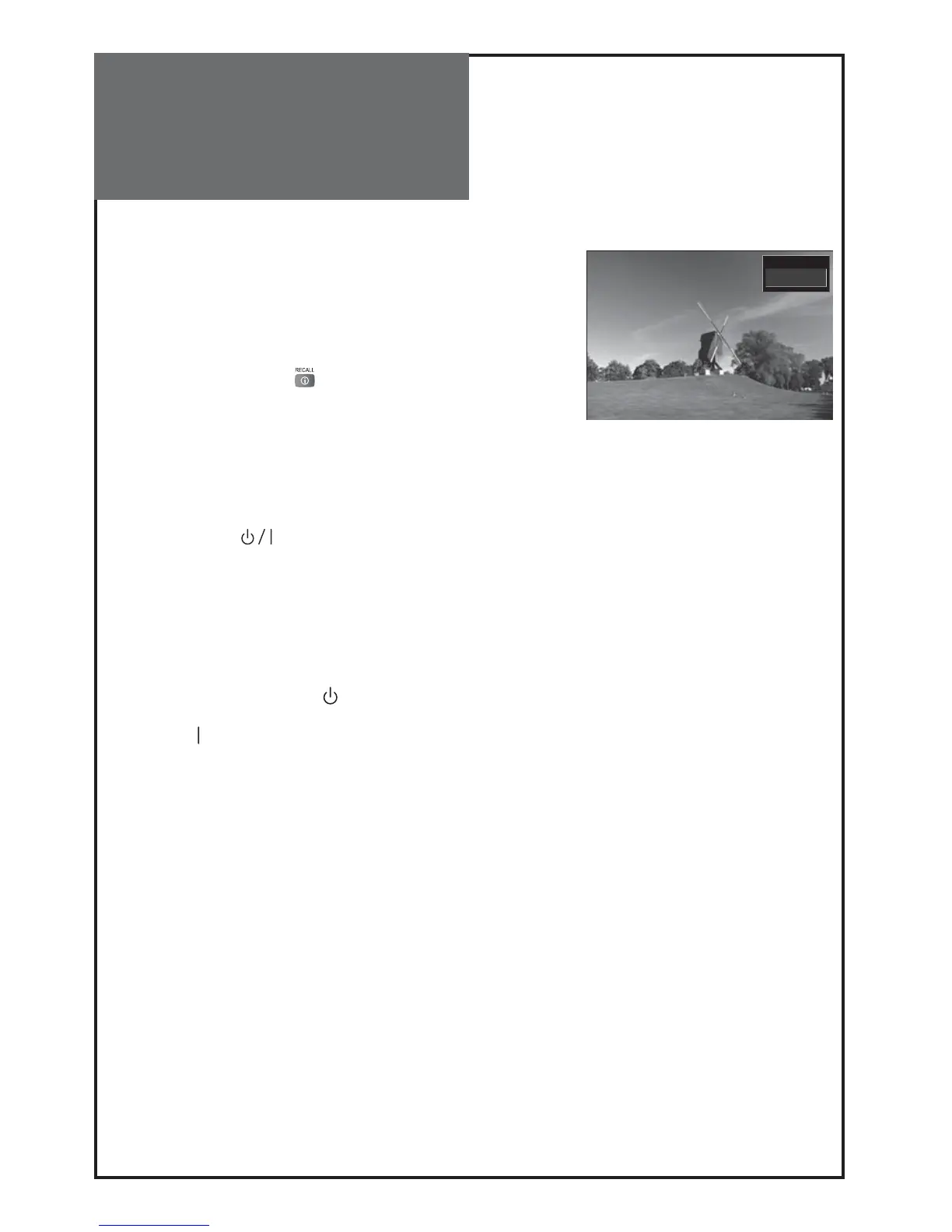
• Pressing the “
RECALL
” ( ) button, the status of
channel or broadcasting currently being watched or
entry status of video component is displayed on the
screen.
Remark:
• If a broadcast signal is not present after 10 minutes, the
TV set will automatically turn to stand-by mode.
• The On/Off switch ( ) on this model does not fully
disconnect the TV from the mains supply. Remove the
mains plug from the wall socket when the TV set is not
used for a prolonged period of time.
• When you turn on the MAIN POWER SW the set will be
in stand-by or TV on condition. It depends on the last
position memory of the power. That means, if you turn
off the MAIN POWER SW in stand-by condition, the set
will come on in stand-by mode ( ). If you turn off the
MAIN POWER SW in TV on condition, set will come on
in TV mode ( ).
• When you turn off the set, the screen will be dark (moni-
tor out) and the stand-by indicator will be lit.
If the set is left in standby-by mode and a software
download occurs then the set will operate internal-
ly for 10 minutes to enable that download to be ac-
cepted.



 To Next Page