42
PR/PAGE
SELECT
OK
PR/PAGE
PR/PAGE
SELECT
OK
PR/PAGE
Language English
Child Lock Off
Select Change Exit
Picture
Screen
Sound
Install
Function
DVB
Language English
Child Lock Off
Select Change Exit
Picture
Screen
Sound
Install
Function
DVB
Analogue Menu
Language Selection
Analogue Menu Language Selection
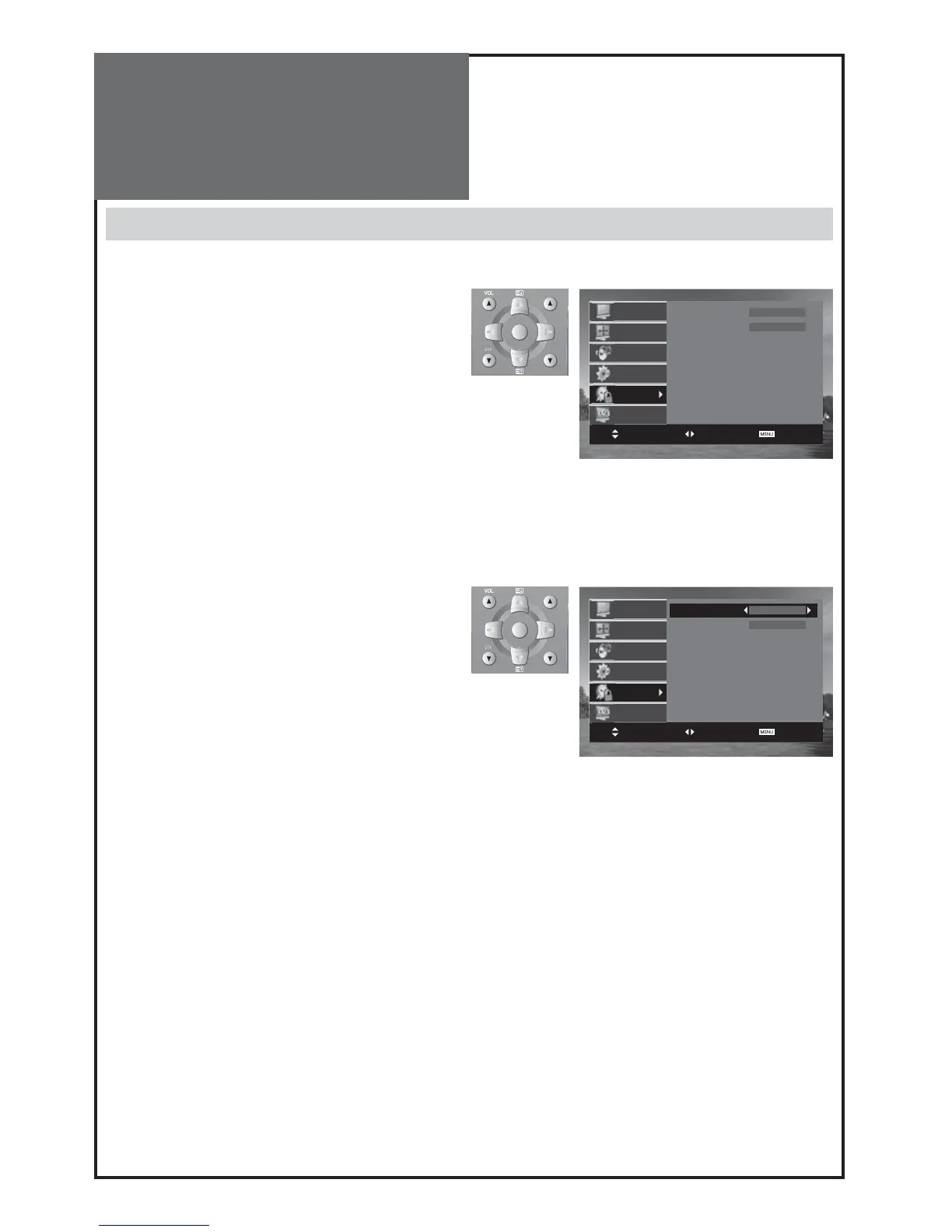
1. Press the “
MENU
” button and select “Function”.
2. Select “Language” by pressing “/” button.
3. Select your desired language by pressing the “/”
button. Then it will set automatically.
The language changes as follows.
English Welsh Gaelic
Notes :
• When you first turn on the TV set, the “language selection” is displayed automatically.
• When you change the Analogue menu language, the DVB menu language will be changed simultaneously.



 To Next Page