SELECT
OK
PR/PAGE
Sudoku Game
(option)
Sudoku Game
- This TV set allows you to enjoy playing the Sudoku game, it offers 3 levels of difficulties, enables you to save your
grid and resume it later.
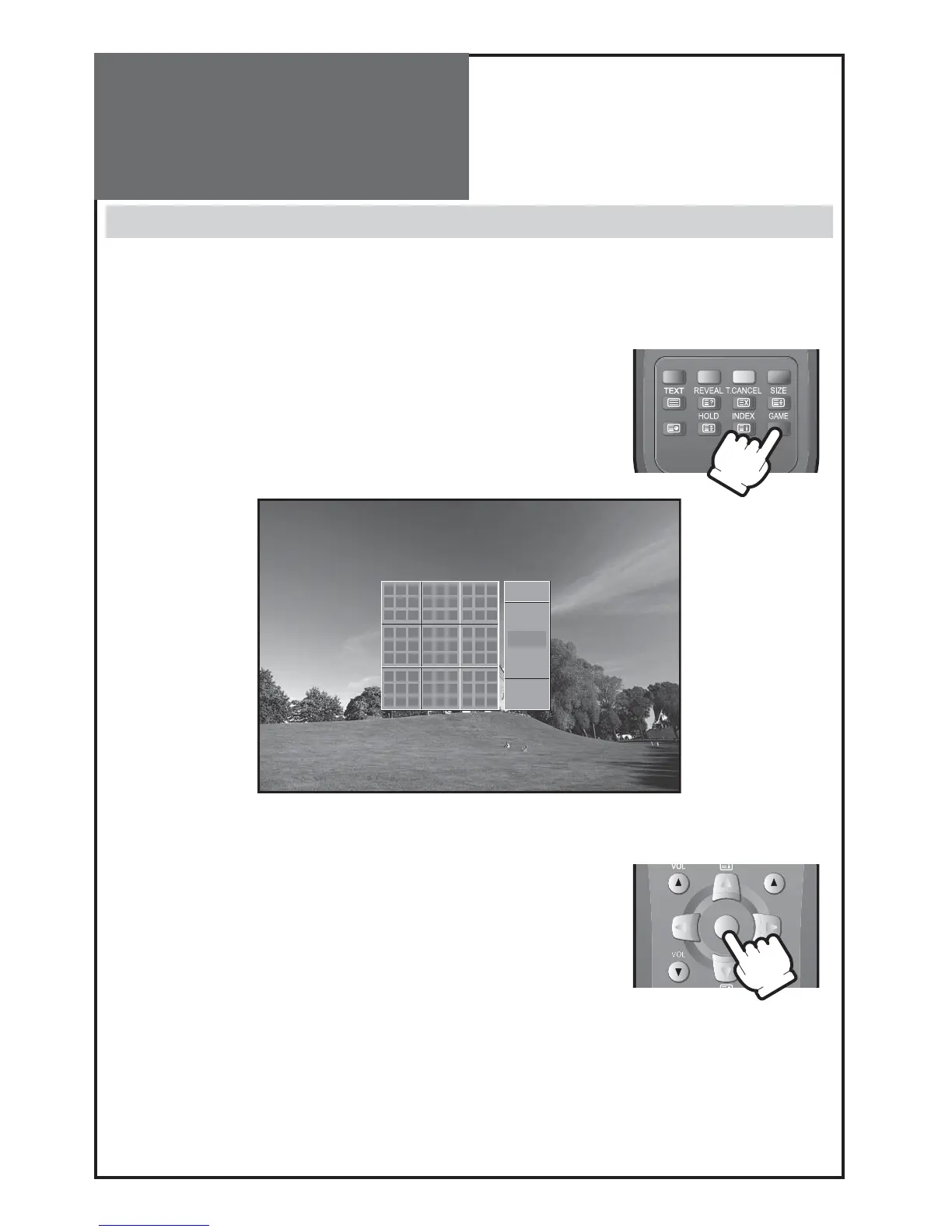
ENTERING / EXITING GAME MODE
Pressing the “
GAME
” key on your remote handset will switch the TV Set into game
mode. If you press the same key in game mode, you will exit game mode without
saving your grid.
STARTING THE GAME
You can either decide to resume your last game or start a new game.
To start a new game, move the cursor to the desired level:
Easy, Normal or Hard and press the “
OK
” button.
To recall an old game, move the cursor down to the “Load” menu and press the “
OK
” button.



 To Next Page