48
Troubleshooting
In PC mode
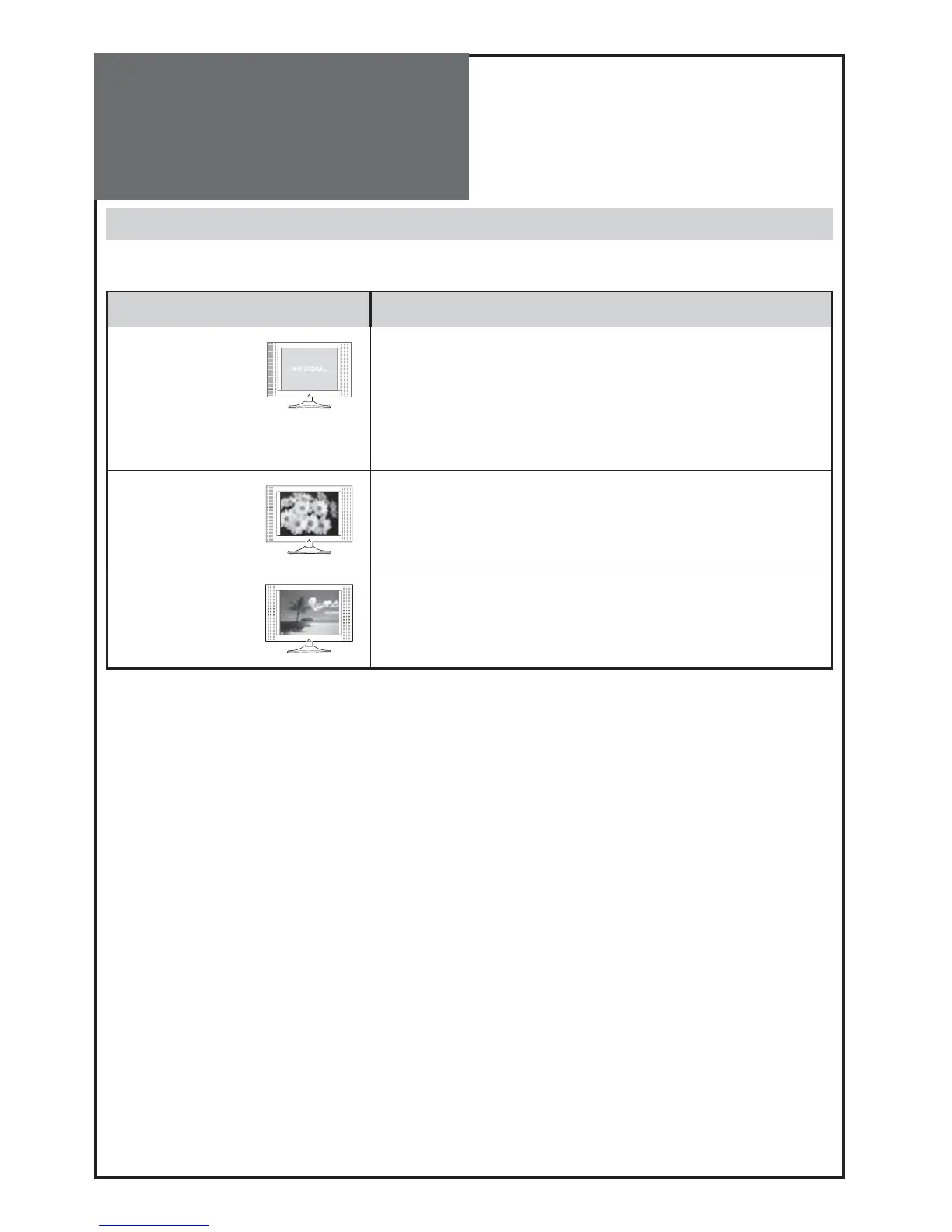
Symptom Check items
“NO SIGNAL” ap-
pears on the
screen.
- Ensure that the signal cable is firmly connected to PC and TV.
-
Check the resolution and frequency of your PC. Then, adjust them to
optimum condition for LCD TV.
- Refer to the table of PC mode input format (If registered resolu-
tion and frequency on the table not listed then no picture will be
displayed.)
Image is not clear.
- Adjust the PHASE control.
Image is not cen-
tred.
- Adjust the H-POSITION and V-POSITION control.
• AFTER SALES SERVICE
Do not hesitate to contact your retailer or service agent if a change in the performance of your product indicates
that a faulty condition may be present.



 To Next Page