EasyManua.ls Logo

Daewoo DLX-26C2 - 7 Main Pcbs Trouble Diagnosis; MAIN PCB Trouble Diagnosis; Common Checking Process When No Signal of Noraster

Daewoo DLX-26C2
74 pages
Print Icon
To Next Page IconTo Next Page
To Previous Page IconTo Previous Page
Loading...
7. Main PCBs Trouble Diagnosis
-30-
7-1. MAIN PCB Trouble Diagnosis
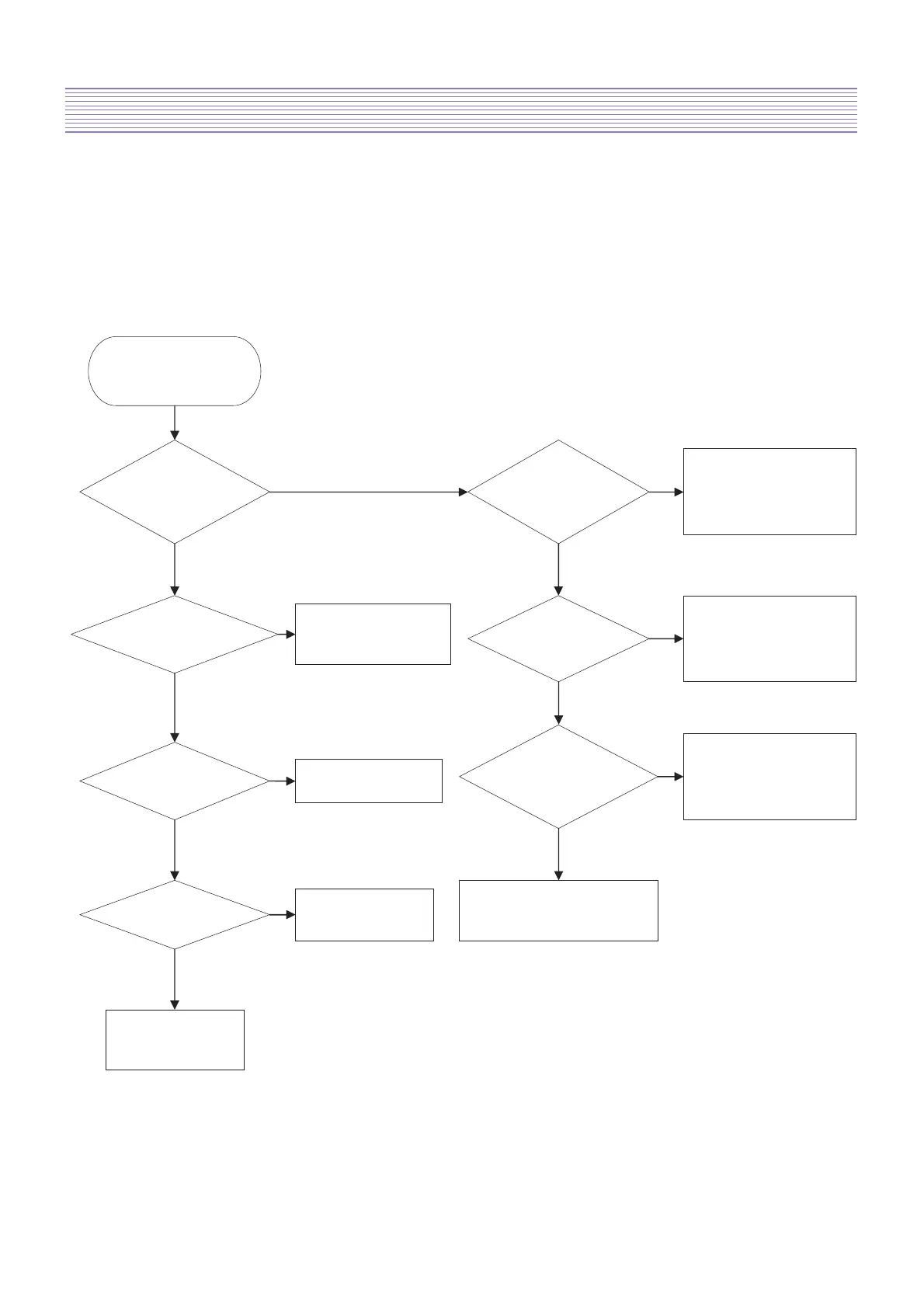
7-1-1. Common checking process when “No signal of Noraster”
No signal : OSD is working but no images are displaying
No raster : OSD as well as images in not working
Check Start
YY
YY
Y
Y
Y
NN
N
N
N
N
N
Does No signal screen
appear?
Is a weak
Discharge detected
in the screen?
1. Check AC connection
2. Check Power S/ W ON
3. Check other PCBs
Is the signal
input Jack properly
Check the connection
of Jack
(LCD and AV device)
Is LVDS connection
Correctly connected?
Check LVDS connection
Panel & PW30 of Main
PCB
Does input source
(AV device) work?
Check AV device
Is waveform of H/V,
CLK in the Main PCB
Normal?
Replace Main PCB
and / or Sub PCB
Is input selection
in the Correct mode?
Check input mode
Replace Main PCB
And / or Sub PCB
Check other PCBs
and connectors

Related product manuals