Main PCBs Trouble Diagnosis
-42-
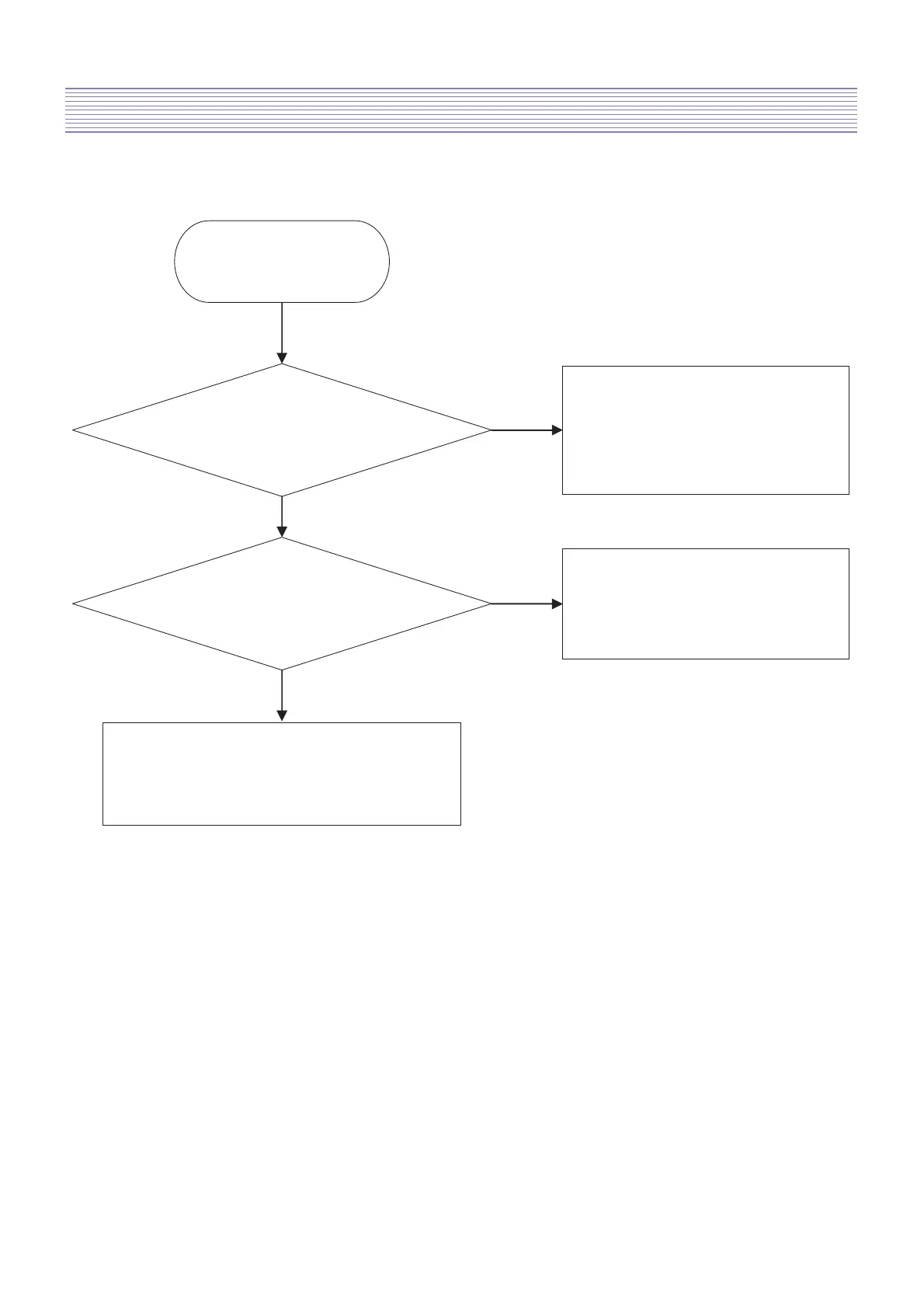
7-2. POWER PCB
Check Start
After turn on The power, Does LED turn on light?
After Power on, Does Picture on?
Replace POWER PCB
1.Check AC connection
2.Check Power S/W On
3.Check F801(F1)
4.Check C811(C23)
5.Check P802(CN4)5Vpin
6.Check the Connector
1.Check the Connector
2.Check input Voltage
3.Check P802(CN4)P/O
4.Check P802(CN4)12V
Y
N
Y
N
7-2-1. Check AC connection is correct.
7-2-2. Check AC Switch ON.
7-2-3. Check F801(FUSE) is working.
7-2-4. Check all wafer output is correct.



 To Next Page