33
SETUP
33
Setup menu
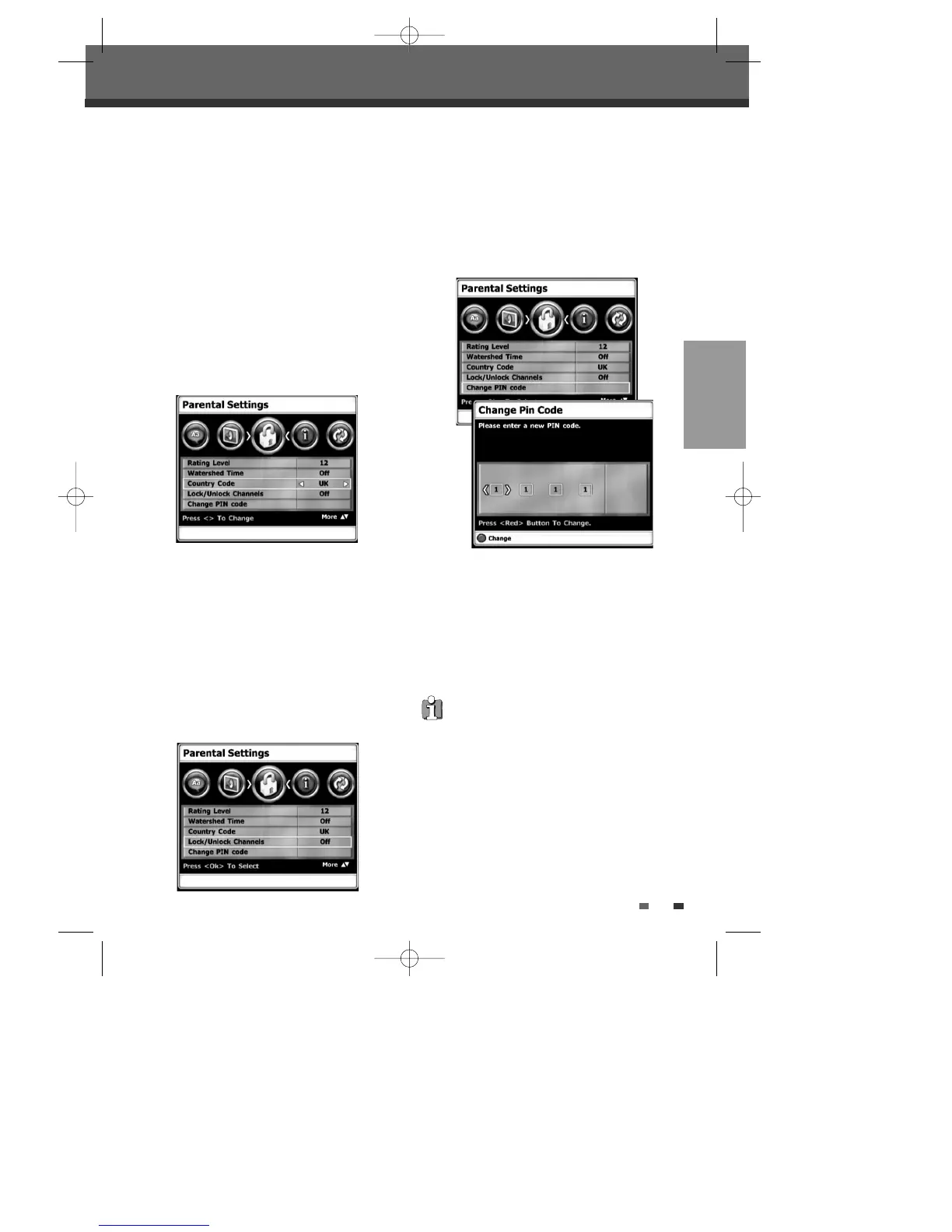
Lock/Unlock Channels
1
Follow steps 1-3 as shown under ‘Country Code’.
2
Use […/†] to select ‘Lock/Unlock Channels’.
3
Press [OK] to enter into ‘Lock/Unlock Channels’
screen.
4
Use […/†] to select channels you want to lock.
5
Press [RED] to toggle Lock/Unlock status.
6
After you finish the setting, press [BACK] to go
back to exit.
Country Code
1
Press [SETUP].
2
Use [œ/√] to select ‘Parental Settings‘.
3
Whilst ‘Parental Settings‘ is selected, press
[
†] to select ‘Rating Level‘. The Password
Input dialog will appear. Enter a 4-digit
password using the [0-9] buttons.
4
Use [†] to select ‘Country Code‘.
5
Use [œ/√] to select the desired country code.
N.B. As the film classification ratings are
slightly different in each country, we
recommend that country code is set to ‘UK’ for
use in the UK area.
Change PIN code
1
Follow steps 1-3 as shown under ‘Country
Code.
2
Use […/†] to select ‘Change PIN code’.
3
Press [OK] to select the Change PIN code mode.
4
The ‘Change Pin Code’ screen appears. Enter
your new 4-digit password.
5
To confirm the new password, press the Red
button.
•
Master Password :
If you forget your
password, press 3,3,0,8 on the remote control
and then press [ENTER].
• Set the new password to something other than
'0000'.
0202DRHT-630 2007.2.2 9:19 AM ˘ `33



 To Next Page