63
EDITING
Disc Media Operation
If ‘Lock Disc’ is set to ‘Yes’ in the DISC Operation
menu, you cannot rename your disc; see page 61.
Finalise Disc (DVD-RW, DVD±R)
Finalising a DVD±R (or DVD-RW) ‘locks’ its
recordings permanently so the disc can be played
on most standard DVD players or computers
equipped with DVD-ROM drives.
1
Press [DISC OP] to go to ‘Disc Operation’ mode.
2
Use [œ/√] to select ‘Finalise Disc‘ menu for a
DVD±R (or DVD-RW). Then press
[…] or [†].
3
Use [œ/√] to select ‘Yes‘. Press [OK] to make
the disc compatible.
4
After the process is finished, the recorder goes
to the ‘Information’ menu automatically.
Make Compatible
'Make Compatible' for a DVD+RW will
automatically create a menu screen for navigating
the disc. This function is accessible by pressing
[DISC OP].
1
Press [DISC OP] to go to ‘Disc Operation’ mode.
2
Use [œ/√] to select ‘Make Compatible‘ menu
for a DVD+RW. Then press
[…] or [†].
3
Use [œ/√] to select ‘Yes‘ and press [OK] to
make the disc compatible.
4
After the process is finished, the recorder goes
to the ‘Information’ menu automatically.
• Once you have finalised a DVD±R (or DVD-RW)
disc, you cannot edit or record anything else on
that disc.
• It may take over 7 minutes for finalizing the edited
disk, you must wait till the set finishes the
finalizing operation.
•‘Make Compatible’ can take up to 3-4 minutes
depending on the type of disc, how much is
recorded on the disc, and the number of titles
on the disc.
• If you do not make your DVD+RW disc
compatible, your edits may not be recognized
by other DVD players.
• Some DVD+RW discs may be manufactured as
edit compatible. In this case, you will see a
message saying ‘Disc already edit compatible.
It should play on your DVD player’.
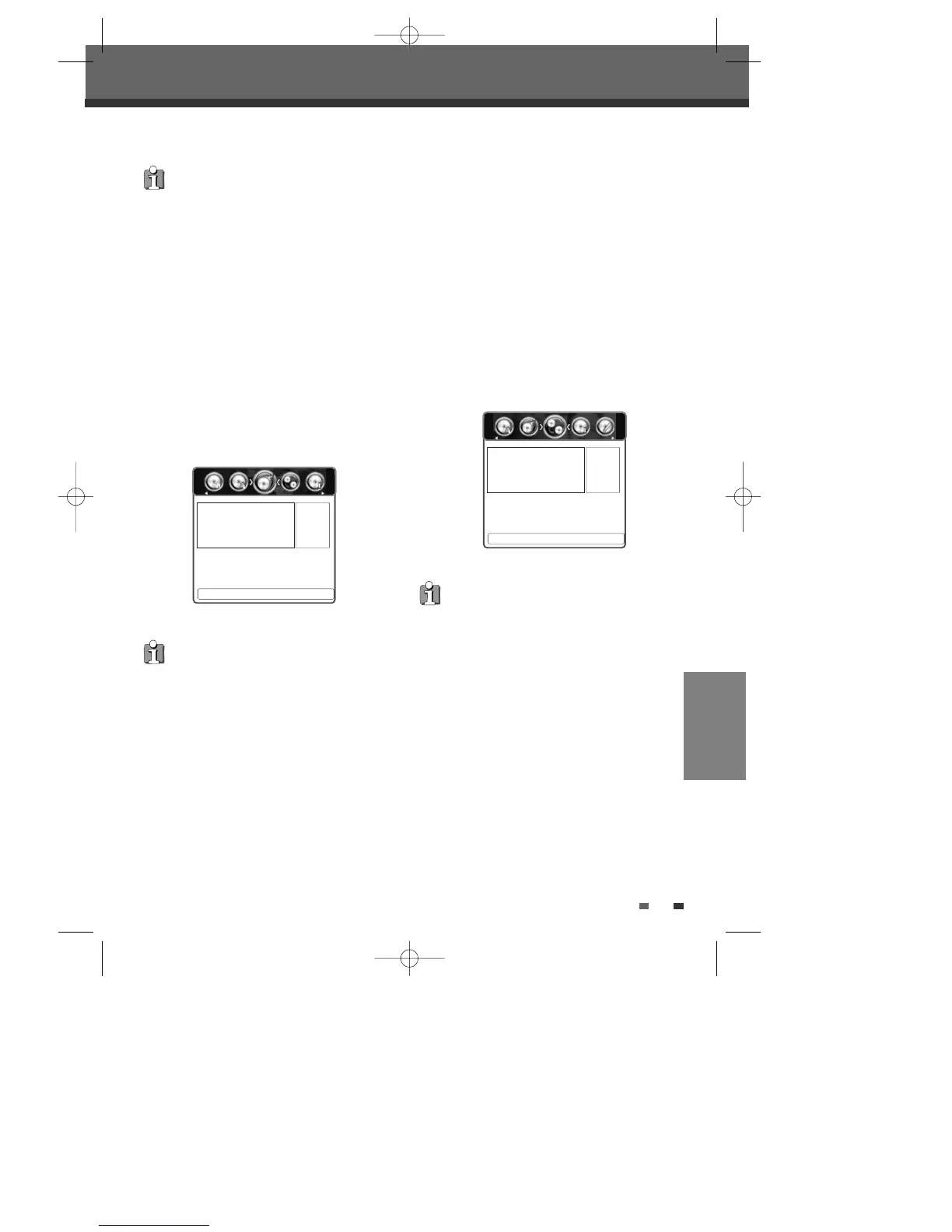
œ Yes √
Press <OK> To Confirm.
Disc Operation
Are you sure you want to finalise
this disc?
œ Yes √
Press <OK> To Confirm.
Disc Operation
Are you sure you want to make
this disc edit compatible?
0202DRHT-630 2007.2.2 9:19 AM ˘ `63



 To Next Page