22
Clock Setting
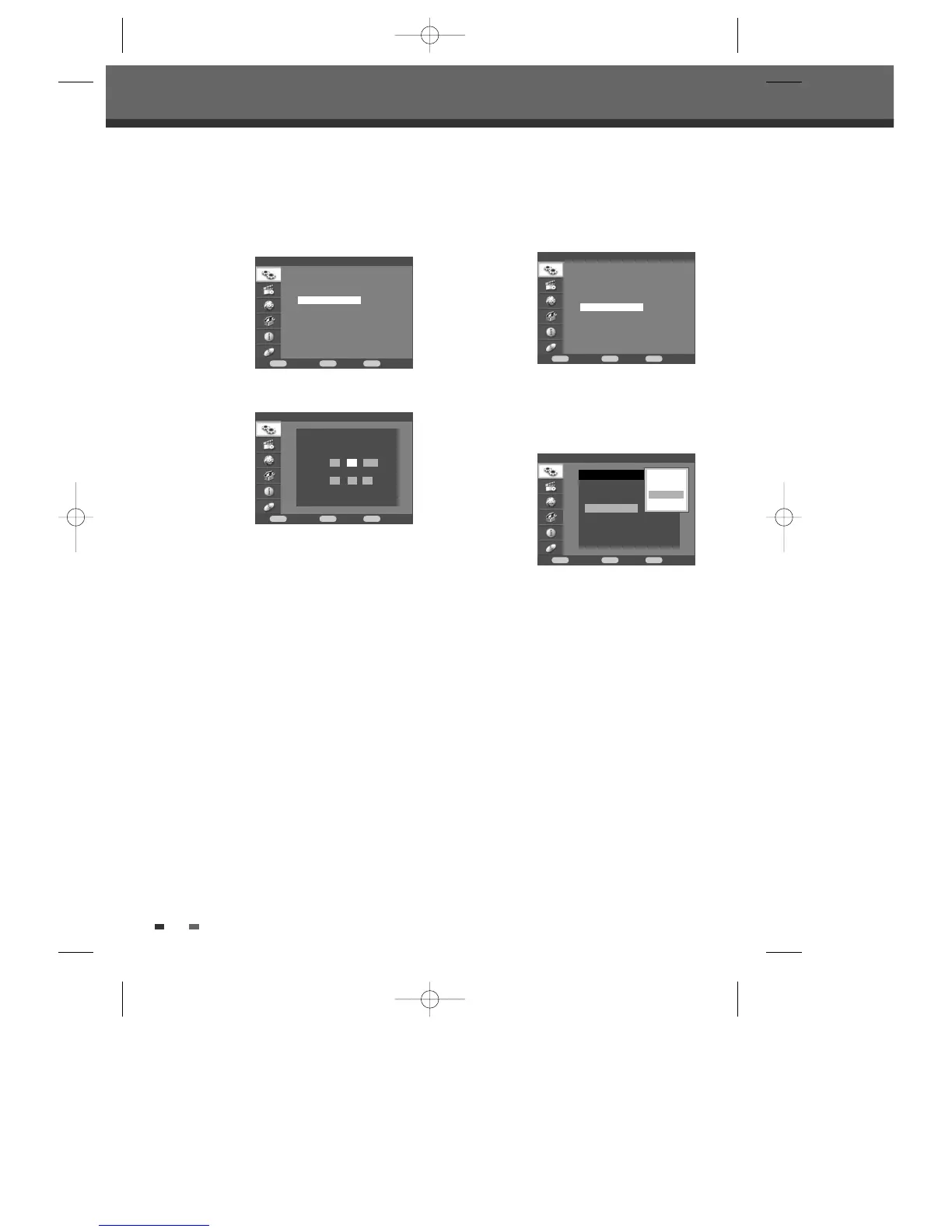
1 Follow steps 1-2 as shown under ‘Manual Set’.
2 Use […†] to select ‘Clock Setting‘.
3 Press [ENTER]. The ‘Clock Setting’ menu
appears.
4 Enter the date and time.
œ√(left/right): Moves the cursor to the previous
or next column.
…†(up/down): Changes the setting at the
current cursor position.
5 Press [ENTER] to confirm your setting, then press
[SETUP] to exit the Setup menu.
Installation
Confirm Back Exit
ENTER MENU SETUP
†
†
†
Manual Set
Auto Set
Clock Setting
Adjust Channels
Installation > Clock Setting
Confirm Back Exit
ENTER MENU SETUP
Please set the clock.
Date :
01 / 12 / 2006
TIme :
04 : 11 : 33
†
†
Setup menu
Adjust Channels
1 Follow steps 1-2 as shown under ‘Manual Set’.
2 Use […†] to select ‘Adjust Channels’.
3 Press [ENTER]. The Adjust Channels menu
appears.
4 Use […†] to select the PR number you want to
adjust. Then press [ENTER].
Move Up/Down
After tuning TV stations into your DVD Recorder +
VCR, you may wish to change the order of PR's you
have in your set, to your preference.
1 Use […†] to select 'Move Up' (or ‘Move Down’)
and press [ENTER].
2 The selected PR will be moved up or moved
down.
Edit
After tuning TV stations into your DVD Recorder +
VCR, you may wish to put a name (4 digits) into any
channel you want to.
1 Use […†] to select 'Edit' and press [ENTER].
2 Keyboard screen will appear. To enter characters,
see page 31~32.
Delete
After tuning TV stations into your DVD Recorder +
VCR, you may wish to delete a station.
1 Use […†] to select 'Delete' and press [ENTER].
Installation
Confirm Back Exit
ENTER MENU SETUP
†
†
†
Manual Set
Auto Set
Clock Setting
Adjust Channels
Installation > Adjust Channels
Confirm Back Exit
ENTER MENU SETUP
No Name
PR-1 BBC1
PR-2 - - - -
PR-3 - - - -
PR-4 - - - -
PR-5 - - - -
PR-6 - - - -
Move Up
Move Down
Edit
Delete
DF-H7BD2D-JB-I(GB) 2008.4.11 1:53 PM ˘ ` 22 mac001 1200DPI 100LPI



 To Next Page