DVD EDITING
53
DVD Playback and Editing
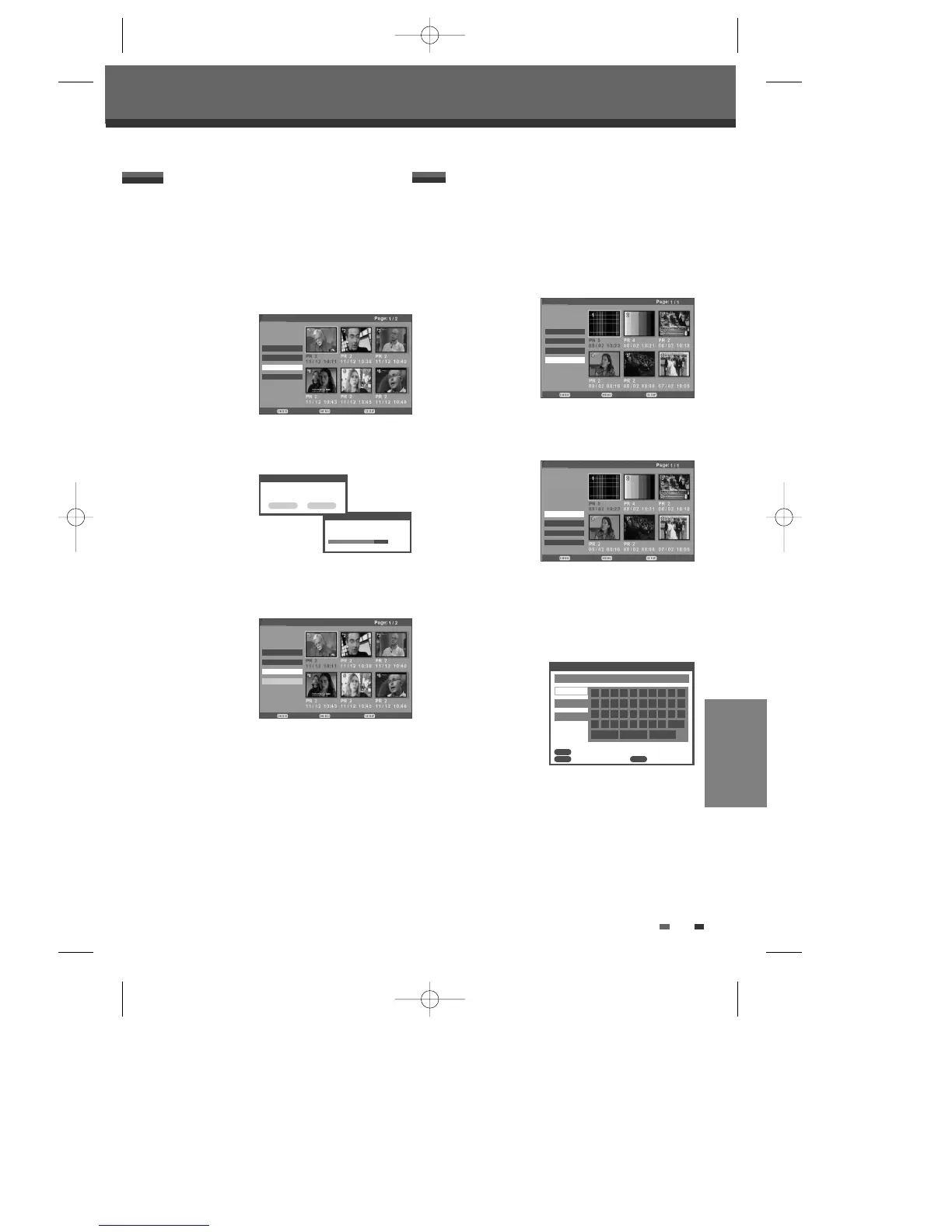
Protecting a DVD title
If you want to protect a title from accidental recording,
editing, or erasing, you can protect the title. Later, if
you change your mind, you can unprotect the title.
1 Select the title to be protected using […†œ √]
and press [ENTER].
2 Then select ‘Protect‘ using […†] on the left side
menu.
3 Press [ENTER] to protect the title.
4 Select ‘OK’ by using [œ √] and press [ENTER].
5 Protect icon will appear on the thumbnail of the
title.
6 To ‘Unprotect’ the title, select ‘Unprotect’ in step 5.
Follow these instructions to rename a title list
name,i.e., to edit the title of a recorded program.
1 Select the title to be labeled using […†œ √] and
press [ENTER].
2 Then select ‘Edit‘ using […†] on the left side
menu.
3 Press [ENTER] to go to submenu.
4 Select 'Rename’ using […†].
5 Press [ENTER] to change the title name.
6 The Keyboard Menu will be displayed. Use [œ
√…†
] to select a character or function and
press [ENTER].
See pages 31~32.
7 After the new title name is complete, select
‘SAVE’ and press [ENTER].
Renaming (Labeling) a DVD title
Protect
Protecting title, please wait...
80%
Confirm Back Exit
Title List
Play
Erase √
Edit √
Protect
Protect
Would you like to protect this
title?
OK Cancel
Confirm Back Exit
Title List
Play
Erase √
Protect
Edit
DVD+VR
DVD+VR
†
†
Confirm Back Exit
Title List
Play
Erase √
Edit
Unprotect
DVD+VR
†
†
†
†
†
†
DVD+VR
Rename Title
0 1 2 3 4 5 6 7 8 9
a b c d e f g h i _
j k l m n o p q r .
s
Backspace Save Cancel
t u v w x y z Space
PR 5
a Page
A Page
Symbol
Confirm Back Exit
Title List
œ A-B Erase
œ Set Idx Pic
Rename
œ Divide
†
DVD+VR
Confirm
Back Clear
CLEAR
ENTER
MENU
DF-H7BD2D-JB-I(GB) 2008.4.11 1:53 PM ˘ ` 53 mac001 1200DPI 100LPI



 To Next Page