PLAYBACK
39
Playing a Picture, Audio or DivX files
Playing a Picture, Audio or DivX files
Select ‘Playlist’ using […†] and press [ENTER].
The Playlist icon will appear in front of the
selected files.
6 Select ‘Play’ on the third menu and press
[ENTER].
7 Press [√√] or [œœ] during playback. The DVD
Recorder + VCR will go into Search mode.
Press [
√√] or [œœ] to select the desired speed:
√√X2, √√X4, √√X8, √√X16, √√X32, √
PLAY (forward) or œœ X2, œœ X4, œœ X8, œœ
X16, œœ X32, œ PLAY (backward)
8 Use [PLAY/PAUSE] to pause playback while the
title is playing.
9 To stop playback at any time, press [STOP].
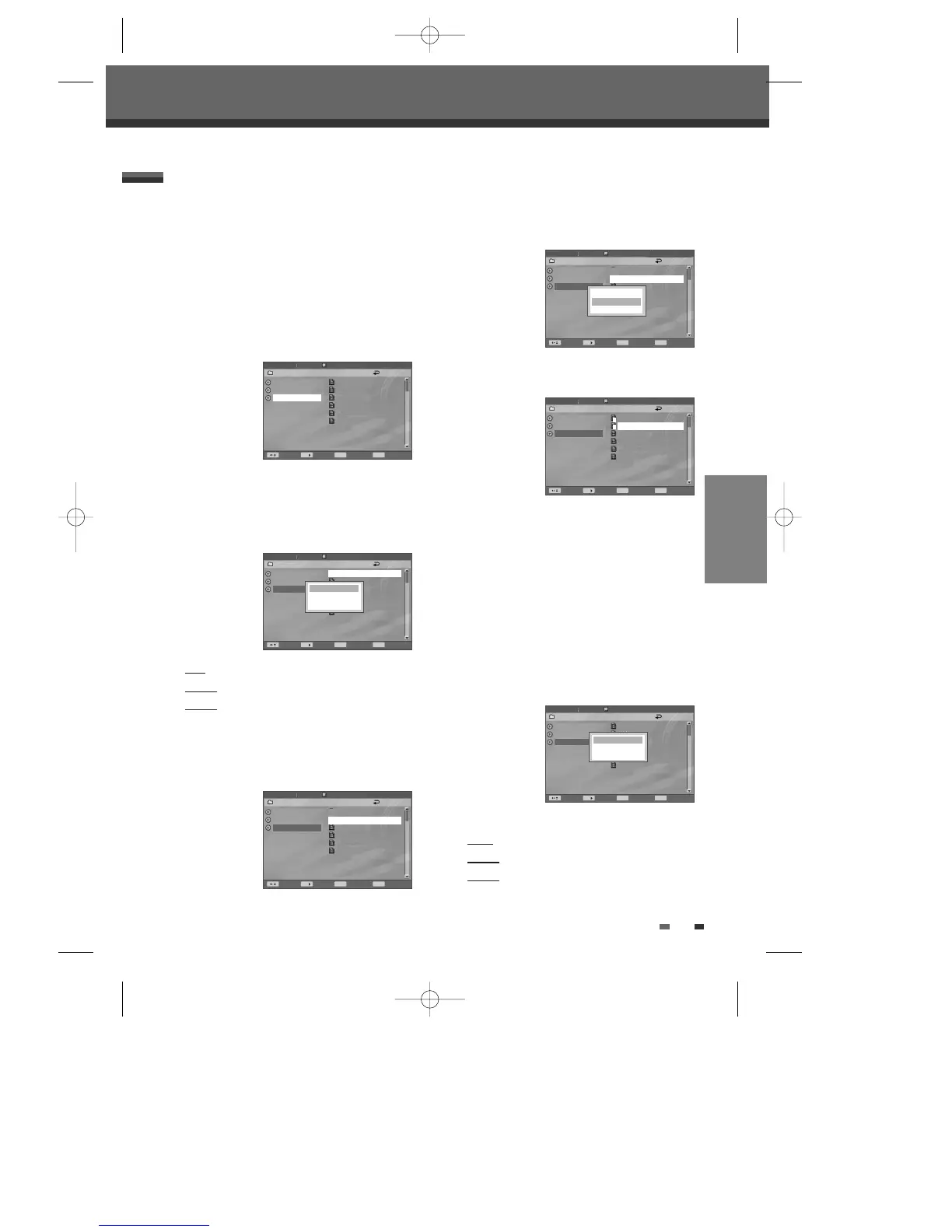
10 The second menu appears. You can select
‘Open’, ‘Playlist’ or ‘Cancel’.
Use [
…†] to select functions.
Open : open the sub-folders.
Playlist
: create a playlist with files in the folder.
Cancel : cancel the second menu.
The DVD Recorder + VCR can play DivX files on a
disc such as CD-R/RW, DVD+R/RW or DVD-R/RW.
1 Prior to playing Divx files on disc, insert disc and
close the tray.
2 The Media Browser appears automatically. If it
doesn’t appear, press [MENU] to bring up the
Media Browser.
3 Press [ENTER] and select the DivX category
using [
…†], then press [ENTER].
4 Use [√] and […†] to select a file, then press
[ENTER].
You could see the third menu when you press
[ENTER] on the selected files.
Play
: play the selected file.
Playlist : add the selected file to playlist.
Cancel
: cancel the third menu.
5 If you want to add a file to the playlist, press [√]
while the file is selected.
After selecting files as many as you want, press
[ENTER] to go to the submenu.
DivX Playback
Disc Media
Picture
Audio
DivX
????.avi
drink.mpeg
??.mpeg
drink.mpg
???.mpg
???-thens.mpg
Disc Media
Picture
Audio
DivX
√
????.avi
drink.mpeg
??.mpeg
drink.mpg
???.mpg
???-thens.mpg
Disc Media
Picture
Audio
DivX
√
√
????.avi
drink.mpeg
??.mpeg
drink.mpg
???.mpg
???-thens.mpg
Play
Playlist
Cancel
/DivX Off
/DivX Off
/DivX Off
Move Select Back Command
MENU ENTER
Move Select Back Command
MENU ENTER
Move Select Back Command
MENU ENTER
Disc Media
Picture
Audio
DivX
√
√
????.avi
drink.mpeg
??.mpeg
drink.mpg
???.mpg
???-thens.mpg
Play
Playlist
Cancel
/DivX Off
Move Select Back Command
MENU ENTER
Disc Media
Picture
Audio
DivX
√
P
P
????.avi
drink.mpeg
??.mpeg
drink.mpg
???.mpg
???-thens.mpg
/DivX Off
Move Select Back Command
MENU ENTER
Item : 0003/0003
Item : 0003/0003
Item : 0003/0003
Item : 0003/0003
Item : 0003/0003
Disc Media
Picture
Audio
DivX
????.avi
drink.mpeg
??.mpeg
drink.mpg
???.mpg
???-thens.mpg
Open
Playlist
Cancel
/DivX Off
Move Select Back Command
MENU ENTER
Item : 0003/0003
DF-H7BD2D-JB-I(GB) 2008.4.11 1:53 PM ˘ ` 39 mac001 1200DPI 100LPI



 To Next Page