32
Setup menu
Tip:
Remote control buttons for entering a name
[MENU]: Back to the previous menu.
[CLEAR]: Cancels all entered characters.
[ENTER]: Confirm the character.
Names can be up to 64 characters long.
For discs formatted on a different recorder, you will
see only a limited character set.
When recording on DVD-R, DVD+R or DVD-RW
discs, the entered name is displayed on the DVD
player only after finalisation.
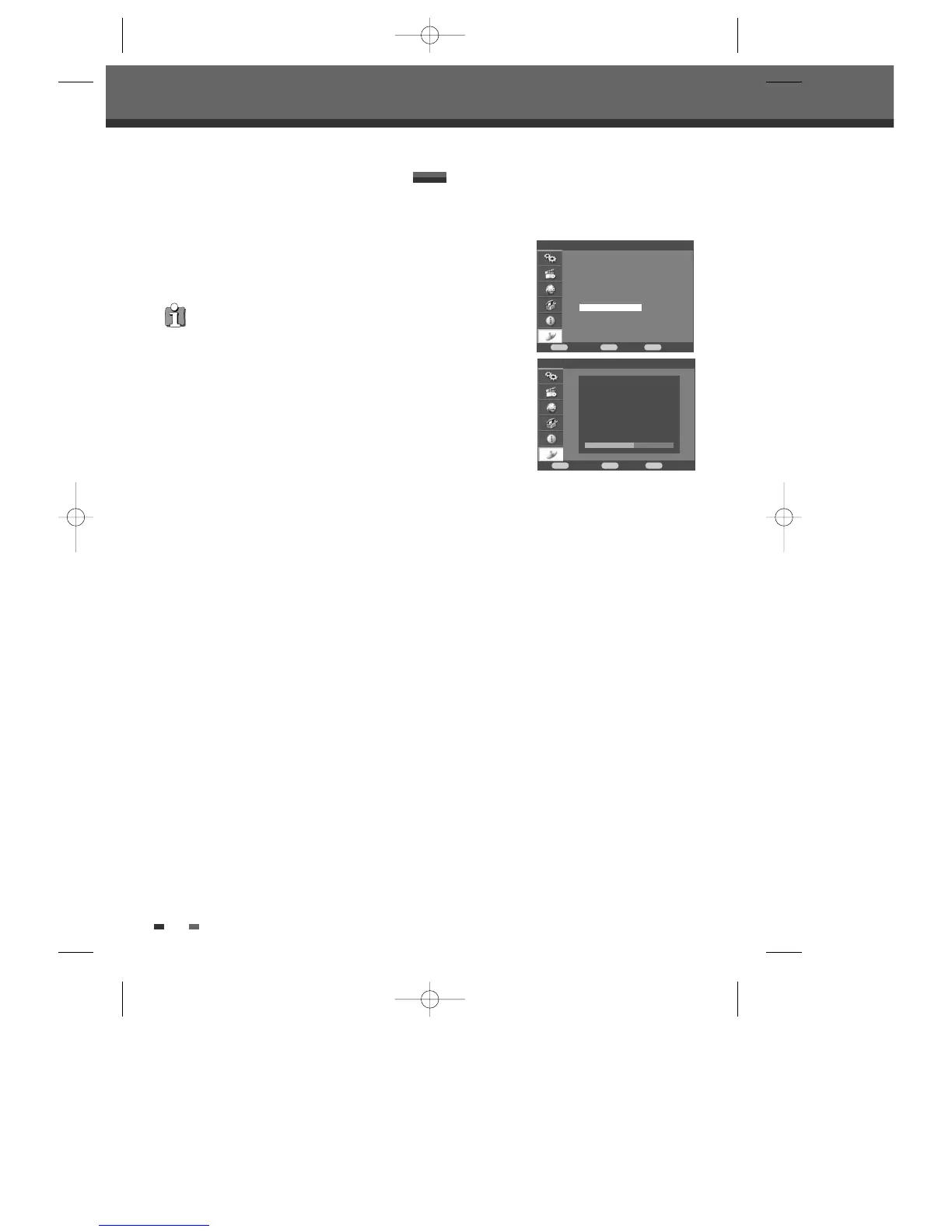
Disc Info includes : Label, numbers of titles, media
type, status, space, remainder.
Disc > Disc Info
Disc
Confirm Back Exit
ENTER MENU SETUP
†
†
†
Format
Finalize
Protect
Disc Label
Disc Info
Disc > Disc Info
Confirm Back Exit
ENTER MENU SETUP
Label No label
Title No. 2
Media DVD+RW
Status Recordable (PAL)
Space 2595/4418MB
Remainder SP : 48 minutes
DF-H7BD2D-JB-I(GB) 2008.4.11 1:53 PM ˘ ` 32 mac001 1200DPI 100LPI



 To Next Page