3434
Setup menu
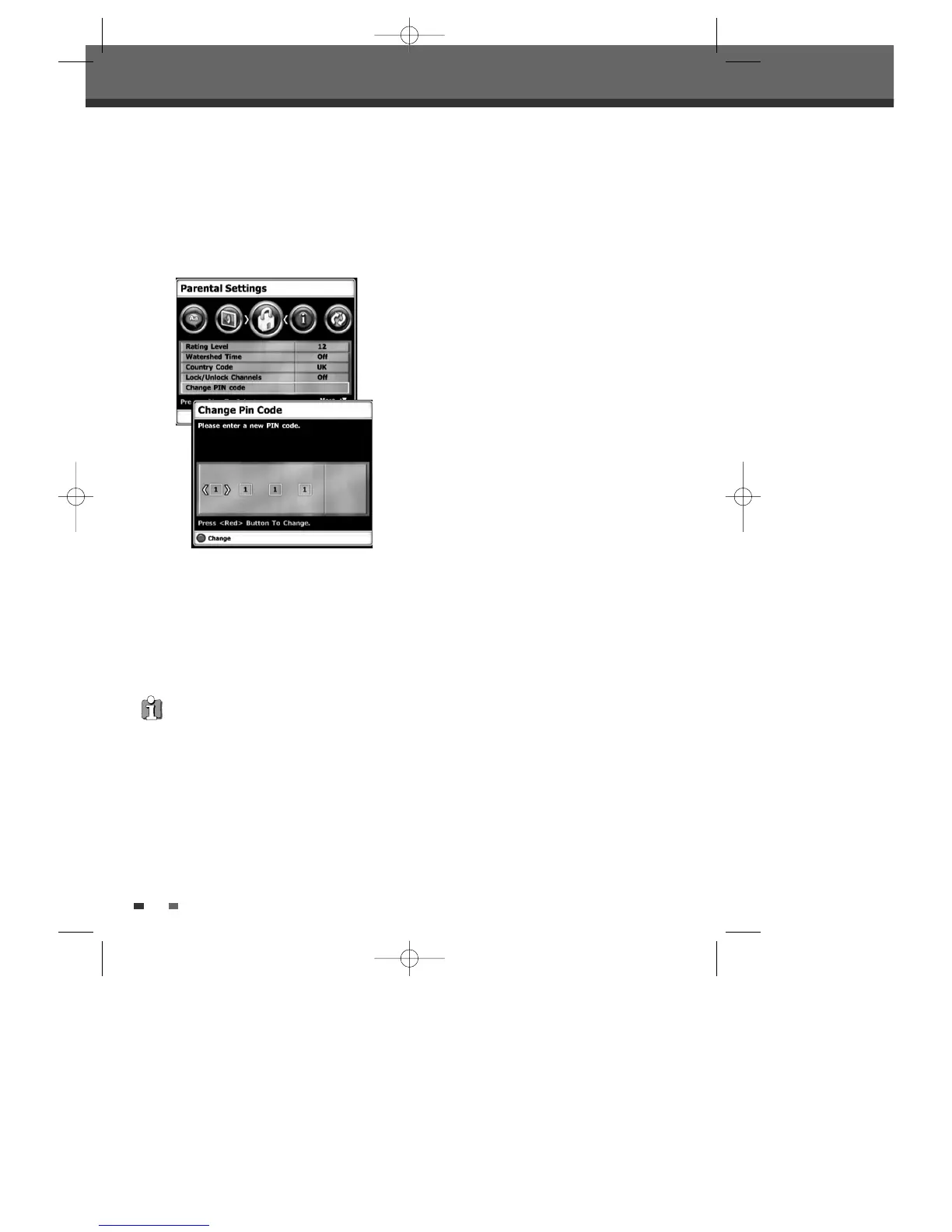
Change PIN code
1
Follow steps 1-3 as shown under ‘Country
Code.
2
Use […/†] to select ‘Change PIN code’.
3
Press [OK] to select the Change PIN code mode.
4
The ‘Change Pin Code’ screen appears. Enter
your new 4-digit password.
5
To confirm the new password, press the Red
button.
•
Master Password :
If you forget your
password, press 3,3,0,8 on the remote control
and then press [ENTER].
• Set the new password to something other than
'0000'.
DTBC-MNF(or D)1NP-AG 2007.9.11 4:18 PM ˘ `34



 To Next Page